Hi,
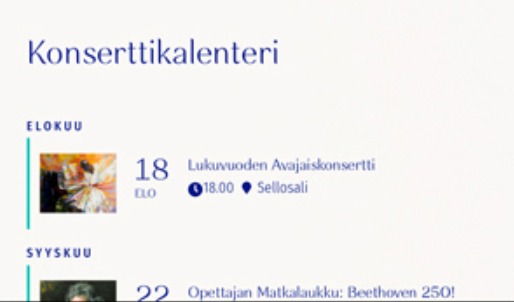
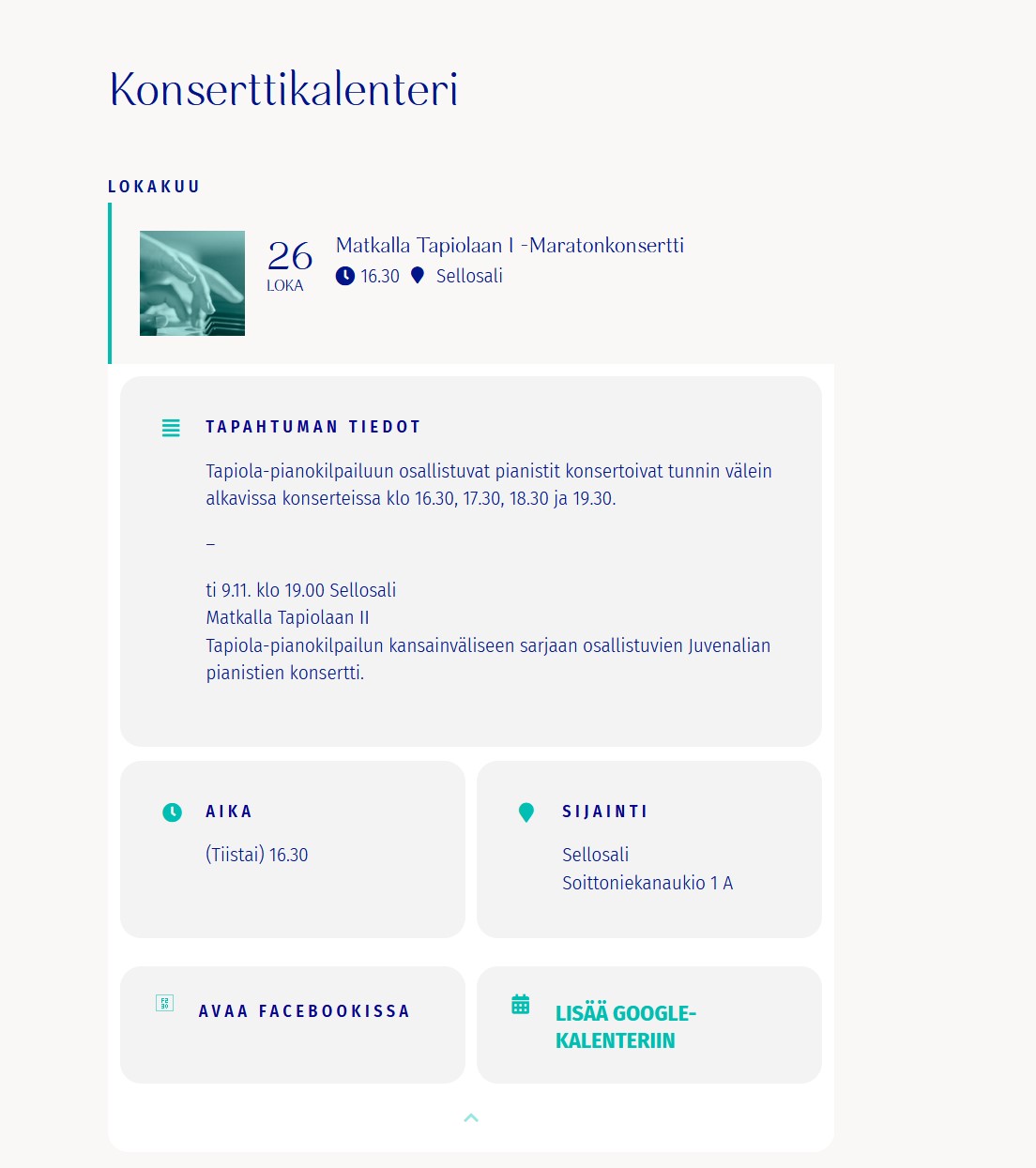
Thanks! That helped but still when I open the card it looks different from before. See the screenshot. The background used to be all white.
Also the actual calendar page looks different than before. https://juvenalia.fi/konserttikalenteri/ The background used to be white and with no border radius.
Thanks!
hi, Thank you for your answer.
“they will be able to alter the stock quantity however”
Even different quantity for REPEATING events ?
Best regards
is this effecting your front end user experience
or your backend event creation?
I assume you are meaning action user
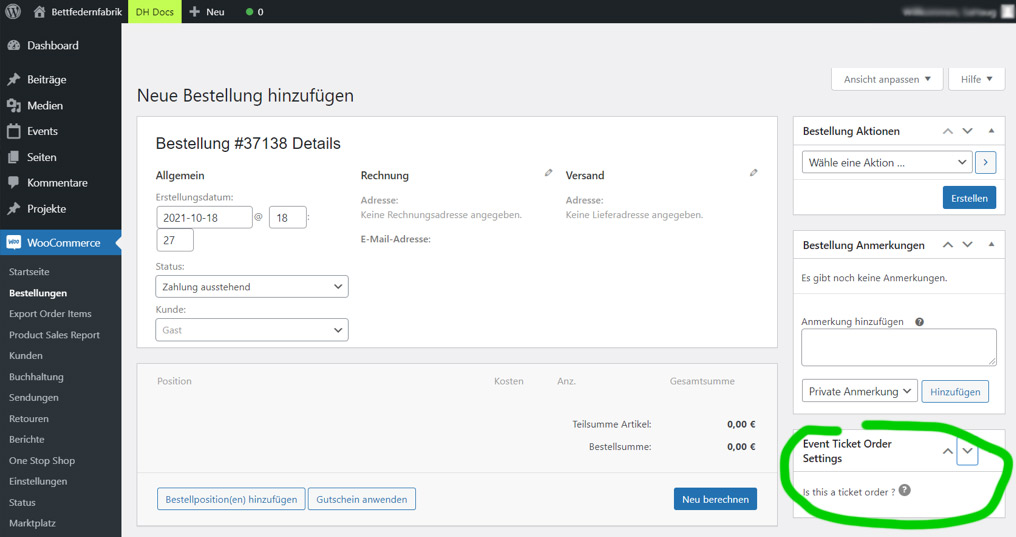
So action user addon + Tickets will allow you to have your users submit events from the front end with tickets activated however
this does not work with variations
they will be able to alter the stock quantity however
Hi Kenneth,
thank you so much for your help. I found the problem I guess.
My client uses an old browser chrome. The system administrator will update. I hope this solves the problem.
I will keep you updated.
Thanks
Hi Matthias,
Here is a tutorial on how you can make the calendar look like your previous version https://www.youtube.com/watch?v=8uVxHE8vIxE
Hope this helps.
Hi Stefanie,
Please add this CSS code to EventON > Styles (If you don’t see any change, EventON > Scripts & Styling > turn off Write styles to header > save settings > turn on Write styles to header):
.evcal_event_details .evcal_evdata_cell.shorter_desc .eventon_desc_in:after{background:none;}
Hi Sanna,
Please add eventtop_style = “0” to your shortcode and check if that fixes the issue.
We are glad your issue is resolved, if you have any further questions or concerns please create a new ticket.