OK, I now understand your rather, if I may say perverse, version numbering system.
Happy to say that I have now installed 0.21 and this has resolved the issue.
Replies for tickets on suppota
OK, I now understand your rather, if I may say perverse, version numbering system.
Happy to say that I have now installed 0.21 and this has resolved the issue.
Hi again!
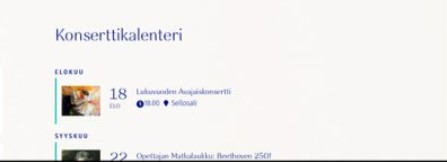
So I made an update again. And after clearing browser cache and wordpress cache, some of my custom styles stayed but all over the look is now different from before. How can I fix this?
Should look like the screenshot, but now it looks like this on the front page: https://juvenalia.fi/
Thanks!
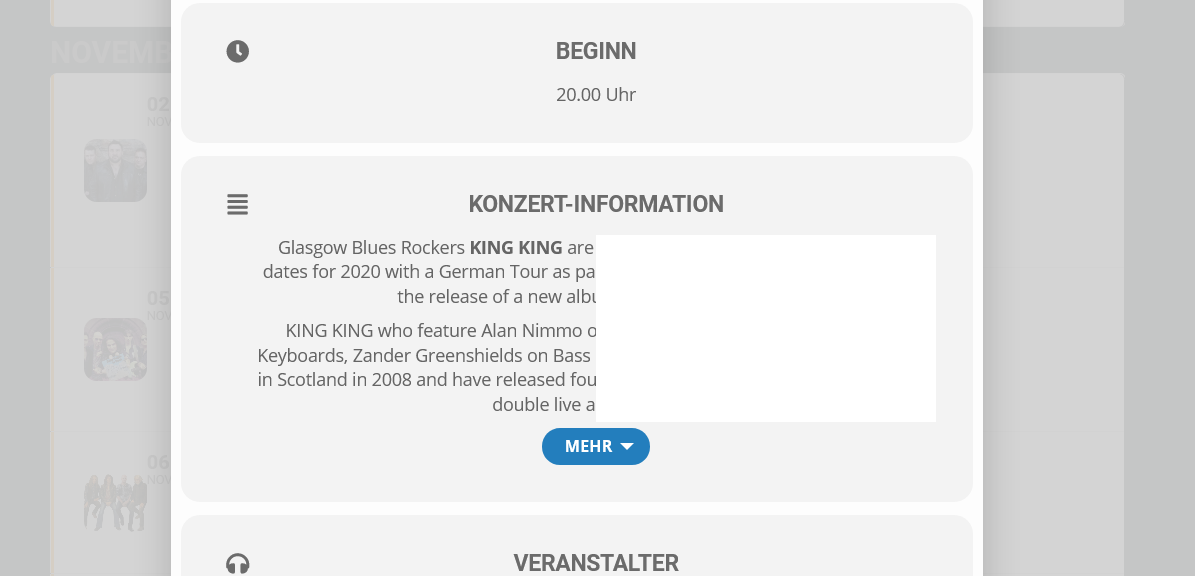
Great, that worked great! But now I noticed a new problem. In the picture you can see a white picture, which is superimposed on the text. How do I get this away?
oh no, I see you can include posts but they don’t have the date on them like an event. So back to square one. I truly cannot believe an app this expansive and capable is so badly lacking BASIC STYLING of single event pages. When someone goes to an event and you want to be professional and classy it is extremely frustrating to be so limited with single event pages/posts and to have it be such a difficult task to simply get my normal theme styling to apply to event pages/posts.
can you please advise if this add on allows me to use my own custom posts for EVENTS SINGLE PAGES? If so, WHY DID YOU NOT INFORM ME OF THIS AS I’VE BEEN DESPERATELY ASKING YOU FOR A SOLUTION?
https://www.myeventon.com/addons/include-anything/
Hi John,
You can add some margin using the custom CSS code below:
#evcal_widget .eventon_events_list .eventon_list_event .evcal_cblock span{margin-left: 10px;}
Please add the code to EventON > Styles (If you don’t see any change, EventON > Scripts & Styling > turn off Write styles to header > save settings > turn on Write styles to header):
Hi,
as I said
— snip —
I now replaced the 4.0.1 version with an older version of EventOn to get rid of the glitches. You can still see what it looked like at the screenshot: https://imgur.com/a/tX0p3Xn
How to get the new version with the currently used layout?
— snap —
Please take a look at the screenshot: https://imgur.com/a/tX0p3Xn
When updating to 4.0.1. it looks like in the screenshot.
I want to update the plugin but the look/layout should stay the same as it is now on the productive site. How to do this?
Best regards
Matthias
Hi Carmen,
I am sorry but the credentials you have given out do not seem to be working. Kindly check if the credentials are working on your end.
Hello,
Please add eventtop_style = “0” on your shortcode.
Hi Matthias,
It looks fine on my end.
Kindly confirm, were you able to fix the issue? If not, please clear both your browser and site cache and check again.