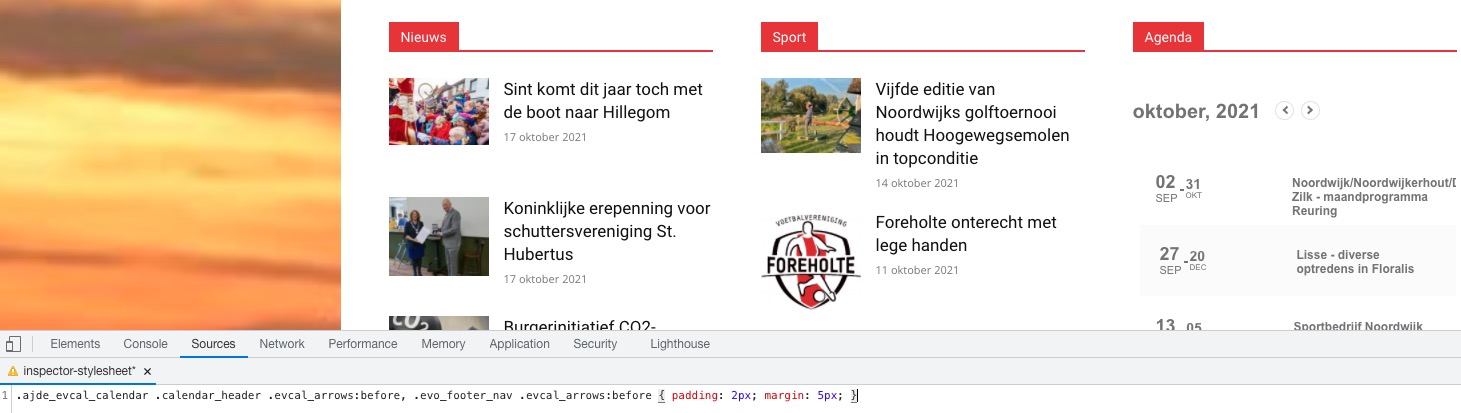
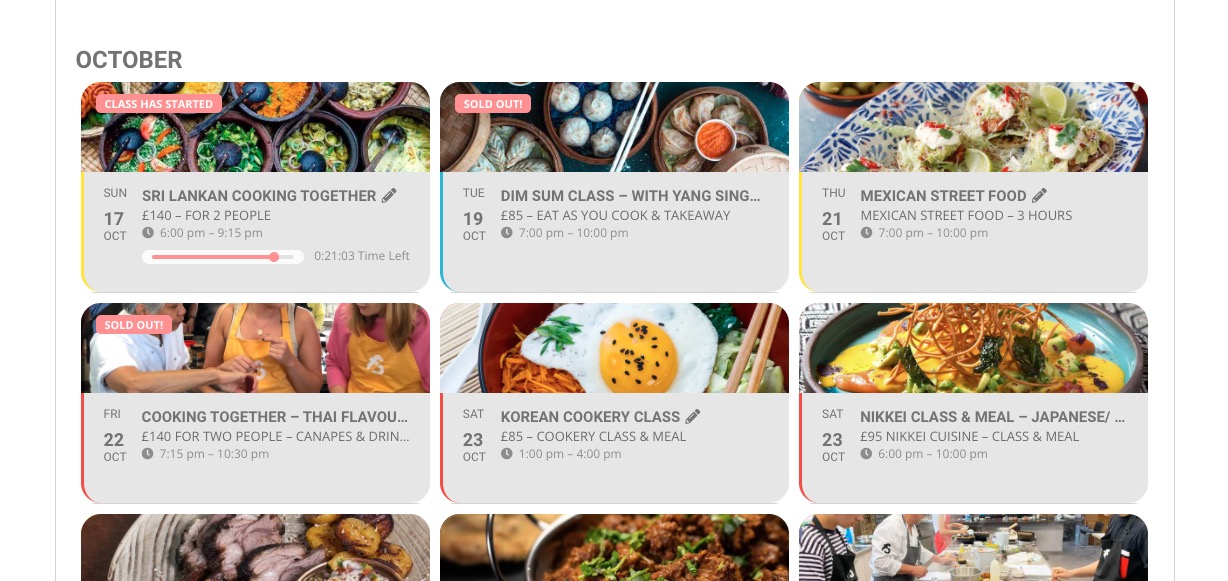
Are you referring to “< >” elements:
If so please add this CSS code to EventON > Styles (If you don’t see any change, EventON > Scripts & Styling > turn off Write styles to header > save settings > turn on Write styles to header):
.ajde_evcal_calendar .calendar_header .evcal_arrows:before, .evo_footer_nav .evcal_arrows:before { padding: 2px; margin: 5px; }
We’ve changed some of our styles in the current version, so you need to recheck and make sure that they work.
The color of the event information has changed, it now appears in white I suppose it will also be a problem with the css style
Could you send us a screenshot?
I just saw that the event details icons are above the text
Please add this CSS code to EventON > Styles (If you don’t see any change, EventON > Scripts & Styling > turn off Write styles to header > save settings > turn on Write styles to header):
.evcal_evdata_row .evcal_evdata_icons { position: relative; }
Hello,
Please follow the instructions in this documentation to activate debug in your site to see any PHP errors recorded that can provide insight on to whats going on. Please reply with a link to debug.log file. If you are not able to do this please send us FTP access to your site so we can do this for you.
Hello,
Please send us FTP access to your site as a private message, so we can perform several tests from our end and resolve your issue fast!
Please also note that this issue doesn’t seem to be related to EventON. Also try disabling WP_DEBUG: https://docs.themeisle.com/article/819-how-to-turn-on-off-debugging-in-wordpress
Perfect! Please keep us updated.
Hello,
Please send us wp-admin access to your site as a private message for us to further assist your situation.
It seems that something applies it’s styling on EventON. Could you please try the instructions mentioned in this documentation?
Hello,
…but the alignment of the day, date, month is off-…
Could you send us a screenshot? Here’s how it looks on my side:

1. Are you referring to this part:
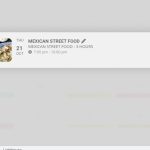
2. Please add this CSS code to EventON > Styles (If you don’t see any change, EventON > Scripts & Styling > turn off Write styles to header > save settings > turn on Write styles to header):
.evofc_months_strip.names .evo_fc_day { background: none !important; }
Hello,
Please update EventON to 4.0.1.
To update eventon to latest version: If you are unable to do autoupdate, you can go to codecanyon your account > download and get the latest eventon version as zip file. Then you can go to your website, deactivate old eventon, activate (Do not delete eventon settings & data when EventON is uninstalled) from eventon settings, delete old eventon, install new one and activate. This link will further explain the process it. Also you can follow us on twitter to get real-time announcements on updates!
After the update make sure to add eventtop_style=”0″ to the shortcode. How your shortcode looks on our test site: https://dev2.myeventon.com/28223-2/
Hello,
Please update EventON to 4.0.1.
To update eventon to latest version: If you are unable to do autoupdate, you can go to codecanyon your account > download and get the latest eventon version as zip file. Then you can go to your website, deactivate old eventon, activate (Do not delete eventon settings & data when EventON is uninstalled) from eventon settings, delete old eventon, install new one and activate. This link will further explain the process it. Also you can follow us on twitter to get real-time announcements on updates!
Make sure to clear your browser cache.