[add_eventon_el event_count = ”5 ″ sep_month =” no ”number_of_months =” 12 ″]
is for the events list extended addon- we do not see this as purchased
please use the shortcode generator found at myeventon>>>>settings>>>>>shortcode
Replies for tickets on suppota
[add_eventon_el event_count = ”5 ″ sep_month =” no ”number_of_months =” 12 ″]
is for the events list extended addon- we do not see this as purchased
please use the shortcode generator found at myeventon>>>>settings>>>>>shortcode
Thanks, the arrows looks nice!
But by clicking on the arrow forwards, it stay on october and november is not showed!
Hey!
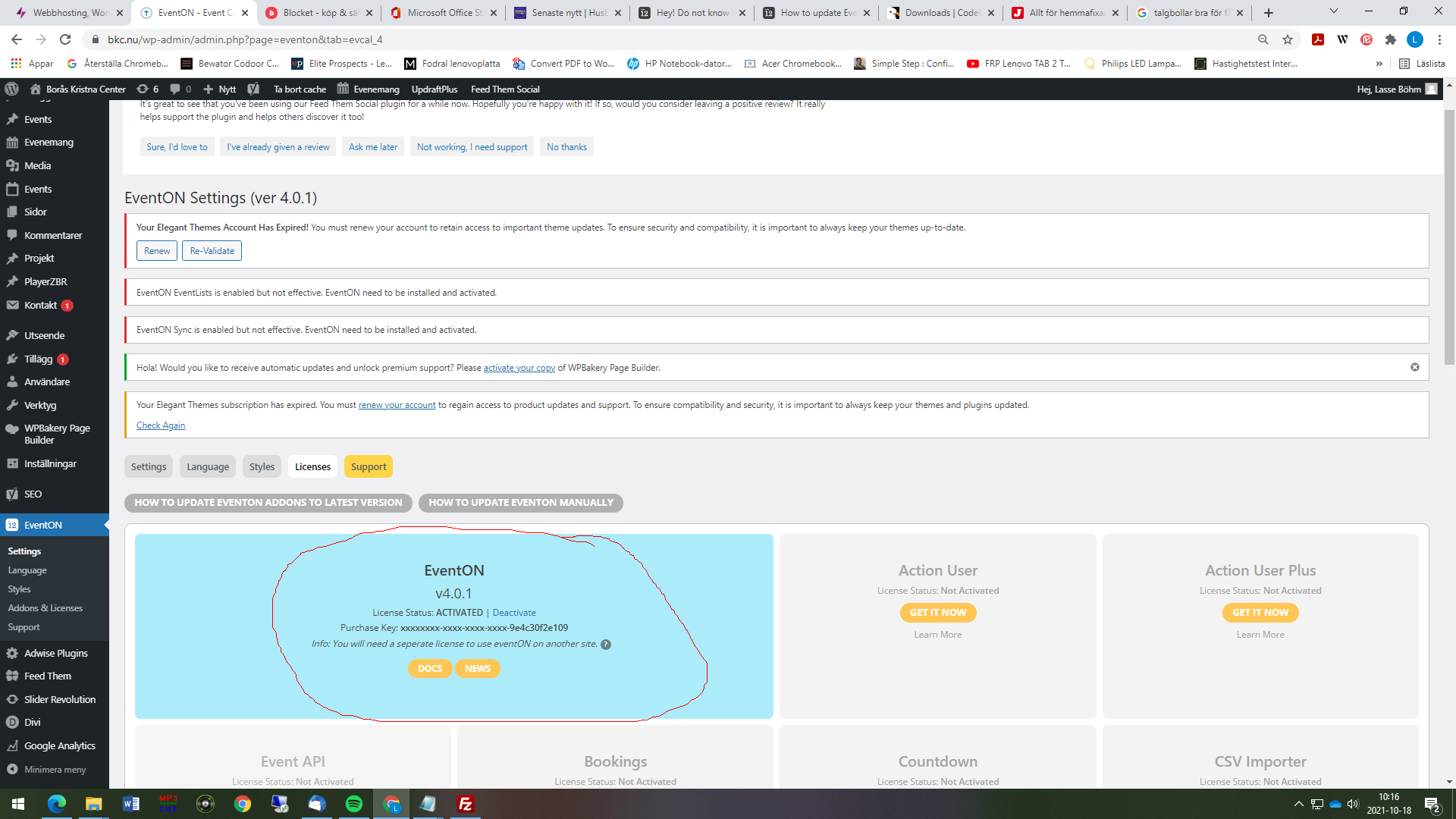
Now I managed via ftp to get it installed, I also managed to activate it. In the backend, everything looks ok. But in the front end www.bkc.nu this error comes up and no calendar:
[add_eventon_el event_count = ”5 ″ sep_month =” no ”number_of_months =” 12 ″]
Bestregards
Lasse
Hello,
Your team does not offer any solution to solve my problem, we have deactivated our subscription for our 2 websites.
We found an already integrated solution at WP Simple Booking Calendar
Bye.
Thank you for your messages, I am going to assign this ticket to Ashan and he will be able to take it from here and find you a solution. Please allow some time for him to get back to you, we greatly appreciate your patience and thank you for being a eventon customer!
Please send us wp-admin access to your site as a private message for us to further assist your situation.
Hello – It is mostly back except where I turned background color to gray by mistake. How do I get it white? Also, images are now centered on widget listings, which makes items longer. How do I get it back to displaying images in top left? Thanks for your help!
Ashish – the RVSP manager module you created doesn’t work as of the last EventON update. The list of RSVPs is now horizontal instead of vertical, so we can only see the first 4 RSVPs. Can you help us fix this?
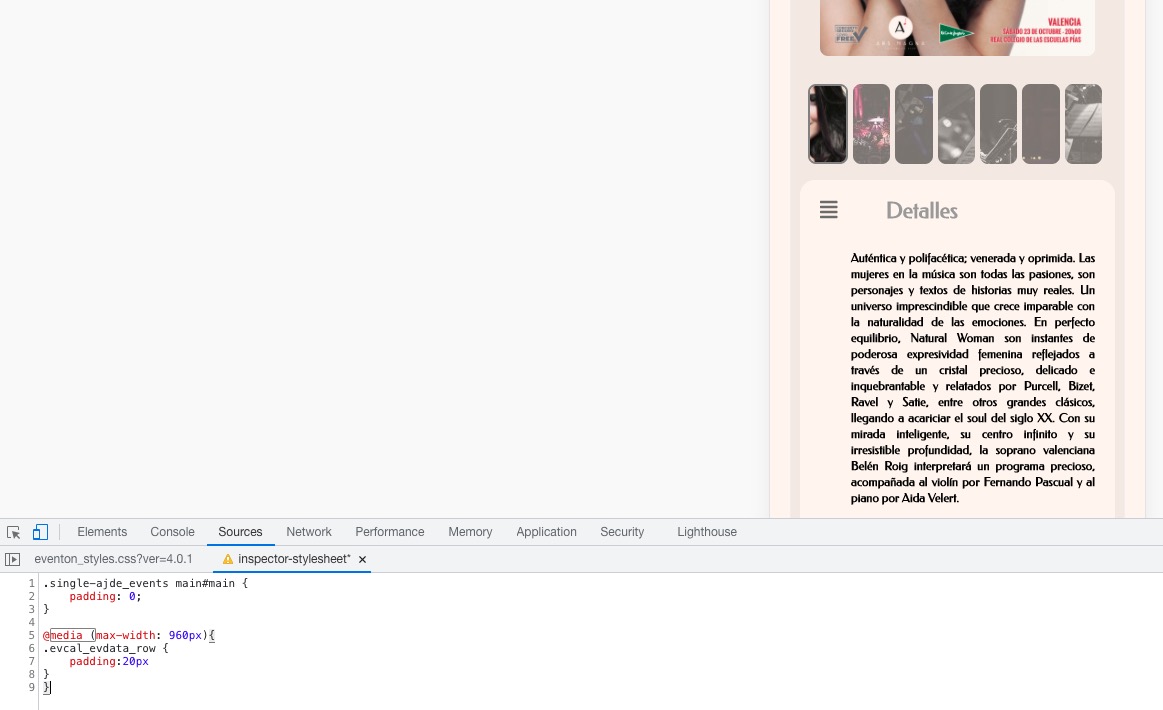
Please add this CSS code to EventON > Styles (If you don’t see any change, EventON > Scripts & Styling > turn off Write styles to header > save settings > turn on Write styles to header):
.single-ajde_events main#main { padding: 0; } @media (max-width: 960px){ .evcal_evdata_row { padding:20px } }
Event Type color CSS code:
.evcal_desc .evcal_desc3 em i { color: black; }
The mobile view for the seat chart has a strange look with this vertical padding. How can I adjust it?
Users should be able to adjust the size by pressing “+-“.
Thank you very much for your suggestion!
We are glad your issue is resolved, if you have any further questions or concerns please create a new ticket.
If you have a moment, we would greatly appreciate if you could kindly leave us a review at codecanyon! from your account > downloads. Cheers!