Yes
Archives: Replies
Replies for tickets on suppota
Reply to: tickets(255003)
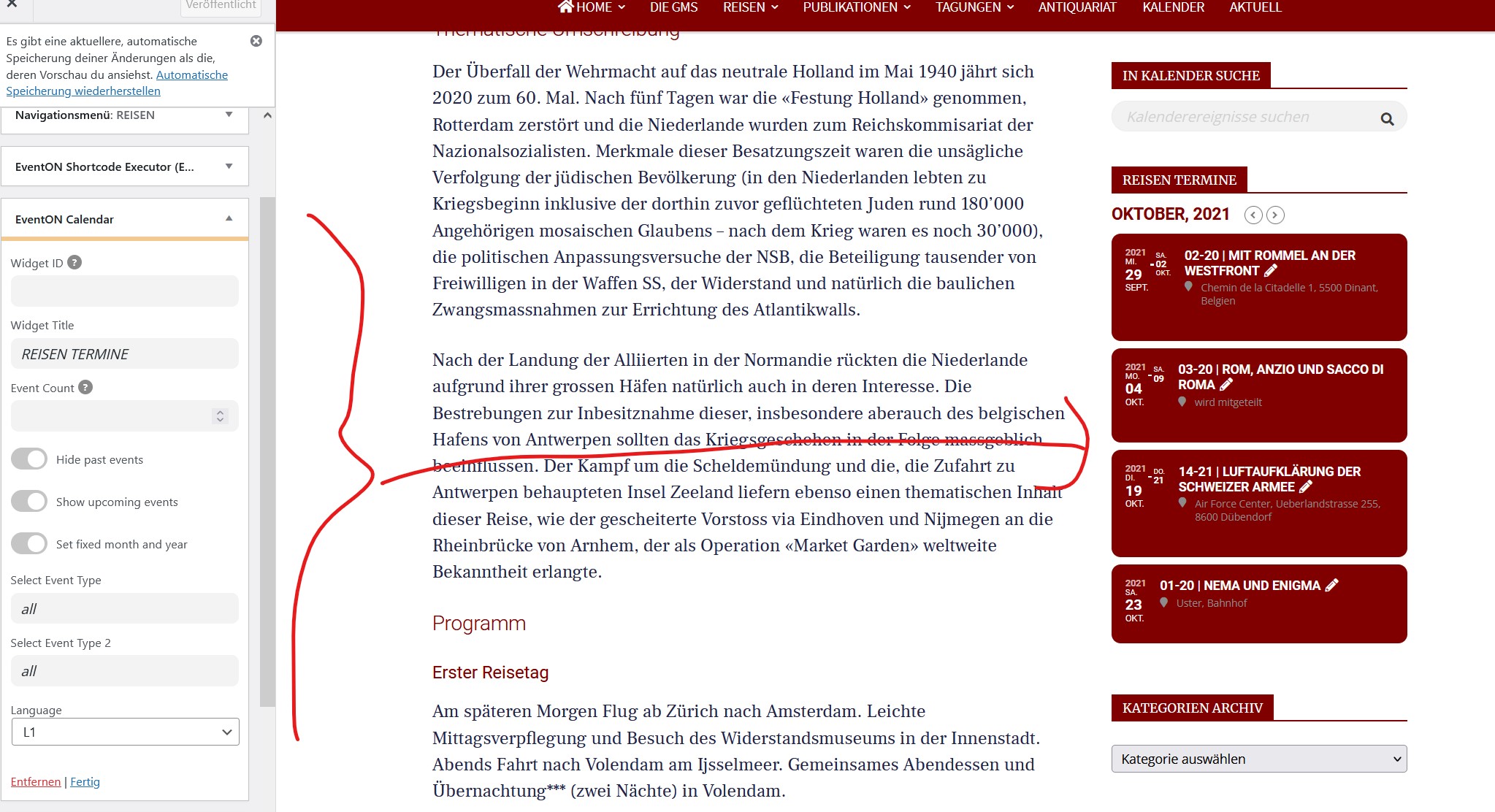
Here is a customizer
Reply to: tickets(255020)
Thank you very much for your video! The problem is that I cannot recreate this on our test server: https://dev2.myeventon.com/28214-2/ (Twenty One theme).
Can we try switching your theme to the default one for 5 seconds max?
Reply to: tickets(254948)
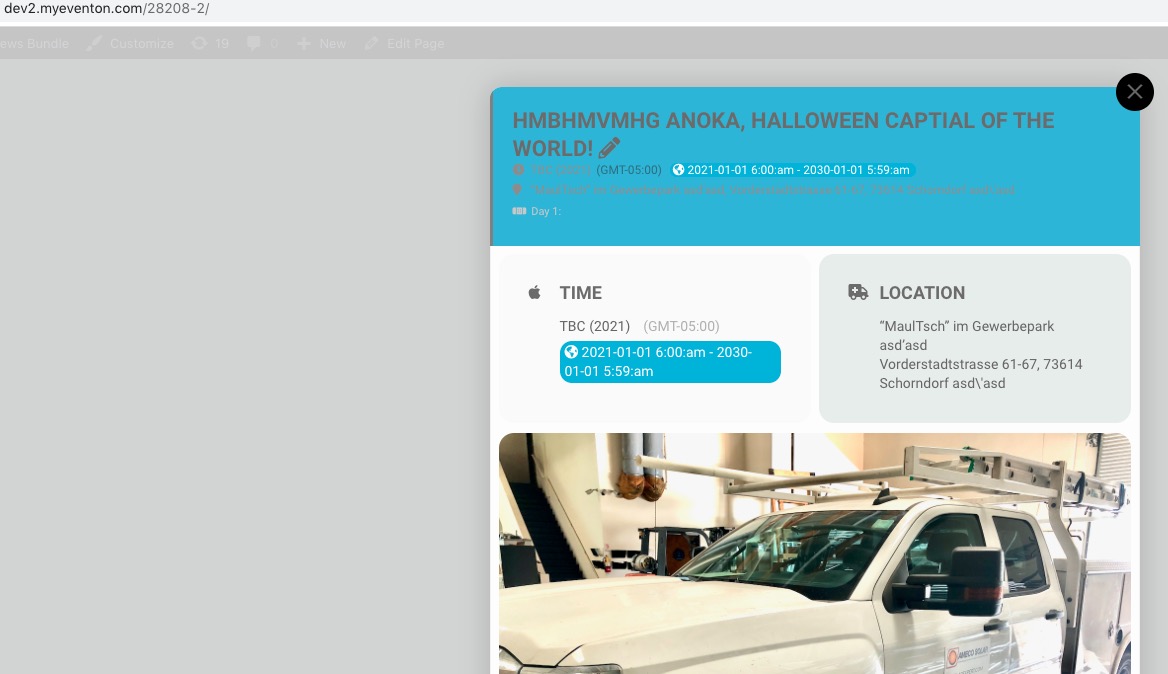
Reply to: tickets(254948)
Hello,
Thank you for your messages, I am going to assign this ticket to Ashan and he will be able to take it from here and find you a solution. Please allow some time for him to get back to you, we greatly appreciate your patience and thank you for being a eventon customer! Also please disable any IP blocking on your site if there are any.
Reply to: tickets(254916)
By color, calendars seem identical: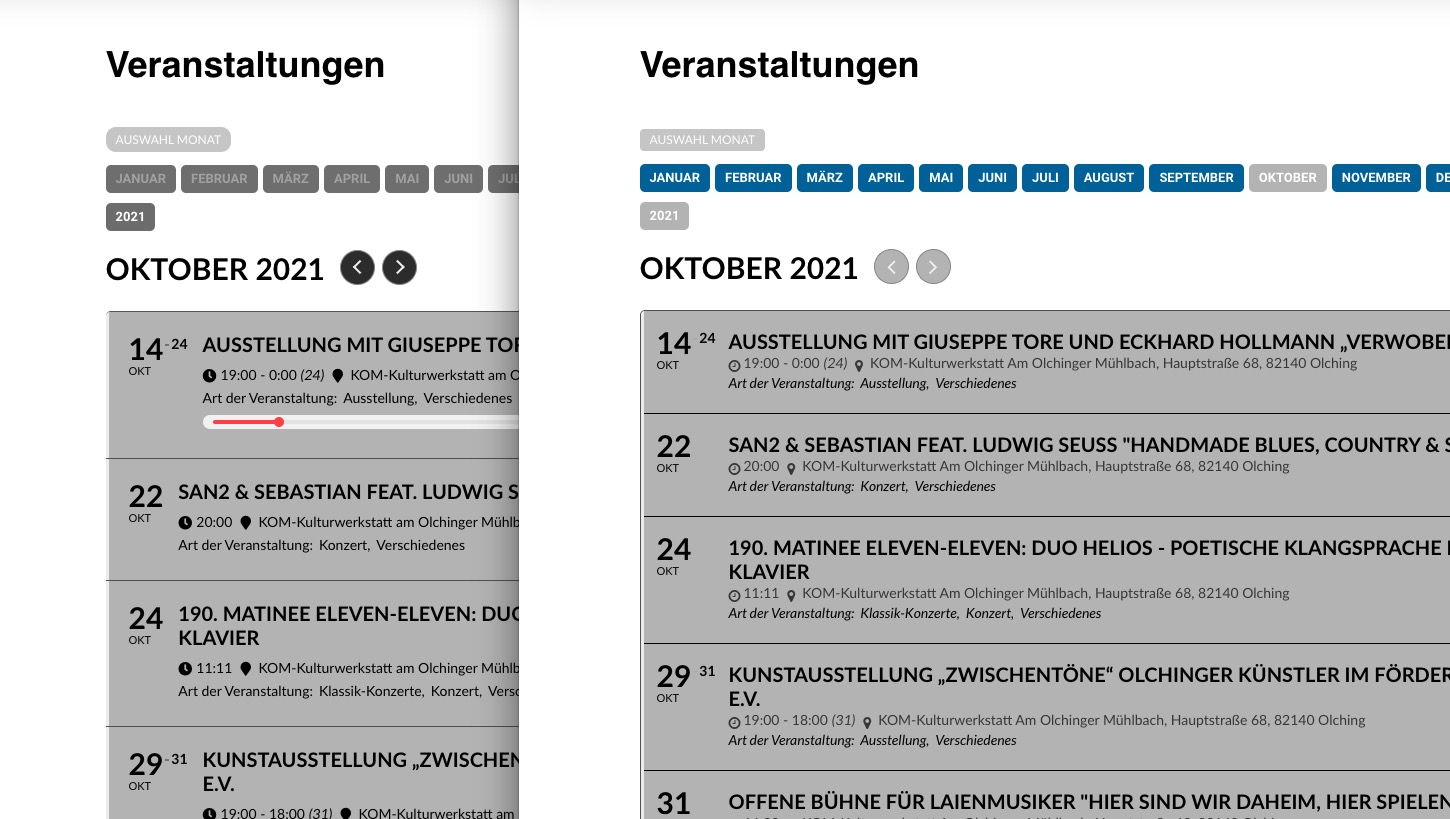
Please make sure to change Jump buttons from EventON Settings > Appearance > Calendar Header. If you don’t see any change, EventON > Scripts & Styling > turn off Write styles to header > save settings > turn on Write styles to header.
Could you please let us know what can we change to help you?
Please accept our sincere apologies.
Reply to: tickets(254998)
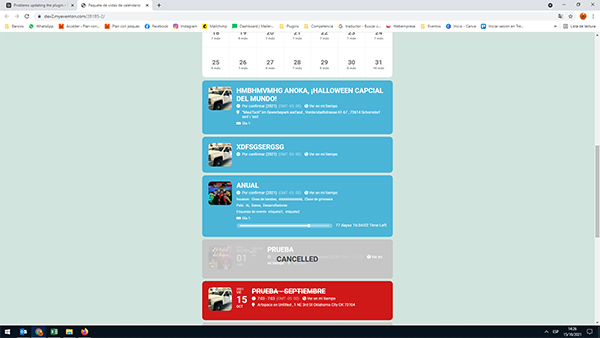
Reply to: tickets(254998)
Yes, the images are visible on your test page
Reply to: tickets(255160)
Hello,
Which version of EventON are you using? Could you go to EventON Settings and save them (no need to change anything)?
Reply to: tickets(255212)
Hello,
Please go to EventON Settings > Language > ADDON: Event Tickets > Ticket section title.
Could you try going to EventON Settings > Appearance > EventCard Styles? If you don’t see any change, EventON > Scripts & Styling > turn off Write styles to header > save settings > turn on Write styles to header.