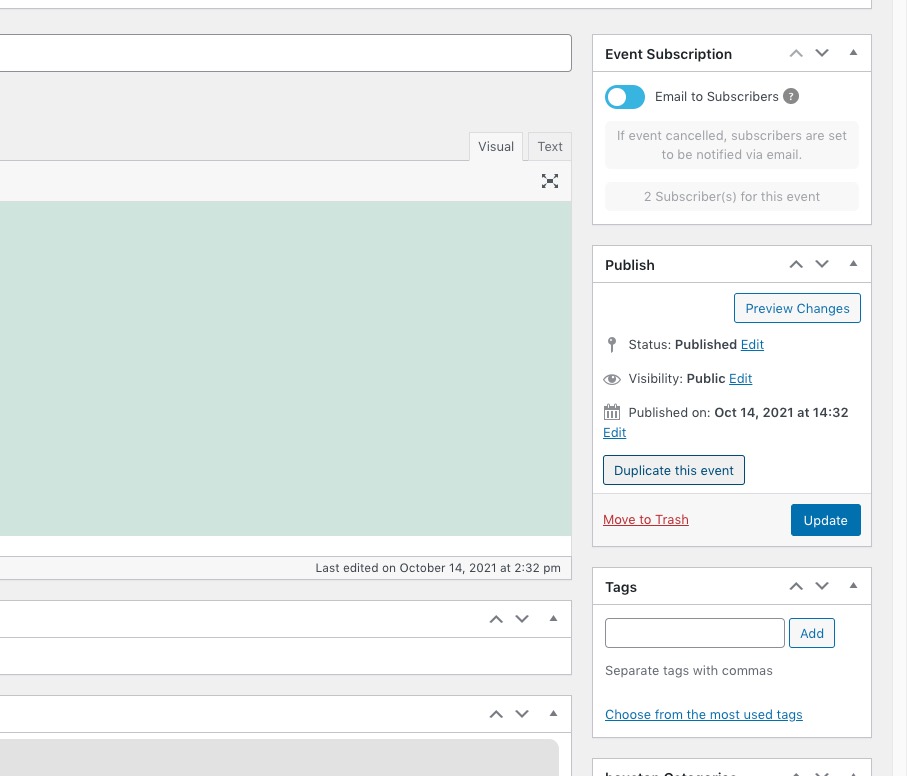
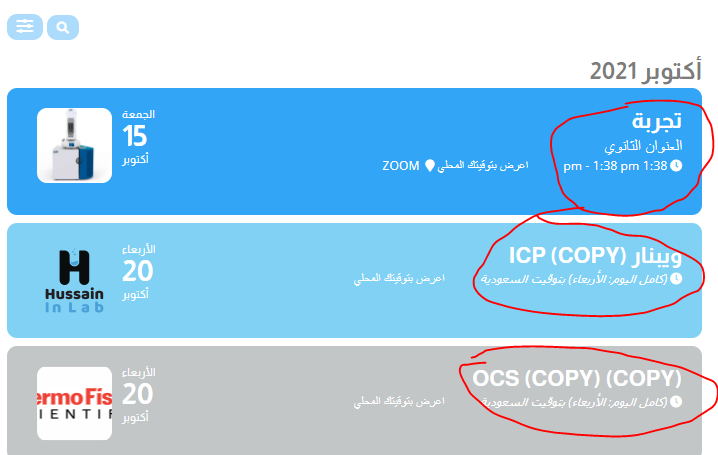
I did check wp-admin. The problem is that I cannot find where I can change the shortcode in the sidebar. Cannot find it here https://www.calven.ch/gms/wp-admin/post.php?post=5851&action=edit or https://www.calven.ch/gms/wp-admin/widgets.php.
Could you help me out?
I am very sorry, for some reason, I haven’t published my test page. Could you take a look at https://dev2.myeventon.com/28185-2/ and let me know if images are visible?
You asked me for the access data for the page but you didn’t even dig into the page, what should that be? I tell you to go back to the previous version, is that all as an answer?
and with the next update the whole game starts all over again ?!
I was very satisfied with your support, now I’m disappointed and I won’t let that go!
Guido
I’ve answered in your other ticket. Is it ok if we continue our conversation there?
Thank you very much for your kind words!
You can also install https://wordpress.org/plugins/classic-editor/:
Same for me. Was about to add a new ticket. I cannot see extra images on desktop but they are visible using mobile phone. Please update me as to what is going on…
Hello,
Could you replace tile_style=”1″ with tile_style=”2″ ?
Please make sure to update to EventON 4.0.1 first.
To update eventon to latest version: If you are unable to do autoupdate, you can go to codecanyon your account > download and get the latest eventon version as zip file. Then you can go to your website, deactivate old eventon, activate (Do not delete eventon settings & data when EventON is uninstalled) from eventon settings, delete old eventon, install new one and activate. This link will further explain the process it. Also you can follow us on twitter to get real-time announcements on updates!
We are very sorry for the inconvenience!
Could you please take a look at this video guide https://www.youtube.com/watch?v=8uVxHE8vIxE? Or do you need to change Event Top color styling on the current design https://helpdeskx.s3.amazonaws.com/wp-content/uploads/2021/10/14121625/snapshot.png?
We are very sorry for the inconvenience!
Perfect! We are glad your issue is resolved, if you have any further questions or concerns please create a new ticket.
Thank you for your messages, I am going to assign this ticket to Ashan and he will be able to take it from here and find you a solution. Please allow some time for him to get back to you, we greatly appreciate your patience and thank you for being a eventon customer! Also please disable any IP blocking on your site if there are any.