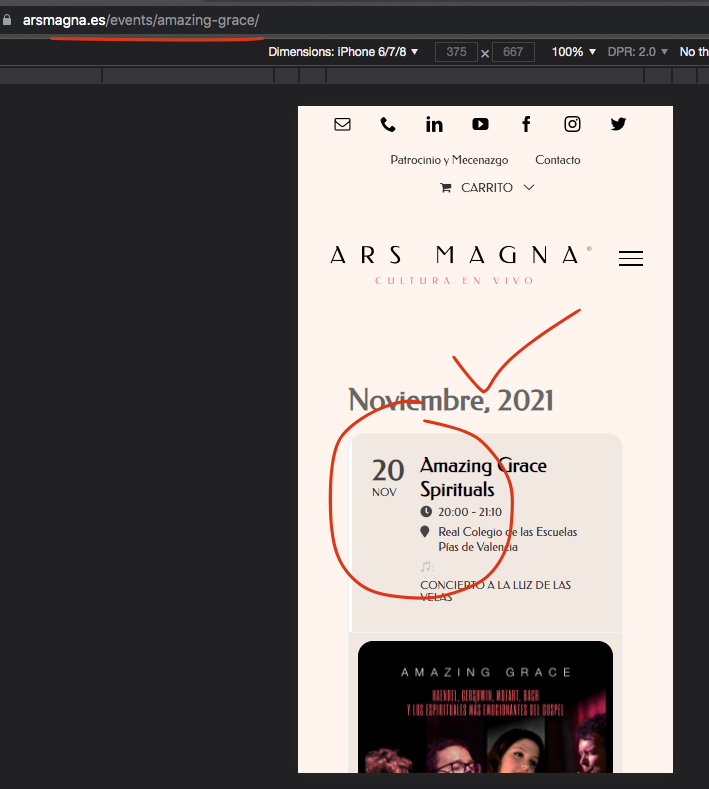
This will take hours, I have event lists on multiple pages – I need a global solution for this, please let me know what you can do to help.
Thanks
Helen
Replies for tickets on suppota
This will take hours, I have event lists on multiple pages – I need a global solution for this, please let me know what you can do to help.
Thanks
Helen
Hello,
This part doesn’t come with WordPress by default, correct? Which plugin adds it? Could you try to turn it off for a test?
Ashan,
https://helpdeskx.s3.amazonaws.com/wp-content/uploads/2021/10/14150004/Screen-Shot-2021-10-14-at-2.59.38-PM.png is from other customer. I sent you this as an example.
Customer’s website of this ticket is
https://cityopen.ru/afisha/, https://cityopen.ru/afisha/russkij-dramaticheskij-teatr/, https://cityopen.ru/events/dohodnoe-mesto-a-ostrovskij-komediya/
Thank you. Yes. In fact it looks good in my scenario, the problem is with the search results
4. Please replace tile_style=”1″ with tile_style=”2″ in the shortcode.
Ashan,
Have we removed the dragging functionality or is it a bug?
Thank you for your messages, I am going to assign this ticket to Ashan and he will be able to take it from here and find you a solution. Please allow some time for him to get back to you, we greatly appreciate your patience and thank you for being a eventon customer! Also please disable any IP blocking on your site if there are any.
I know now what did not work.
I got an individual code form you a while ago. This did not go well with the update.
I created a new shortcode with tile design this works well now , thank you.
Hello,
You need to update EventON to the latest version.
To update eventon to latest version: If you are unable to do autoupdate, you can go to codecanyon your account > download and get the latest eventon version as zip file. Then you can go to your website, deactivate old eventon, activate (Do not delete eventon settings & data when EventON is uninstalled) from eventon settings, delete old eventon, install new one and activate. This link will further explain the process it. Also you can follow us on twitter to get real-time announcements on updates!
I tryed update from FTP.
I got this error
I only received this shortcode [add_eventon_el event_count=”5″ sep_month=”no” number_of_months=”12″ ].
Could you tell us more about the error?
Hello,
Could you replace tile_style=”1″ with tile_style=”2″ ?
We are very sorry for the inconvenience!