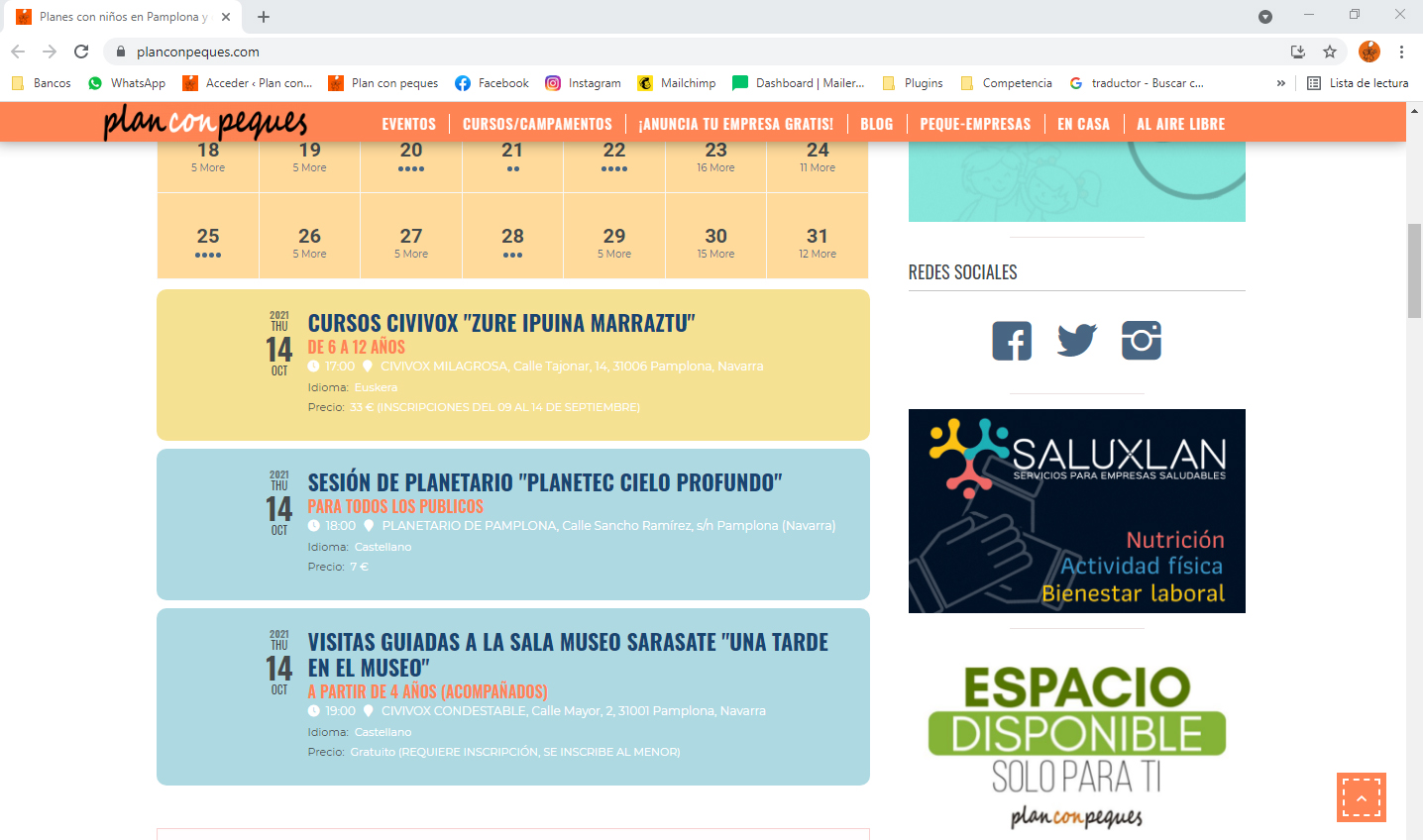
Now you have permission to enter the admin from Australia.
I am waiting for your news.
Thank you
Replies for tickets on suppota
Now you have permission to enter the admin from Australia.
I am waiting for your news.
Thank you
we have released version 4.0.1 which will allow you to switch back to legacy designs.
I have a second ticket still open because of the same problem: Ticket #255003
Thanks
Yes very much
https://www.calven.ch/gms/
User: kalender
PW: w0uYuAK6cC2xdH*Mn&pDUXSf
thanks
add this to your site
.evortl .eventon_events_list .eventon_list_event .evcal_list_a{direction:ltr}
into eventon setting > styles
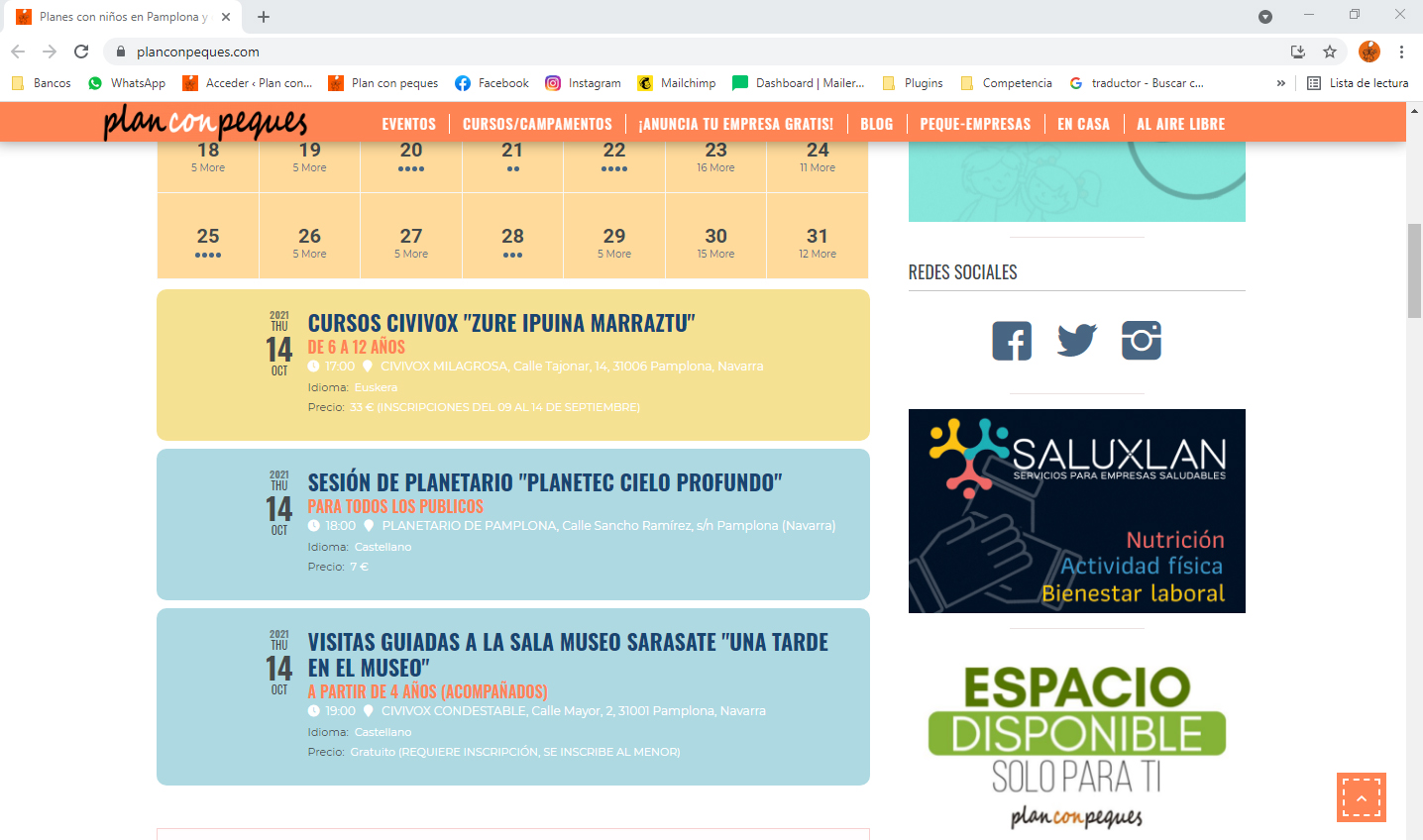
I have changed the short code as you have indicated in the video but when updating it still does not work
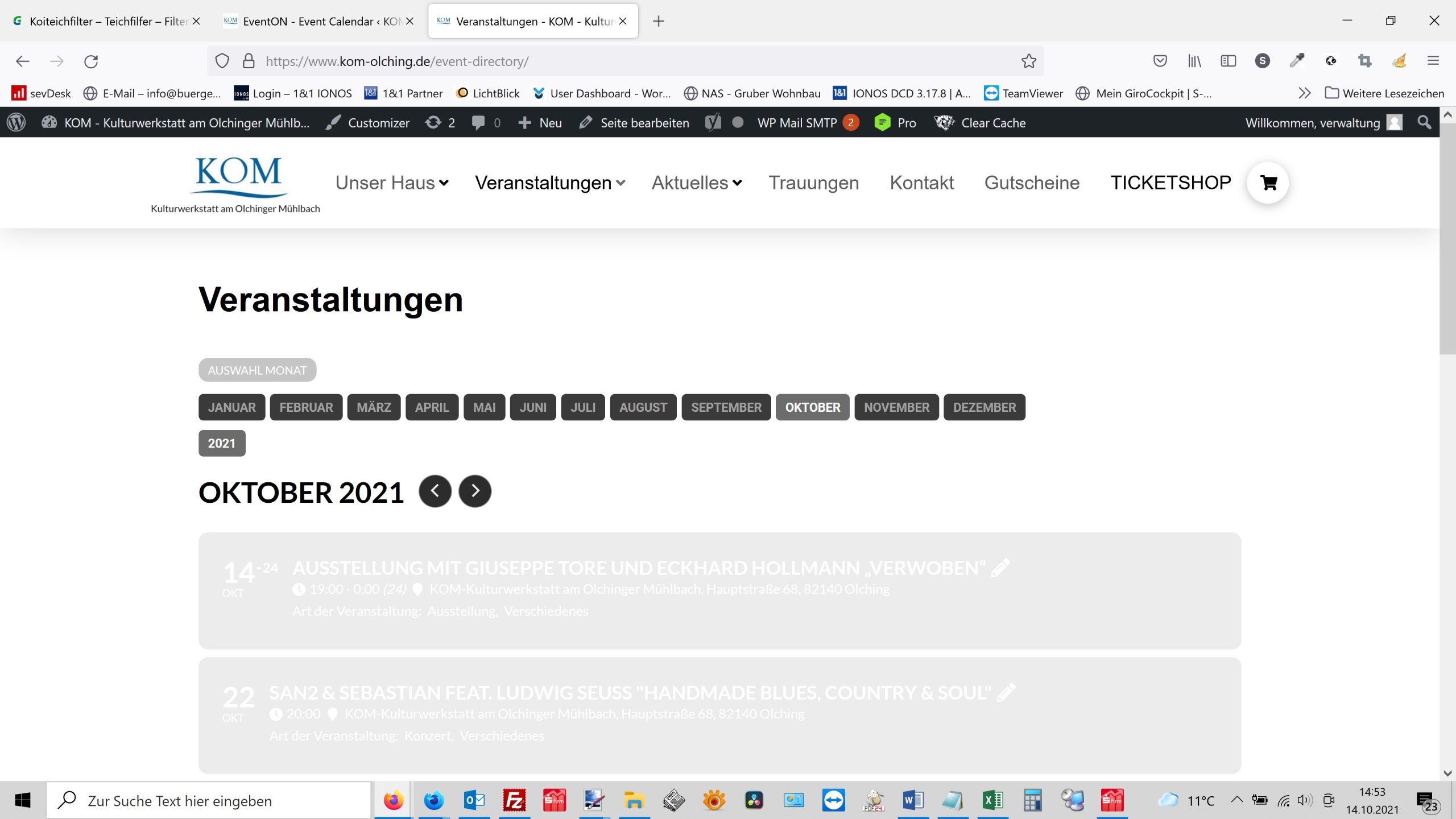
Hi there, we have now tinkered with something ourselves so that everything can be read again. We just want to prevent our customer from taking legal action against us. The calendar of events does not look like the one on the reference page. Since we have unfortunately found out that you are unwilling or unable to help us, we will start talking to our customers about other solutions. But I would like to point out that this is a problem for which you are responsible. Never again Eventon
[add_eventon_list number_of_months=”2″ ux_val=”3a” event_past_future=”future” filter_show_set_only=”no” filter_type=”select” exp_so=”yes” show_et_ft_img=”yes” include_any=”yes” tiles=”yes” tile_count=”3″ tile_bg=”0″ eventtop_style=”0″]
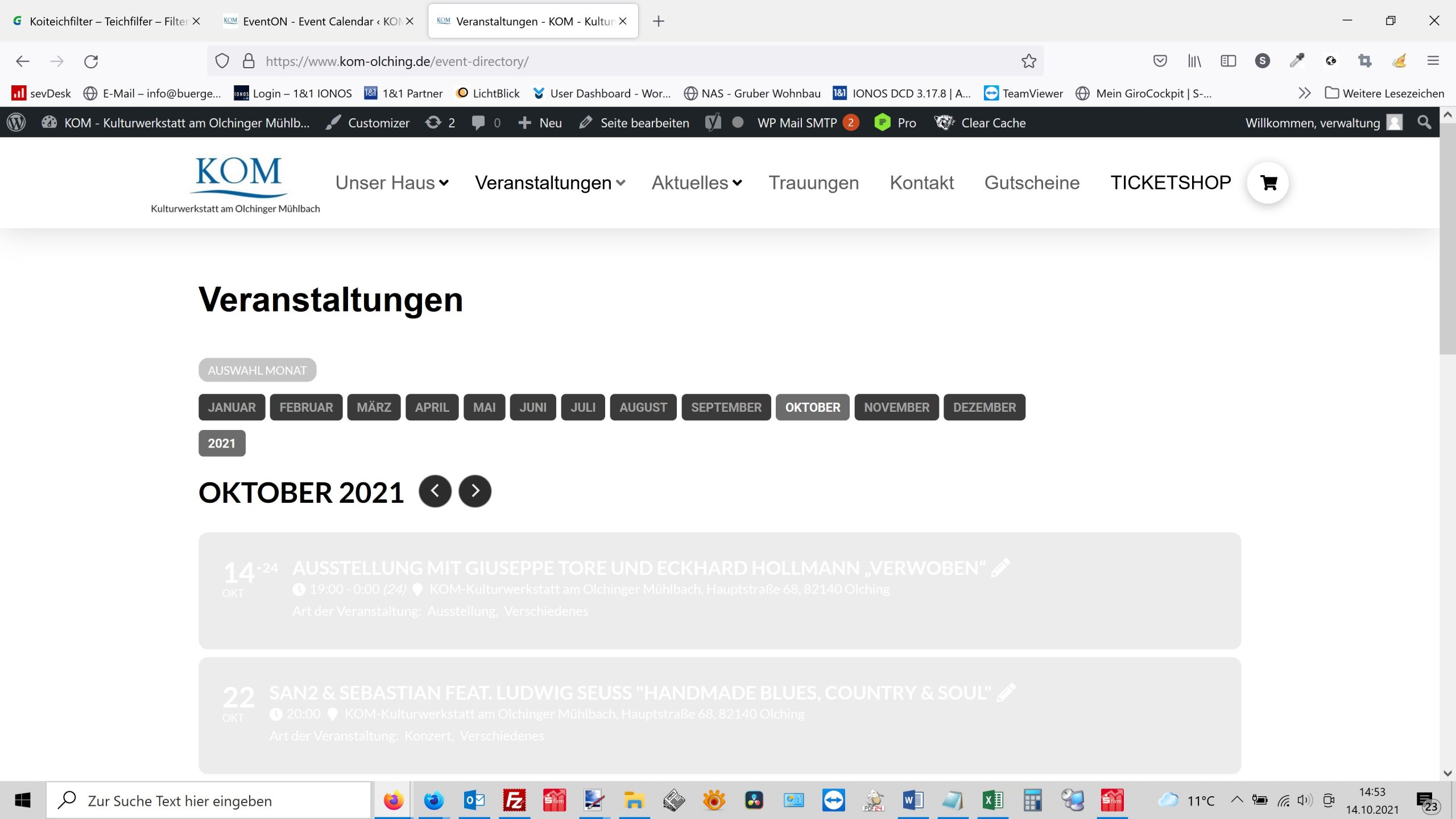
We’re not doing anything anymore. Are you actually kidding us? How many updates us what else should we do. My customer, a city near Munich, wants to sue me because the calendar doesn’t work. I will pass the demands on to you should the calendar not work quickly. Please take care of the repair. We don’t do anything anymore. We are very upset.
Thomas
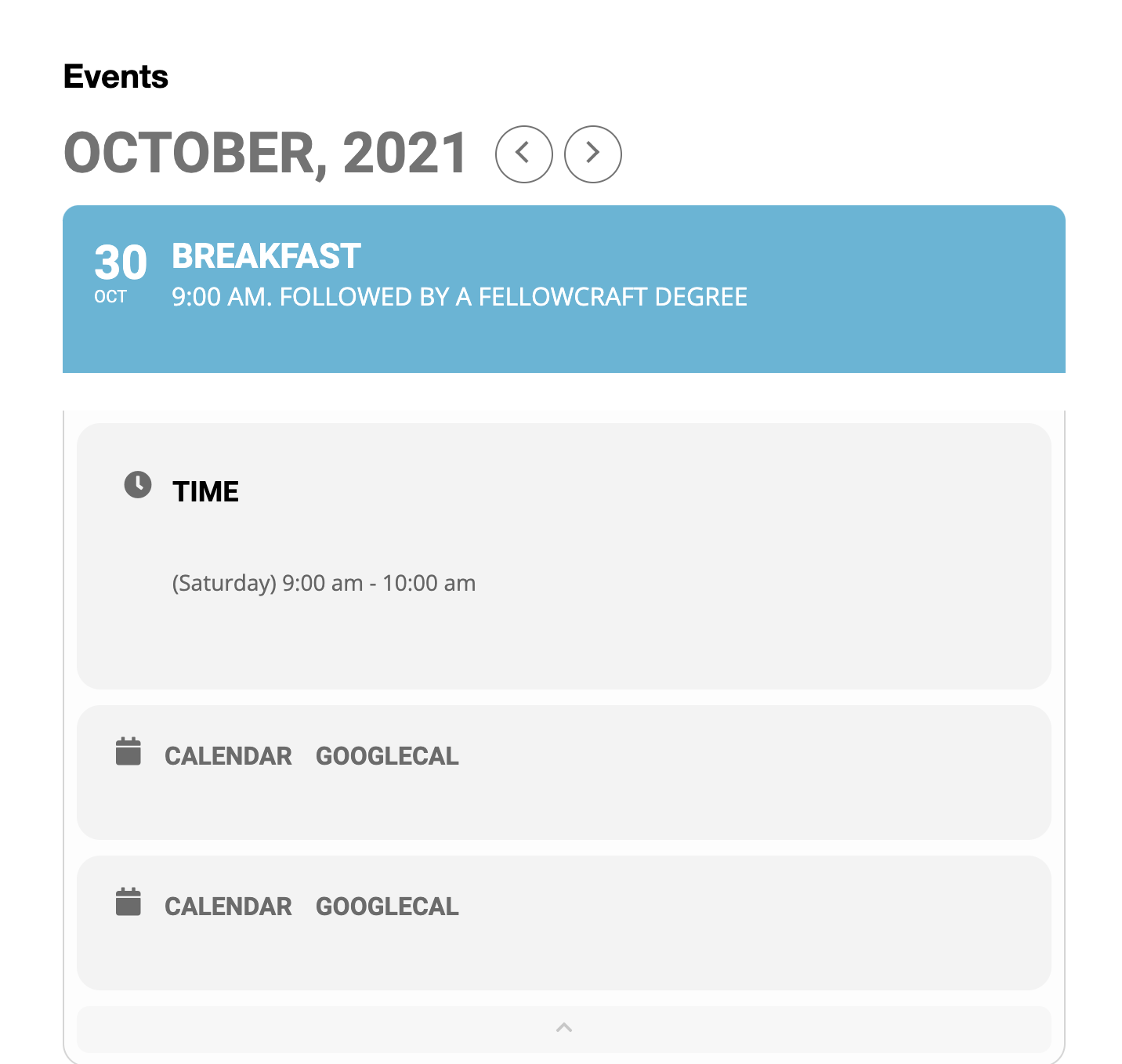
Perhaps a picture would work?
On the dropdown it shows two “Calendar Googlecal” selections.
Does something need to be checked or unchecked that I am overlooking.
The site is in a test mode before I make it go live..working out some of the bugs on my end.
Thanks so much for your input and assistance.