More specifically, it does this when the event is a pop-up rather than an expansion on the page or a single event page. I’ll send you the login soon.
Archives: Replies
Replies for tickets on suppota
Reply to: tickets(254670)
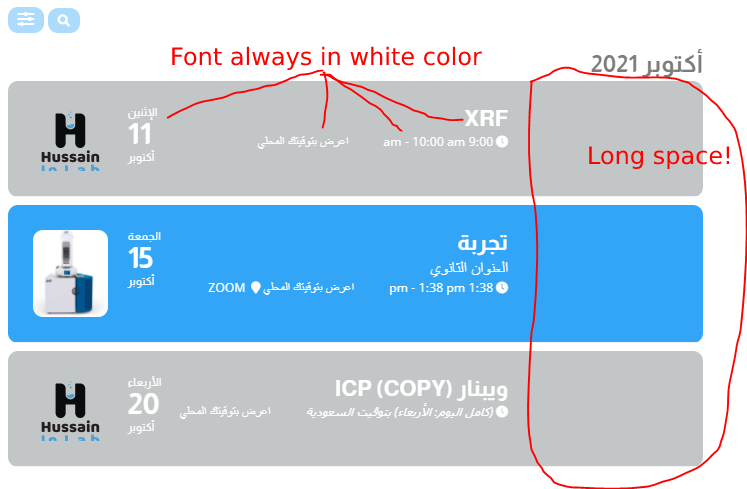
Reply to: tickets(254626)
Hi,
Here is the information that you requested
ftp://espaciotierra.com
FTP user espacXMPN
FTP pass 3ygKg*a)dZ!@
Port 21
Folder WEB
Thanks!
Reply to: tickets(254089)
2. Please comment them and also make sure to clean your cache.
Reply to: tickets(254028)
Hello,
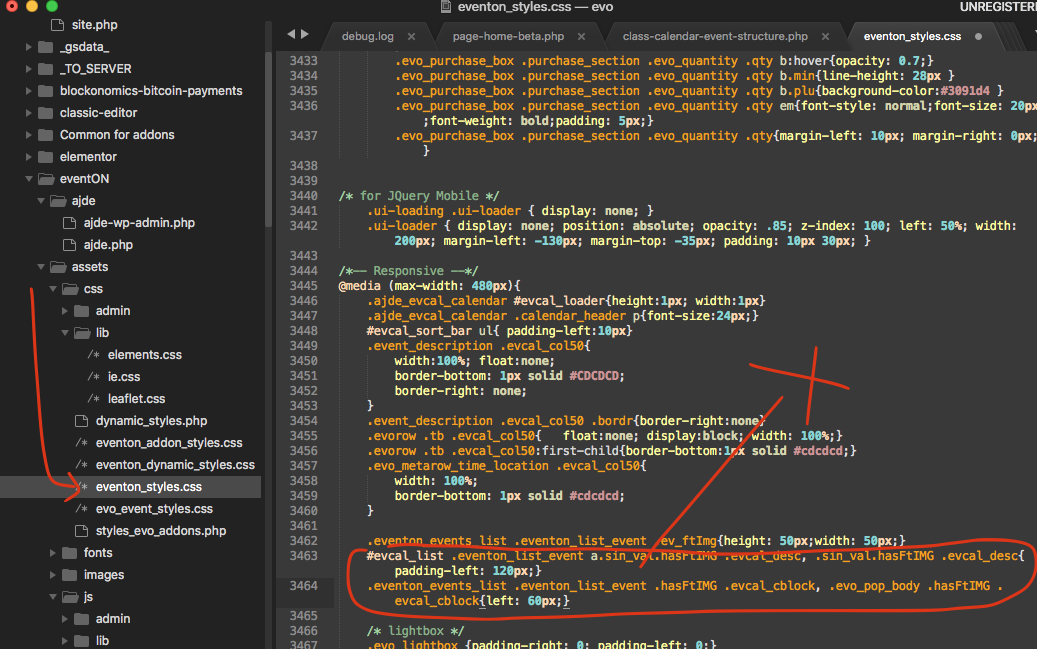
Could you try this patch: https://helpdeskx.s3.amazonaws.com/wp-content/uploads/2021/10/11065202/Screen-Shot-2021-10-08-at-11.45.09-AM-1.png?
How can we access wp-admin or wp-login.php pages? Not sure how to login.
Reply to: tickets(254582)
1. Thank you for your great suggestion, at the moment it is not supported. However please create a new ticket and select Feature Request as category so others can vote on your idea and get it moved into development faster.
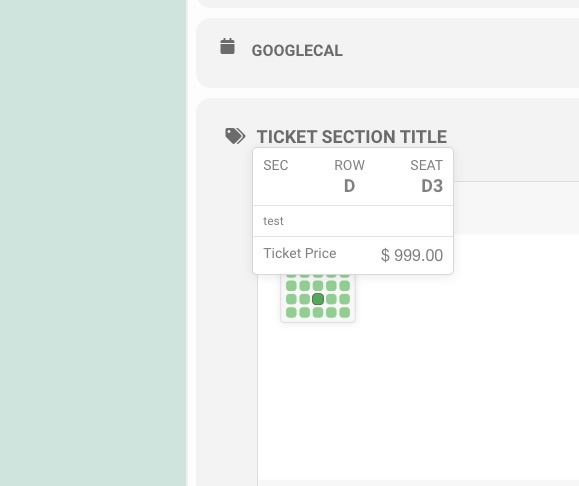
2. Please take a look at https://dev2.myeventon.com/events/seats-7/
Reply to: tickets(254626)
Hello,
Please send us FTP access to your site as a private message, so we can perform several tests from our end and resolve your issue fast!
Reply to: tickets(254634)
Hello,
Please go to EventON Settings > Single Events > Select EventTop Style: Clean White.
After go to your shortcodes and add eventtop_style=”0″
Reply to: tickets(254628)
Hello,
You can only show all Past events. Please go to EventON Settings > disable Hide past events for default calendar(s).
Reply to: tickets(254636)
Hello,
Please replace the shortcode with
[add_eventon_list cal_id=”withIMG” tiles=”yes” tile_bg=”1″ ux_val=”3″ number_of_months=”3″ hide_empty_months=”yes” ]