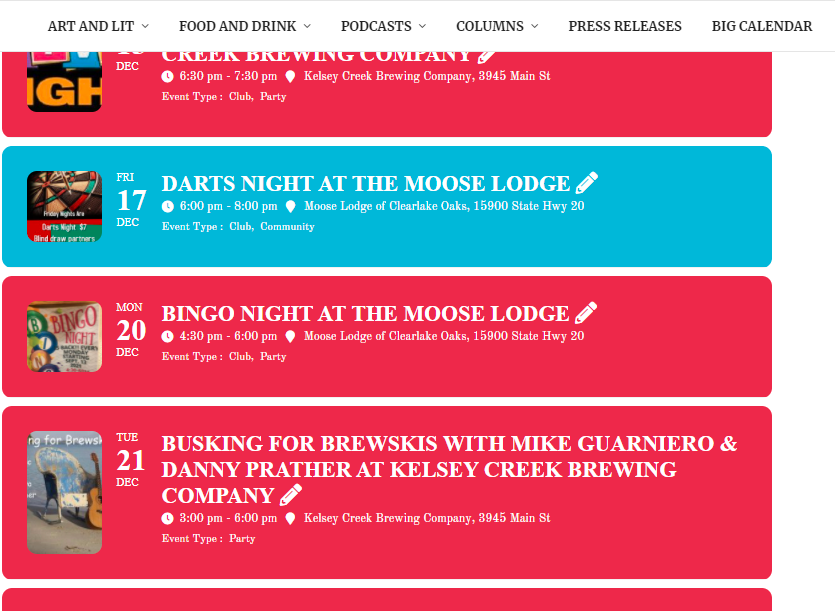
unless you have had someone customize eventon for you – you will need to update eventon to the latest version
you are currently using eventon 2.9 which is from 8/7/2020
we are up to 4.0 now- lots of changes
https://docs.myeventon.com/documentations/eventon-changelog/
also full cal to 1.1.13
event slider to 2.0.3
eventds list extended to 0.21
weekly view to 1.1.5
So deactivating the older version and deleting- then uploading the new version and activating isn’t working for you?
Because this is a business and it costs money to develop
Hi Artem,
Sorry for not replying to this back in July 2020. The issue was somehow corrected, though I doubt I had the technical skill to execute your last suggestion which linked to this documentation.
The issue is rearing its head again. I’m trying to update Eaglecrest’s Operating Schedule, and I cannot get the events to appear on Full Cal at skieaglecrest.com/calendar. December 2021 and April 2022 work. But January 2022 and February 2022 months won’t load. I haven’t finished loading in March 2022 operating calendar events, as it seems like the effort might be in vain.
Originally, I created a event with this URL https://skieaglecrest.com/events/open. This event had 90+ custom repeat intervals, one for each operating day at the ski area. However, I ran into the issues with January, February, and March. These three months have the most operating days. December and April work, and these two months have the least operating days, so less repeating intervals.
I then tried this work around, creating a new event, one for each month, with only repating intervals for each month. But the same issue, months with 20+ repeats won’t load on Full Cal at skieaglecrest.com/calendar
OKAY – https://skieaglecrest.com/events/open-december/
BAD – https://skieaglecrest.com/events/open-january/
BAD – https://skieaglecrest.com/events/open-february/
INCOMPLETE – https://skieaglecrest.com/events/open-march/
OKAY – https://skieaglecrest.com/events/open-april/
Hola. Any updates? A week passed by. I am losing business.
Thanks
I forgot to add the access info for the http-protect
Http-protect
user: academeet
pass: polombia2022
ohh sorry I forgot about that
Http-protect
user: academeet
pass: polombia2022
ok , thanks Artem, I just add this so Ashan get more info , I have Locotranslate installed and I am using it for all the other plugins but not for eventon , as last time (if you can check some past support tickets, with the loco translate enable with event on , I had a problem in witch the backend of eventon will disappear) so I use the languaje translate native on eventon , but cant find this strings to translate them.
I can now choose what color settings I want, but nothing is adopted. I am really frustrated. I really don’t have time for the constant problems …..
This is what the calendar of events looked like until yesterday evening.
https://www.olching-kom.de/event-directory/
Suddenly the settings are gone and I can no longer change them.