Thank you for your messages, I am going to assign this ticket to Ashan and he will be able to take it from here and find you a solution. Please allow some time for him to get back to you.
Archives: Replies
Replies for tickets on suppota
Reply to: tickets(254716)
[add_eventon tiles=”yes” tile_count=”4″ tile_height=”300″ tile_style=”1″ tile_bg=”1″]
specifically
create your shortcode and for the tab layout add this
tiles=”yes” tile_count=”4″ tile_height=”300″ tile_style=”1″ tile_bg=”1″
if not please post wp-admin access
Reply to: tickets(254714)
can you install 4.0 onto the staging site so we can diagnose
Reply to: tickets(254718)
can you send us a direct link to the page in question
the links you provided go to non existant pages
Reply to: tickets(254719)
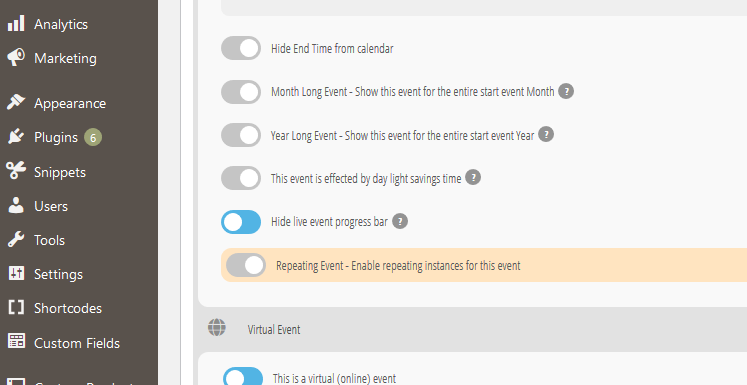
Here’s a screenshot of how it looks.
Reply to: tickets(254714)
Hi guys, I managed to get version 3.1.7 from my staging and loaded this so the calendar is working again on my client’s site. 4.0 causes the calendar to fail to load.
Reply to: tickets(254607)
Ashan,
Could you check 4?
Why it works https://arsmagna.es/conciertos-programados/ (ticket https://helpdesk.ashanjay.com/ticket/after-updating-to-4-0-text-and-tile-and-top-background-have-turned-white/), but doesn’t in this ticket.
Reply to: tickets(249995)
Unfortunately, no. In order to request a refund, please create a new ticket under Billing & Accounts and be sure to include the order ID for which you need a refund for and the reason for requesting a refund.
Reply to: tickets(254582)
Dear Ashan,
1) Earlier, I wrote for you to improve the feature of choosing more than one seat for reservation, and I asked if you could do it for a fee. I didn’t get any response to either of them.
2) As I have already said, in order to price the seats in blocks, it is necessary to create a new block. For example, if you try to change the prices in the blocks you have created with the seat editor, you will see that this will not happen.
You’ll appreciate that we can’t recreate seat blocks for every event. So we need to use the same seats template by duplicating the event. In this case, too, we cannot give new prices to the blocks.
Thank you very much for your interest.
Reply to: tickets(254607)
Hello,
1. Please follow this guide: https://docs.myeventon.com/documentations/why-my-site-and-eventon-page-loading-slow/.
2. Please apply this patch: https://helpdeskx.s3.amazonaws.com/wp-content/uploads/2021/10/11065202/Screen-Shot-2021-10-08-at-11.45.09-AM-1.png.
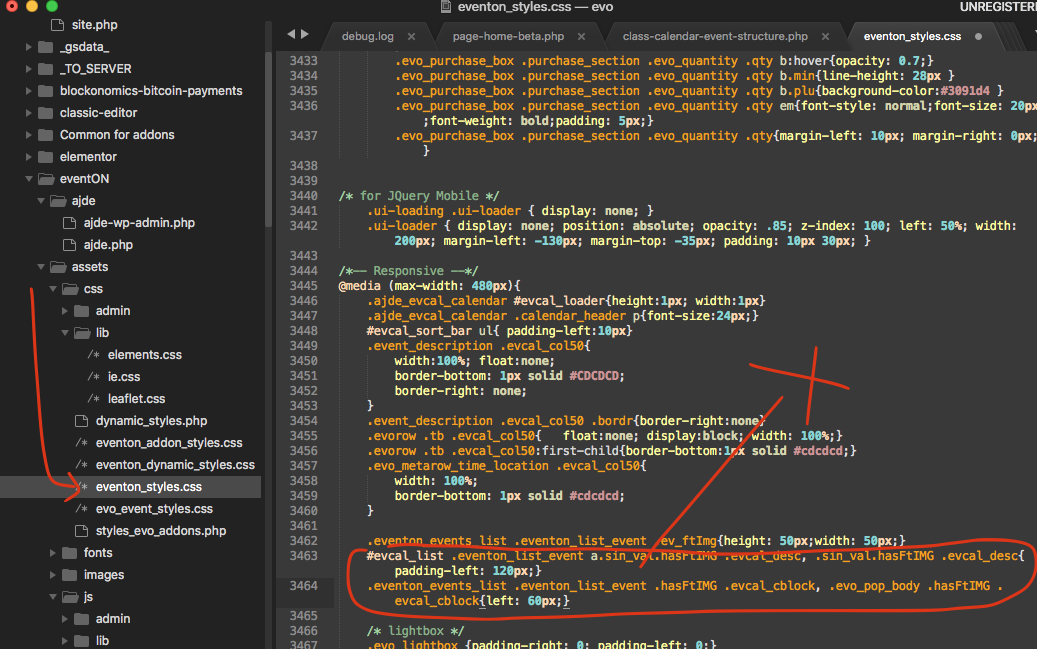
3. Seems to be working correctly:
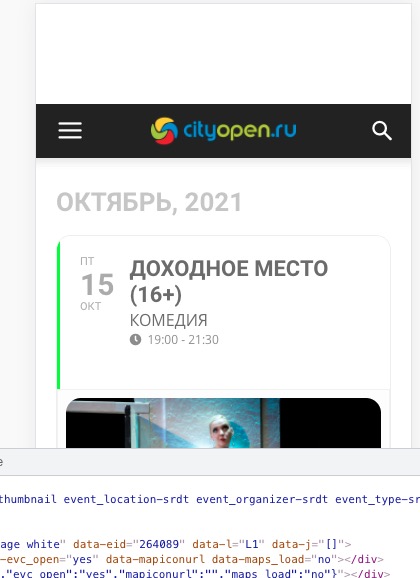
Could you try cleaning cache?
4. Please allow us time to fix this. eventtop_style=”0″ should help except it seems that there are can be issues in some cases.