Hello,
Please add this CSS code to EventON > Styles (If you don’t see any change, EventON > Scripts & Styling > turn off Write styles to header > save settings > turn on Write styles to header):
.post-type-archive-ajde_events .wrapper.evo_archive_page { max-width: 960px; margin: 0 auto; }
Hello,
Can you please send us a direct link to where the actual issue is happening?
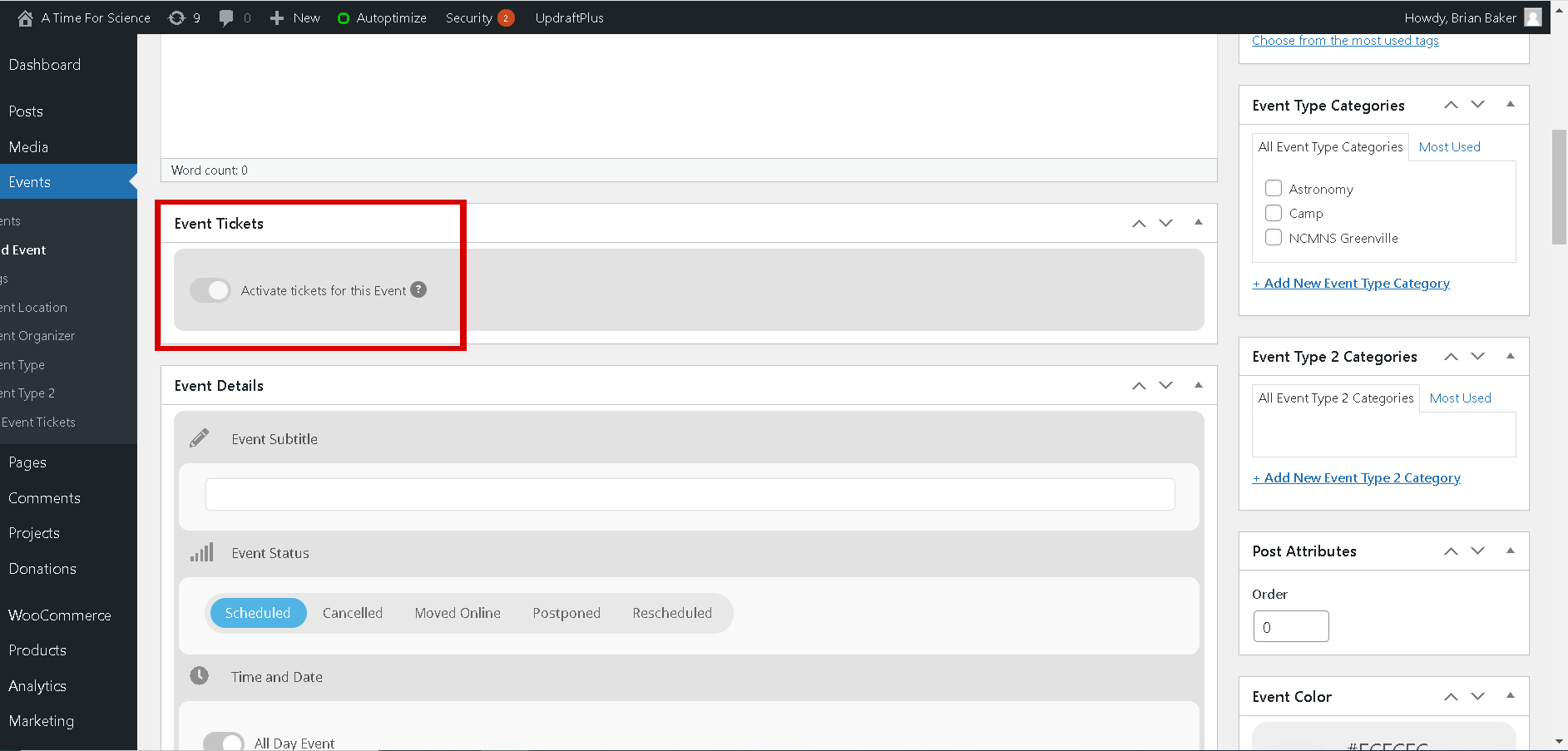
Actually, going through the EventOn settings I found that none of the setting options are responding to my mouse clicks.
Hello,
You don’t need to select L1 or L2 manually. Please add lang=”L1″ to the shortcode and EventON sets “Language for Event” automatically:
[add_evo_submission_form lang=”L1″]
OR
[add_evo_submission_form lang=”L2″]

d06344a1-0a85-4138-9f32-9f2d5cf5aab code canyon.
How Reduce the width of the calendar?
https://www.paysdechateaubriant.fr/events/
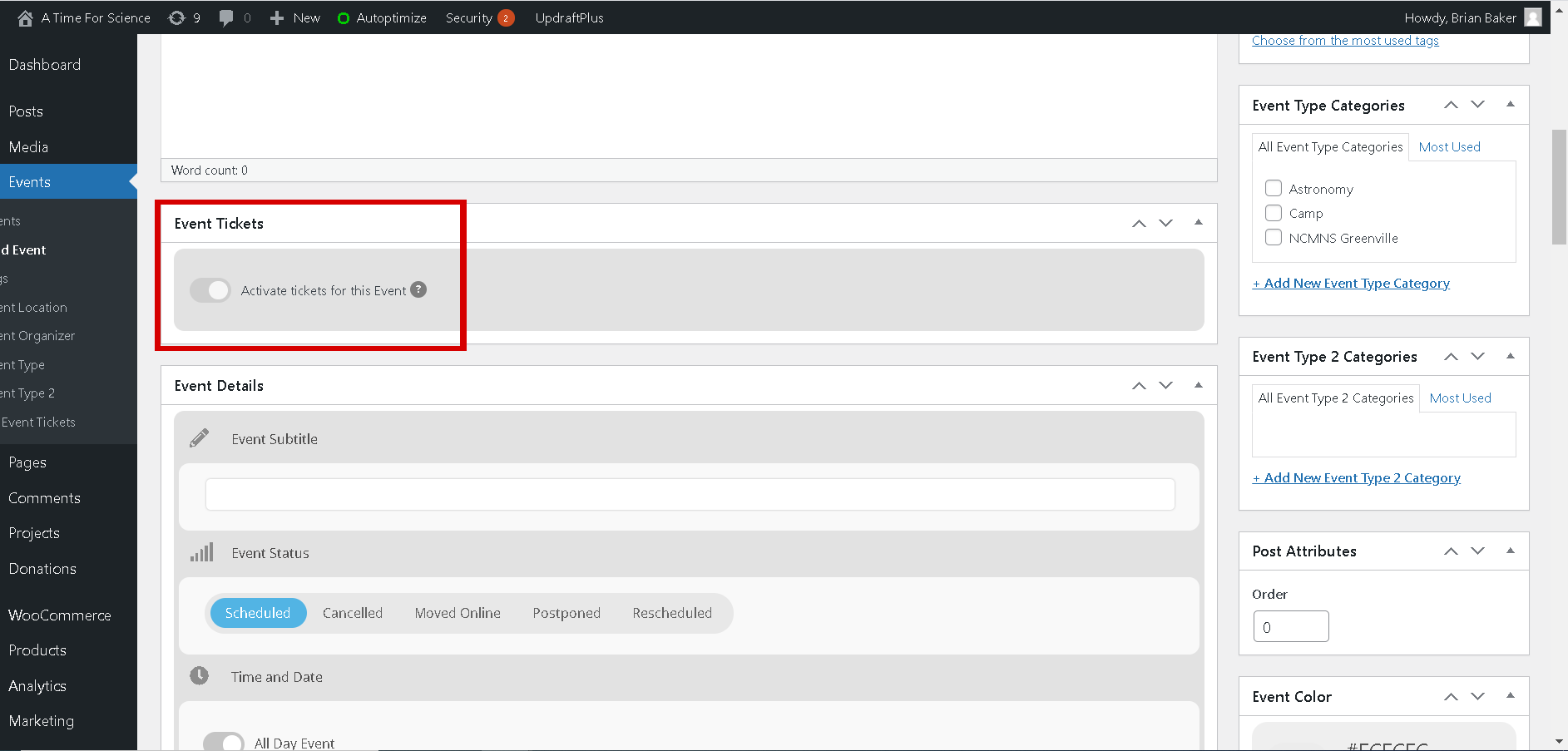
That worked to get the plugin activated. But I am still having an issue where I can not activate the tickets on the event setup page. I have attached an image with the problem. The button to turn on tickets is not responding.
“Load More” shows the rest of the events in increments. If you want to increase the amount of increments please add a bigger number to event_count. If you put 15 or 20 to event_count it should be more than enough for users to see all events in a couple of clicks.
The difference is that Ext add-on loads events from multiple month in a single list. So customers need to press only one button.
Thanks. He can use allyson9@mac.com or allyson@embodiedpresent.com
Hopefully one of those will work!
Perfect! Please keep us updated.
Thank you very much.
There is no IP blocking.
Have a nice day.
