Hi Colin,
You will have to purchase that addon in order to use it
Replies for tickets on suppota
Hi Colin,
You will have to purchase that addon in order to use it
Hi there,
Please add this to the shortcode below:
eventtop_style=”0″
As for the event image size, add the custom CSS code below to Appearance > Customize > Additional CSS to fix the issue
.eventon_events_list .eventon_list_event .ev_ftImg{width:75px; height:75px;}
Hello,
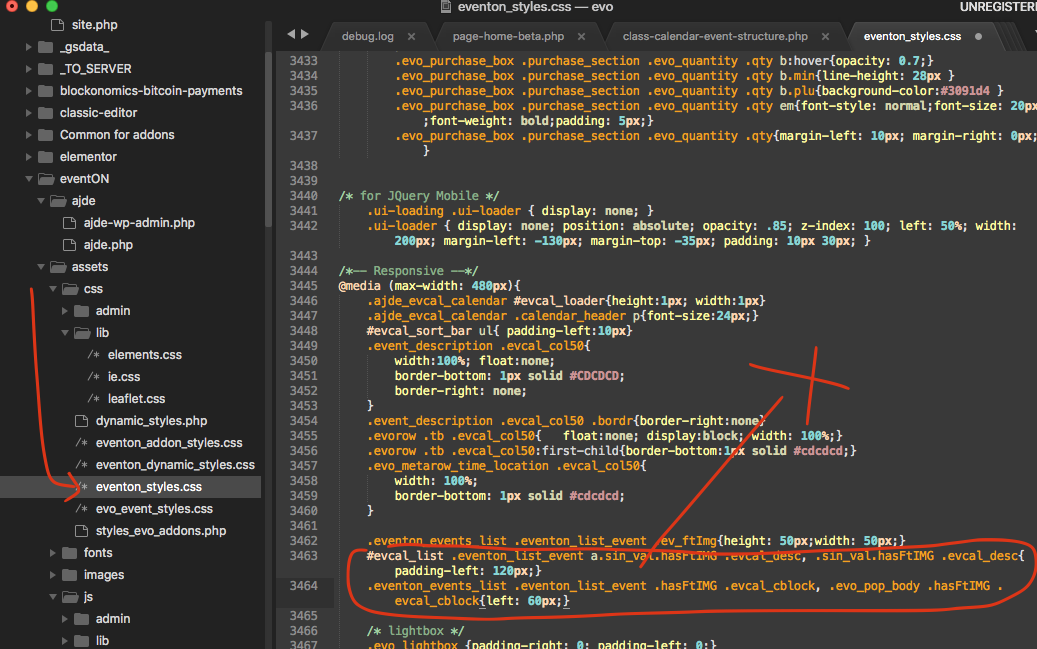
Please use the patch fix below:
Yes. I was hoping that with EventOn I was getting the full calendar view as well, but it seems not
Hi Kenneth
Thank you very much for your help! Now it works well. Please to end, could you show me how to change the width a the single event pages on mobile? It has a lot of left and right padding and makes difficult for my clients to read the event info.
Thank you again
I will send you Screenshots from 3 … but I have to reinstall 4.0 first, and then I do the downgrade again.
Have to do it tomorrow …
Please take a look at this guide: https://docs.myeventon.com/documentations/auto-complete-ticket-order/.
Hello,
Thank you for your great suggestion, at the moment it is not supported. However please create a new ticket and select Feature Request as category so others can vote on your idea and get it moved into development faster.
Could you send us a screenshot of 3?
Hello,
Please downgrade the plugin for now: https://helpdeskx.s3.amazonaws.com/wp-content/uploads/2021/10/09115157/eventON-28.zip