Hi Artem, the + – button for mobile does not work in real life. People want to pinch to zoom, or better yet not zoom at all. Even if they find the zoom, going back to the map is very unreliable. (many device errors, older devices / older browsers).
For the same reason web masters don’t add a + – button for every desktop site just to lazily turn it into a “usable” mobile site, the client didn’t like the + – button as a shortcut to a “mobile design”.
But of course I understand you’re looking at this from a limited resource stand point, I’ll do as you say, and hope to see a better mobile UX some time in the future while we’re still licensed
This is a membership site. I require an email address to create a user account for you.
How are you logged in?
Thank you,
We are glad your issue is resolved, if you have any further questions or concerns please create a new ticket.
If you have a moment, we would greatly appreciate if you could kindly leave us a review at codecanyon! from your account > downloads. Cheers!
Hello,
Could you send us Order ID?
About renewal refunds. Please check https://docs.myeventon.com/documentations/terms-and-conditions-and-refund-policy/ > 7. Subscriptions & Automatic Renewal > 7.4 Subscription Refunds. A renewal reminder mail was sent before the charge was made. We had given you opportunity to cancel if you didn’t want the renewal.
Thanks a lot!
I used this slider, but my client missed to set it to “Ticket order”. Is there a way to set a backend order manually from “non-ticket” to “ticket” after the order is created?
Thanks.
Please go to https://dev.myeventon.com/wp-admin/post.php?post=111499&action=edit > scroll to bottom > find Tickets > OPEN SEAT MAP EDITOR.
Hello,
I cannot check the page because of
RESTRICTED CONTENT
Even when I am logged-in. Could you check?
oups sorry, it seems indeed that it comes from there… I will check
Hello,
We are very sorry for the delay.
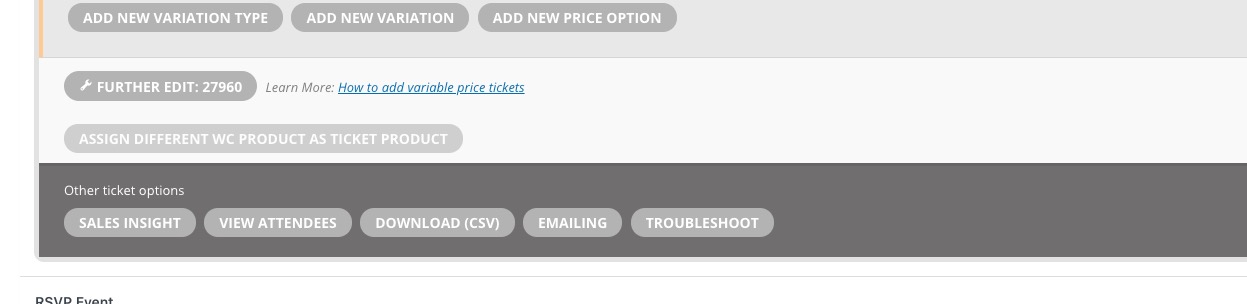
What you can try is to go to Edit Event > Tickets > ASSIGN DIFFERENT WC PRODUCT AS TICKET PRODUCT > update the event:
Make sure that Ticket SKU is correct.