also, have you a solution to contact paypal? I don’t find where to ask this question
thank you for help – very needed
Replies for tickets on suppota
also, have you a solution to contact paypal? I don’t find where to ask this question
thank you for help – very needed
Hello,
We are very sorry for the delay. Ashan will check this ASAP.
Hello,
We are finishing testing it, so it should be released very soon.
did you have a look on our admin? I would be very surprised that it comes from paypal…
We are glad your issue is resolved, if you have any further questions or concerns please create a new ticket.
If you have a moment, we would greatly appreciate if you could kindly leave us a review at codecanyon! from your account > downloads. Cheers!
Hello,
We are sorry for the delay. I’ve assigned this ticket to Ashan. He’ll check this ASAP.
Hello,
We are sorry for the delay.
What you need to do is to enable WP_DEBUG https://docs.myeventon.com/documentations/how-to-debug-for-php-code-errors/ and then look for similar errors: https://www.wpbeginner.com/wp-tutorials/fix-wordpress-memory-exhausted-error-increase-php-memory/ > What is WordPress Memory Exhausted Error?
After finding some you can see how many memory it needs and change php.ini on the server accordingly.
Please take a look and let us know.
About the performance. Please check this guide https://docs.myeventon.com/documentations/why-my-site-and-eventon-page-loading-slow/
Perfect! Do you need our help in anything else or can we close the ticket?
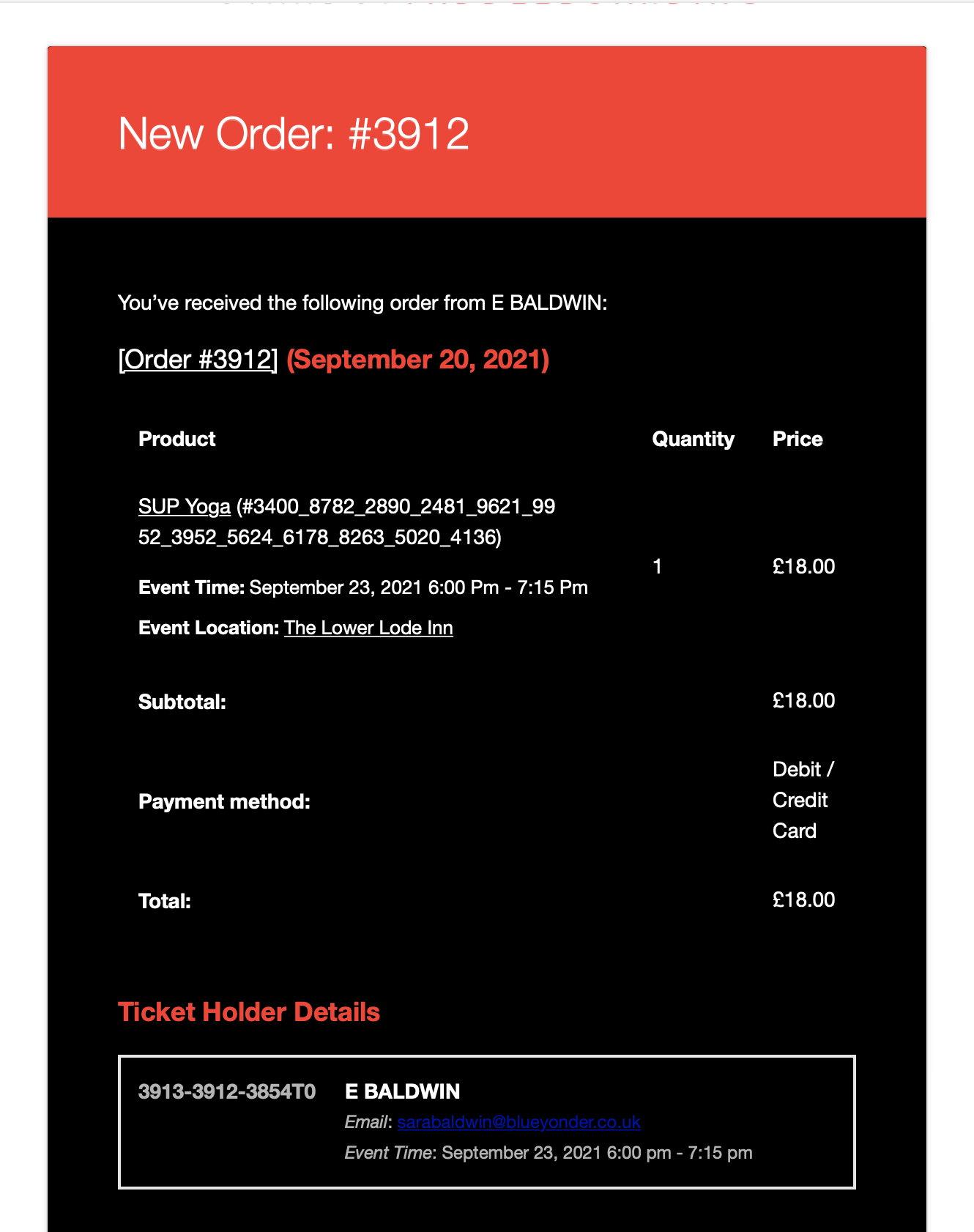
Hello,
This is the New Order notification we recieve, with no information of what variation of the ticket has been purchased. It should either say, Adult, Junior or BYOB and the quantity of each.
Screenshot attached.
Thank you for the above, however it doesn’t solve the problem on our site.
Is it possible you could try the above on this specific event and test?
https://www.supgloucester.co.uk/events/beginner-lesson-test/
You’ll see the problem I’m getting. The “Could not add ticket to cart, please try later!” warning does not appear and it’s not until you go to checkout that you realise the tickets haven’t actually successfully gone to cart.