Hi,
Use the custom CSS code below
h5{color:#fff;}
Add the code in Appearance > Customize > Additional CSS
Replies for tickets on suppota
Hi,
Use the custom CSS code below
h5{color:#fff;}
Add the code in Appearance > Customize > Additional CSS
I tried using, ” hide_so=”yes” and it didn’t do anything. Yes, I would rather just change the category to white. It seems the theme is over riding. I can change to white in DevTools.
Hi Helen,
I have cleaned up the code, please check now.
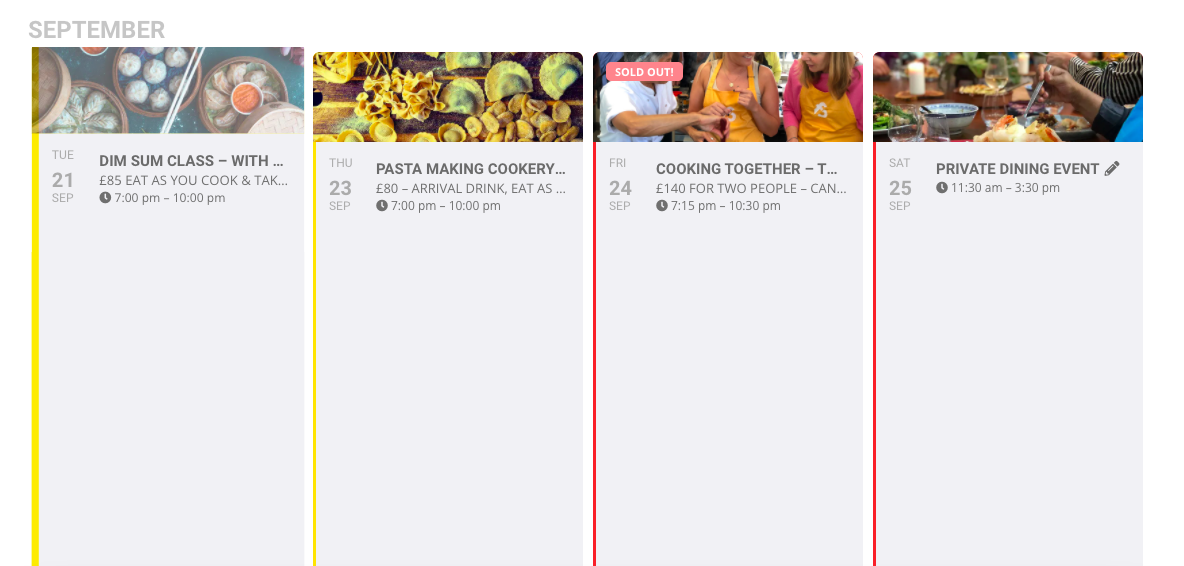
I’ve registered for login so ignore the message!!
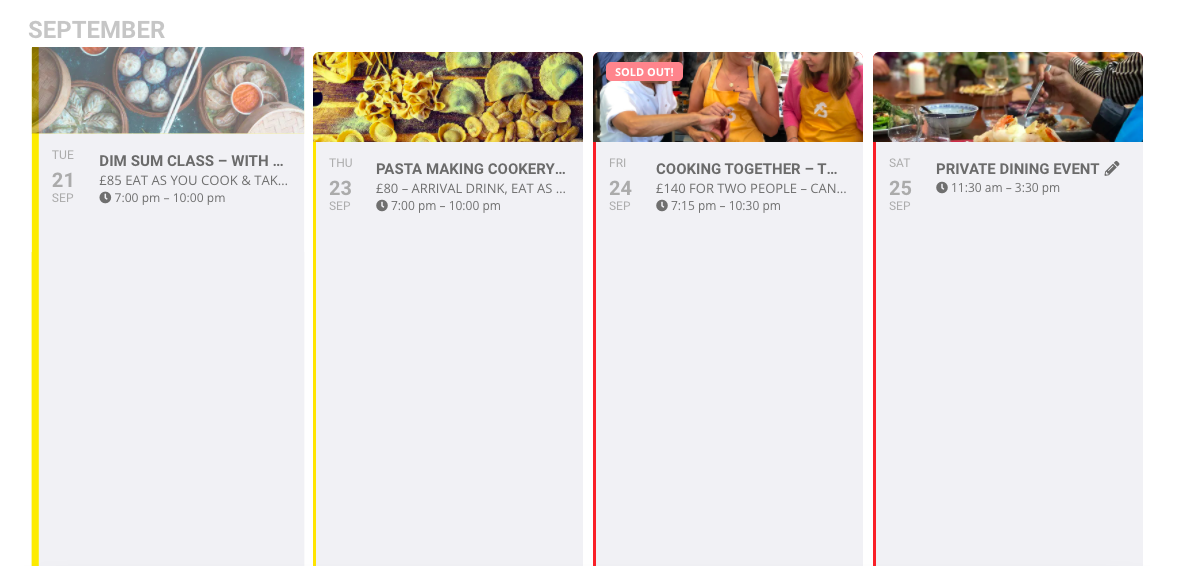
The attached image is from page https://www.foodsorcery.co.uk/upcoming-events/
I added the code ux_val=’4′ but when I click the event a blank box comes up
Thanks
Helen
Hello,
I am not sure what you are requesting, but ideally you should be able to change the colors using custom CSS. Just to make sure we are on the same page, please send a screenshot and direct link showing the event colors you would like to implement as opposed to what is currently being displayed.
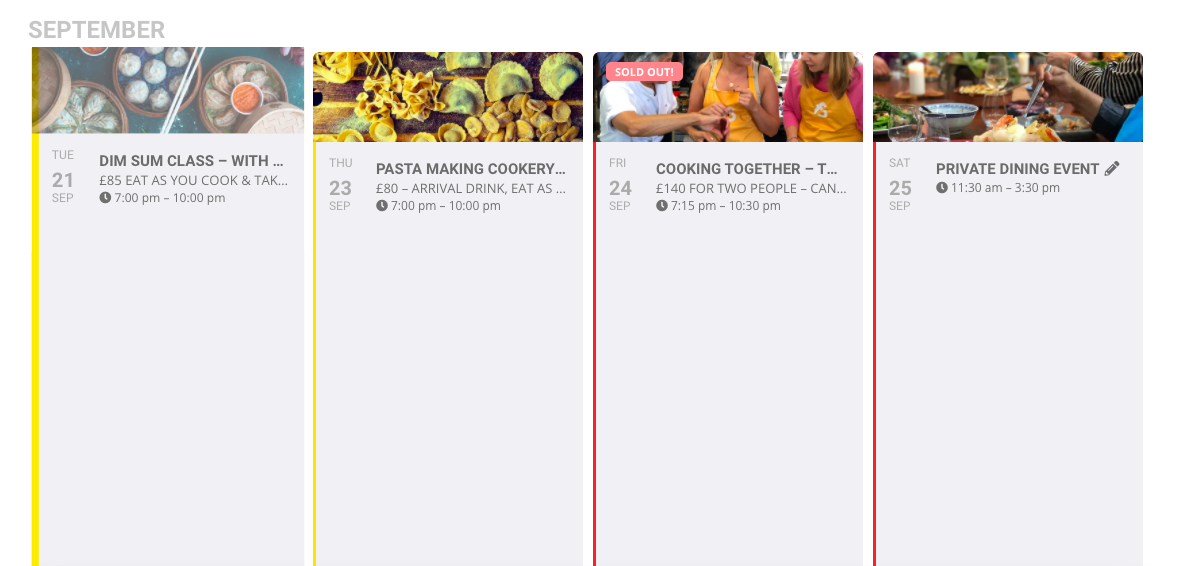
Hi,
Could you let me know which login to use for Please try it on https://dev.myeventon.com/wp-admin/
Thanks
Helen
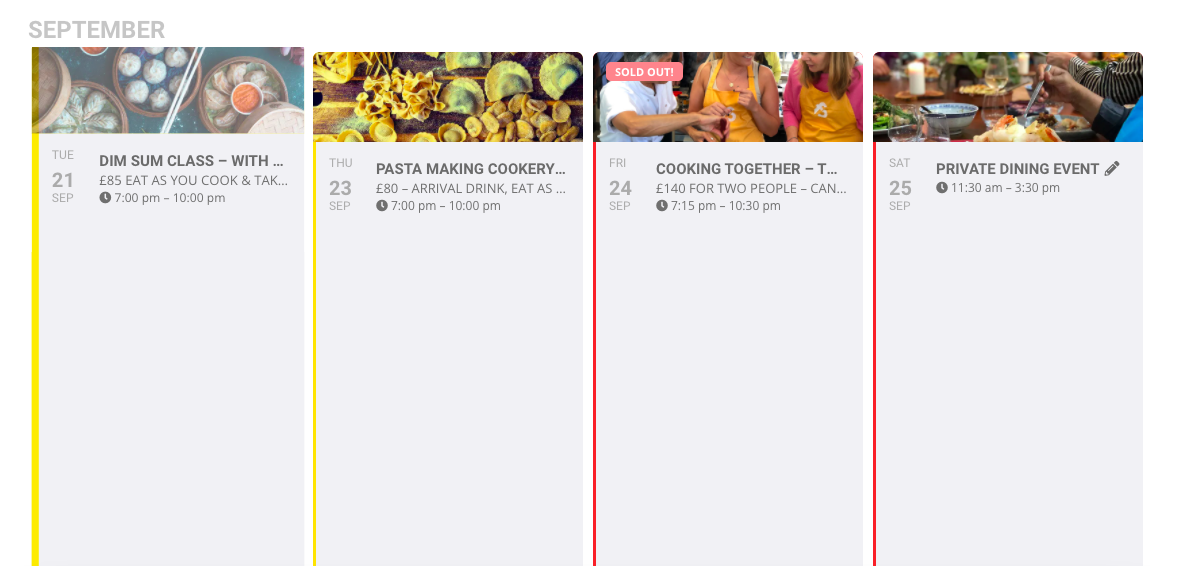
This is a screen shot from page https://www.foodsorcery.co.uk/upcoming-events/
I added ux_val=’4′ to the shortcode but when I click an empty box appears.
Thanks
Helen
Hi Michael,
I am also seeing the same error on the console
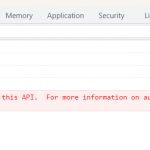
Please see this tutorial on how to generate the API key properly
Hi Ondrej,
I am sorry but we do not provide older versions of plugins. I would advise that you update Eventon to the latest version so that you can use the Event lists Ext addon.