Ah, you only have two event. In that case it works now.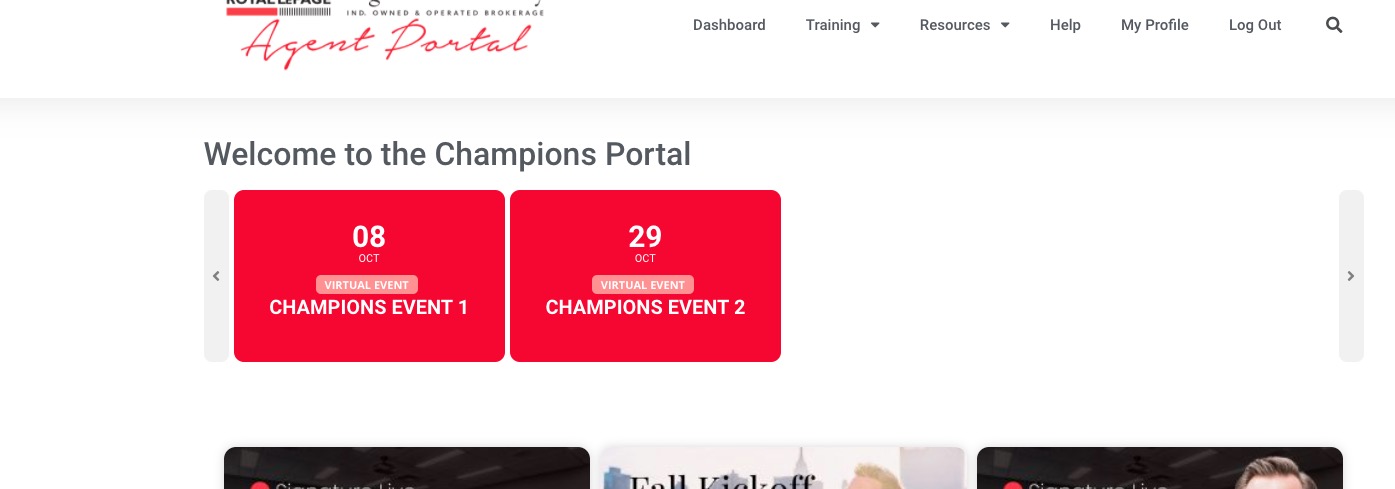
Archives: Replies
Replies for tickets on suppota
Reply to: tickets(251991)
It should work now. Please make sure to have more than 2 events assigned to Event Type 288: https://portal.royallepagesignature.com/wp-admin/edit.php?event_type=champions-event&post_type=ajde_events
Reply to: tickets(245323)
ok thank you
Reply to: tickets(251814)
Ok I did that.
Also I tried it with that setting (write to… ) on and then tried it with it off. Also purged all cache in between testing. Still not working.
Can you log in to my site? I believe I did provide the login details.
Reply to: tickets(251991)
I just did. Still not showing any events. Any other suggestions?
Reply to: tickets(251814)
I found a different solution. Please add this CSS code to EventON > Styles (If you don’t see any change, EventON > Scripts & Styling > turn off Write styles to header > save settings > turn on Write styles to header):
.evosliderbox.ajde_evcal_calendar .eventon_events_list .eventon_list_event .evcal_list_a { background: rgba(0,0,0,.45); }
Reply to: tickets(252133)
Hello,
Thank you for your great suggestion, at the moment it is not supported. You show Past or Upcoming events.
However please create a new ticket and select Feature Request as category so others can vote on your idea and get it moved into development faster.
Reply to: tickets(252120)
In order to request a refund, please create a new ticket under Billing & Accounts and be sure to include the order ID for which you need a refund for and the reason for requesting a refund.
Reply to: tickets(252135)
Hello,
Could you please try this instruction from the other ticket:
Hi guys, it’s working now. Turns out the issue wasn’t old vs new events, it was that I had set the recurrances to 9999 instead of 99. I tested it: Set the recurrances to 99, Paypal worked, increased it to 9999, Paypal broke, dropped it back to 99, Paypal worked again. Sorry for the mis-diagnosis, and thanks for the quick replies -Mike
Reply to: tickets(245323)
Sorry about that. Please try this one instead:
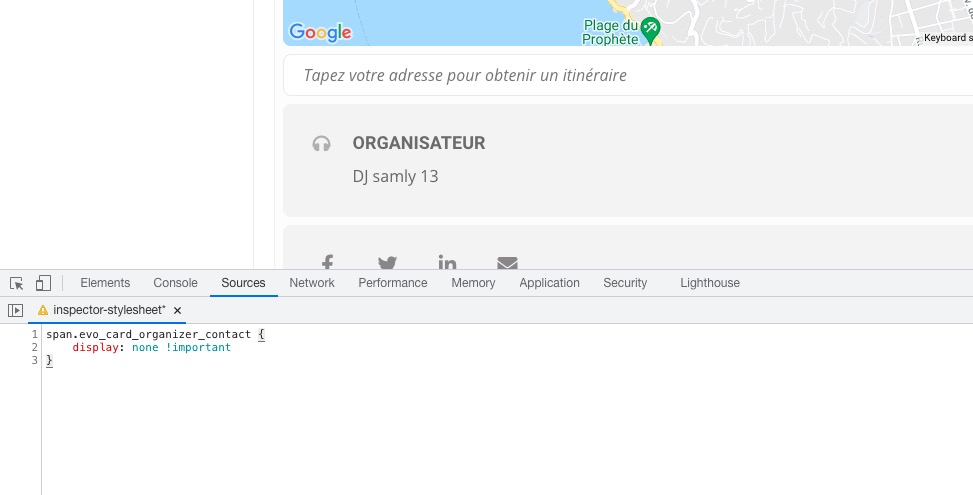
span.evo_card_organizer_contact { display: none !important }