For me it works for both shortcodes: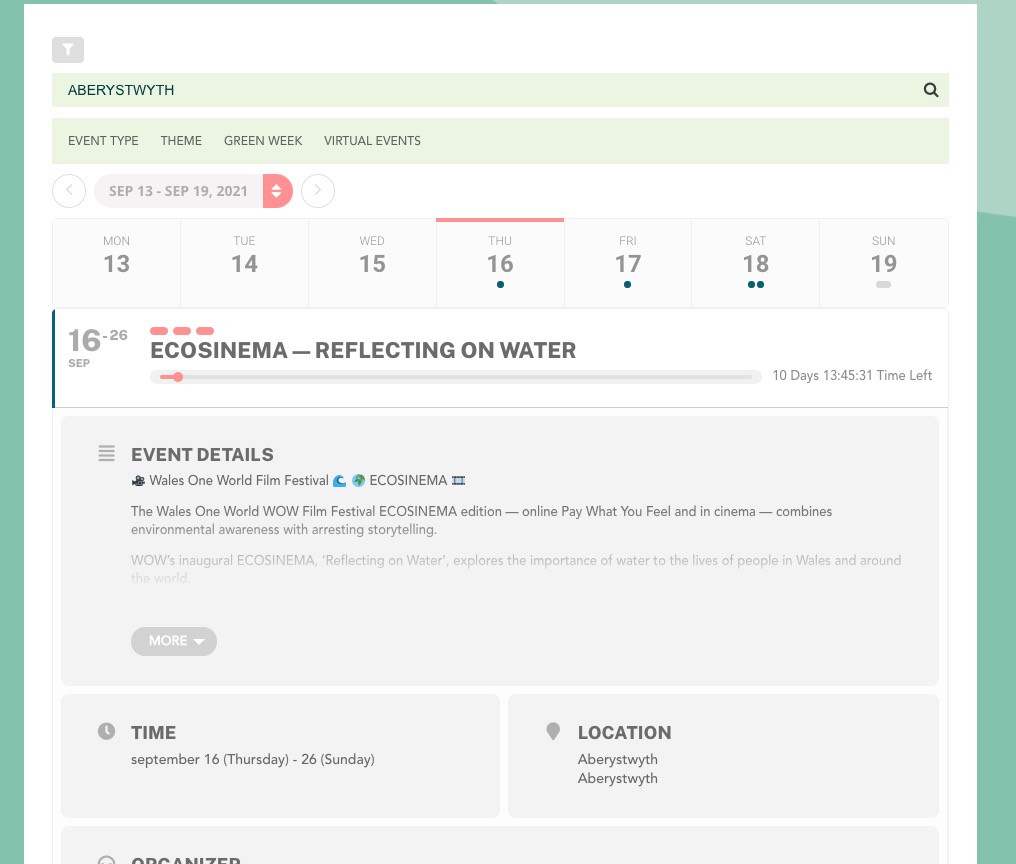
Could you send us a screenshot?
Replies for tickets on suppota
For me it works for both shortcodes:
Could you send us a screenshot?
The thing is that you don’t really need to activate them in order to test. If you need to use Shortcode Generator, just go to your live site and check it in EventON Settings > Shortcode.
Unfortunately, we unable to help with customizations. You can submit a customization request to 3rd party developers via Customize EventON Page.
Hello,
Please send us wp-admin access to your site as a private message for us to further assist your situation.
Hello,
Please follow the instructions in this documentation to activate debug in your site to see any PHP errors recorded that can provide insight on to whats going on. Please reply with a link to debug.log file. If you are not able to do this please send us FTP access to your site so we can do this for you.
Please help us 🙂
ftp/ssh:293418.web.tornado-node.net
Username: w293418
Password: Pagelook123+
Hi Jean,
Yes, that is correct. The end time is not being taken into consideration by the weekly view. As for the code kind of working, please feel free to play around with the values to see which one works for you best. It’s just a hack really, as both the start time and end time use the same CSS class hence cannot use that class to hide it.
please use coupon code EVO20T and that will get you 20% discount 🙂
therre is no account with the email “scorpiocrew@pm.me” do you have any order IDs? for past purchases that we can look up?
Yea I dont think it is an issue with new version. I think its a memory issue. Your AJAX call is just not returning anything.

please try this
https://docs.myeventon.com/documentations/increasing-wordpress-memory-limit/