This is the code from my single.php file. Can you edit as needed and send back? the directions are very fuzzy on this….
<?php
/**
* The template for displaying all single posts.
*
* @link https://developer.wordpress.org/themes/basics/template-hierarchy/#single-post
*
* @package Astra
* @since 1.0.0
*/
if ( ! defined( ‘ABSPATH’ ) ) {
exit; // Exit if accessed directly.
}
get_header(); ?>
<?php if ( astra_page_layout() == ‘left-sidebar’ ) : ?>
<?php get_sidebar(); ?>
<?php endif ?>
<div id=”primary” <?php astra_primary_class(); ?>>
<?php astra_primary_content_top(); ?>
<?php astra_content_loop(); ?>
<?php astra_primary_content_bottom(); ?>
</div><!– #primary –>
<?php if ( astra_page_layout() == ‘right-sidebar’ ) : ?>
<?php get_sidebar(); ?>
<?php endif ?>
<?php get_footer(); ?>
HI ,
It kind of work ( sometimes you will see this symbol – appearing )
But If I understand properly that mean that the switch hide_end_time (yes/no) is not taking in consideration by the weekly view, but do in standard calendar.
Can you confirmed ?
Thanks
Hi Artem,
hmm, I try again. I see I chose the wrong terms.
domain 1: Site is live. All licences valid and activated.
domain 2: Production site is under construction and needs to be fully productive for testing with all the plugins activated. Some vendors offer an option to have a second instance of a plugin activated for a short period of time to make testing possible without the need to buy a second licence which is needed only for e.g. a month during construction.
I assume that you do not offer something like that? So I have to buy another licence for building up my new site?
Last step, of course, is moving domain 2 to domain 1.
So what is the required proceeding? Buying a second licence for all the add-ons so I can use them during construction work under domain 2?
Have a great day!
Ralph
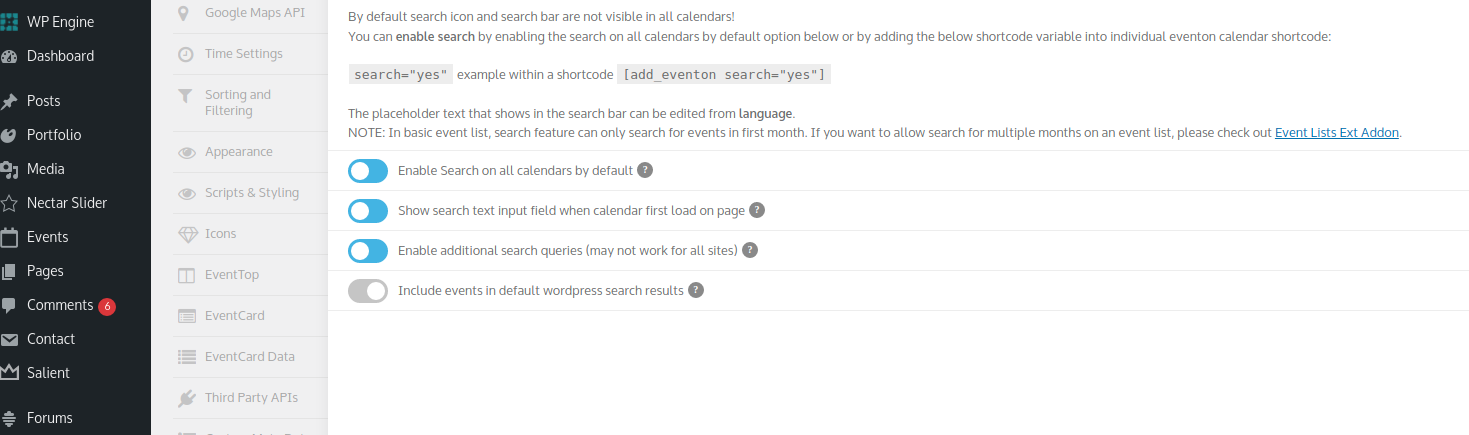
Hi, yes this is enabled, screenshot added.
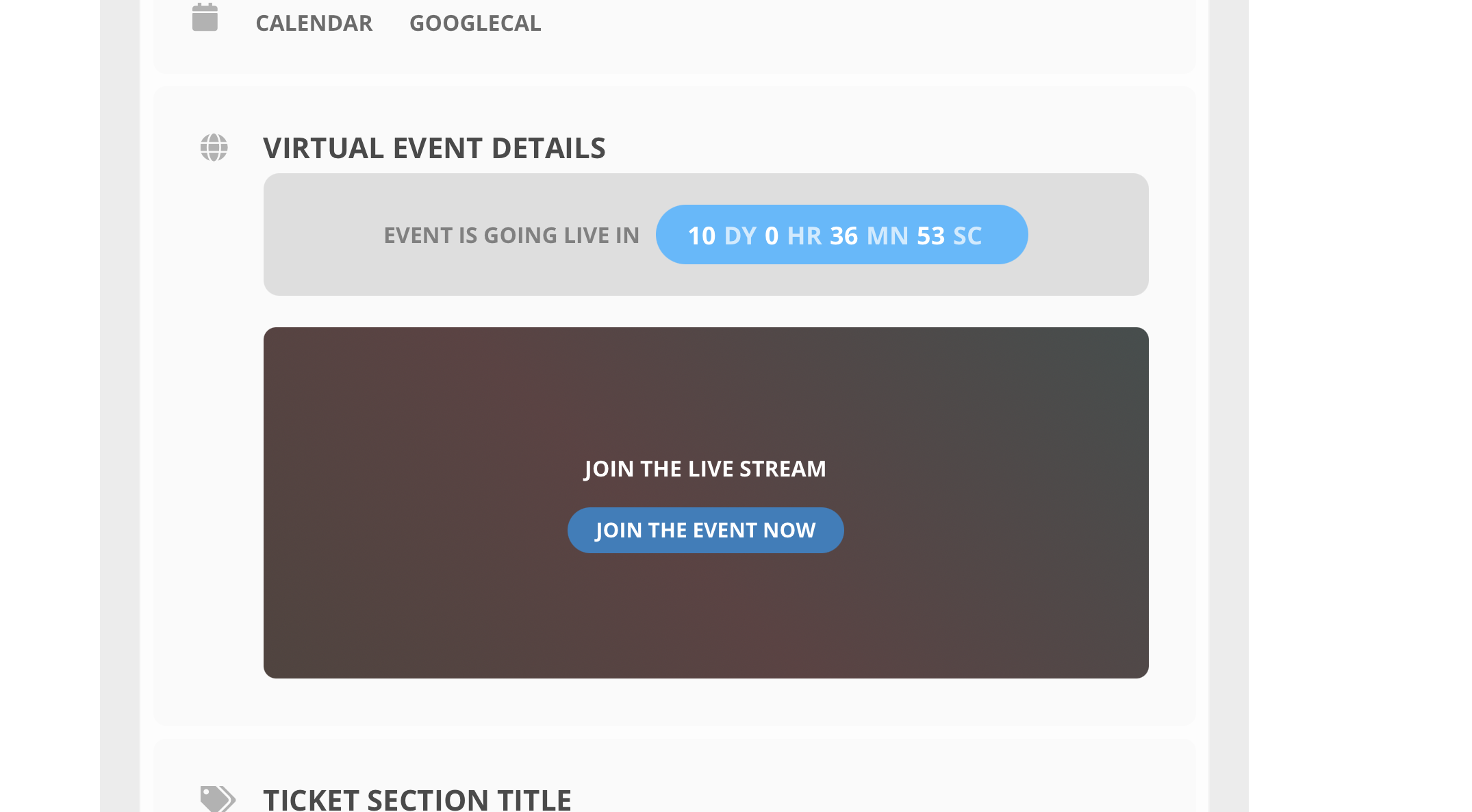
I did, and had sent a screenshot.
If i disable the theme and use a different theme the counter comes back.
see attached.
the developer of the theme is saying the errors are coming from the plugin files they are pulling?
Can we try disabling the theme for a test?
Hello,
Please add more tickets to Edit Event > Tickets > Total Tickets in Stock.
Hello,
Please add cal_id=”cal1″ to the shortcode first. After add this CSS code to EventON > Styles (If you don’t see any change, EventON > Scripts & Styling > turn off Write styles to header > save settings > turn on Write styles to header):
#evcal_calendar_cal1.ajde_evcal_calendar.boxy.box_2 .eventon_list_event { width: 100% !important; }
Hello,
Could you go to EventON Settings > Search > make sure that “Enable additional search queries (may not work for all sites)” is enabled?
Hello,
It seems that the best solution is to move the type using “position: absolute” CSS. Make sure to enable it first https://docs.myeventon.com/documentations/how-to-show-various-information-in-eventtop/