Please add this CSS code to EventON > Styles (If you don’t see any change, EventON > Scripts & Styling > turn off Write styles to header > save settings > turn on Write styles to header):
.evosliderbox.ajde_evcal_calendar.multiSlider .eventon_events_list .eventon_list_event .evcal_desc, .evo_pop_body .evcal_desc, #page-content p.evcal_desc { background: rgba(0,0,0,.3); text-shadow: 2px 2px #5a5a5a; }
You can remove either background or text-shadow.
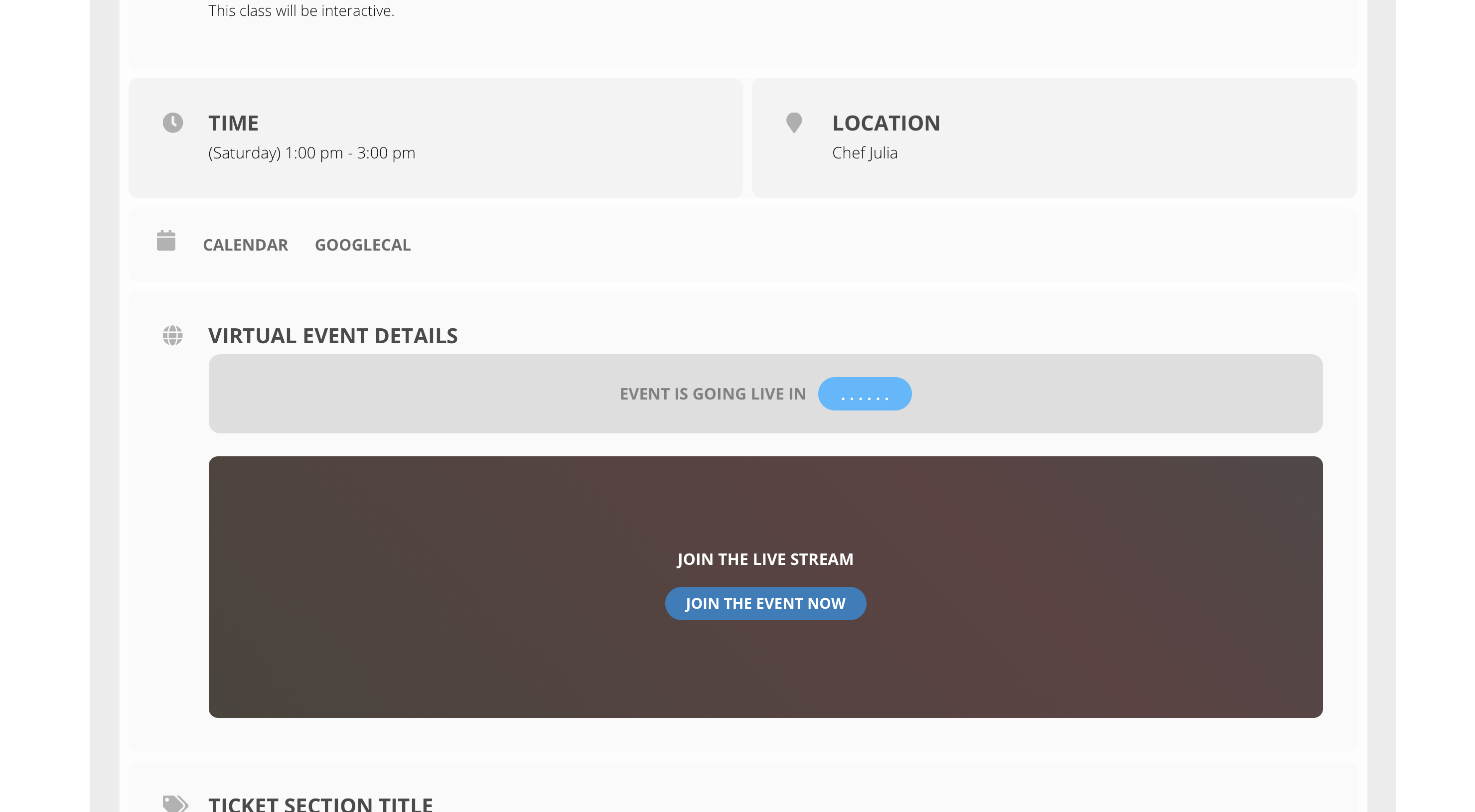
Ok, I’ve turned off all plugins and the issue still exists.
I swapped themes and the virtual event details begins to work in this area (see attached)
I put the child theme back, I even tried the parent theme and the timer does not work.
I’m being told the errors are coming from your plugin?
Thank you for helping me.
Thank u, looking at this!
Hey,
We did and we have asked highest priority 🙂
Hehy Morten,
We sorry for the delay, we check about this
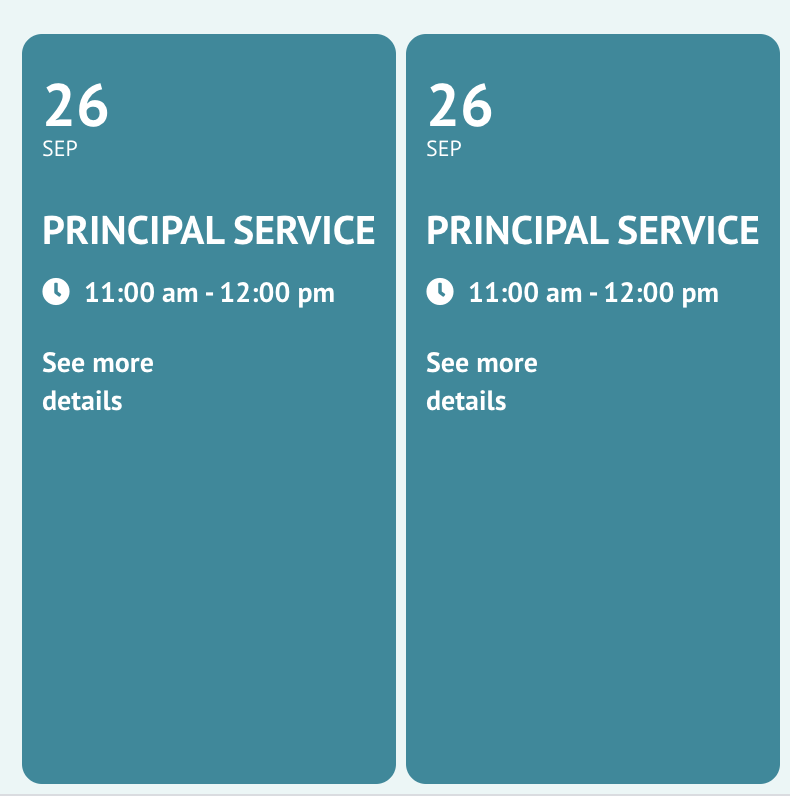
Hmm…that’s interesting. In the backend there appears to be only one instance of Sep 26, but on the home page there are two (screenshot attached).
I did choose that selection in the options section but it didn’t add it. Tried it again and seems to work now. The shortcode generator seems a bit buggy. Ok well it’s working now.
One more small question… how can I put a slight opacity colour between the white text and the background image so the text is easier to read. What is the css element I should use for that sort of thing? otherwise I have to edit all myimages to include a layer to make them a bit darker.
I’m ok figuring out the actual css…just need to know the name of the element to apply it to AND also where do I add the custom css…do you have a place in your plugin or should I just use the theme additional css option?
The problem is in this PHP error:
[15-Sep-2021 16:08:21 UTC] PHP Fatal error: Allowed memory size of 536870912 bytes exhausted (tried to allocate 2269184 bytes) in /home/twiligh2/jsc.sa/wp-includes/functions.php on line 5107
Please follow https://docs.myeventon.com/documentations/increasing-wordpress-memory-limit/
Please go to EventON Settings > Sync > Google Calendar > disable Disable existing event name check.