Hello,
It seems that the best solution is to use CSV Import https://www.myeventon.com/addons/csv-event-importer/. Create a new .csv file and fill it with empty events as text lines, then import it.
Replies for tickets on suppota
Hello,
It seems that the best solution is to use CSV Import https://www.myeventon.com/addons/csv-event-importer/. Create a new .csv file and fill it with empty events as text lines, then import it.
Hello,
Unfortunately, the only option available is “Disable Week Switching”:
[add_eventon_wv disable_week_switch=”yes”]
Hey Marci,
This would require custom work, we do not have a specific way to do it.
You can submit a customization request to 3rd party developers via Customize EventON Page.
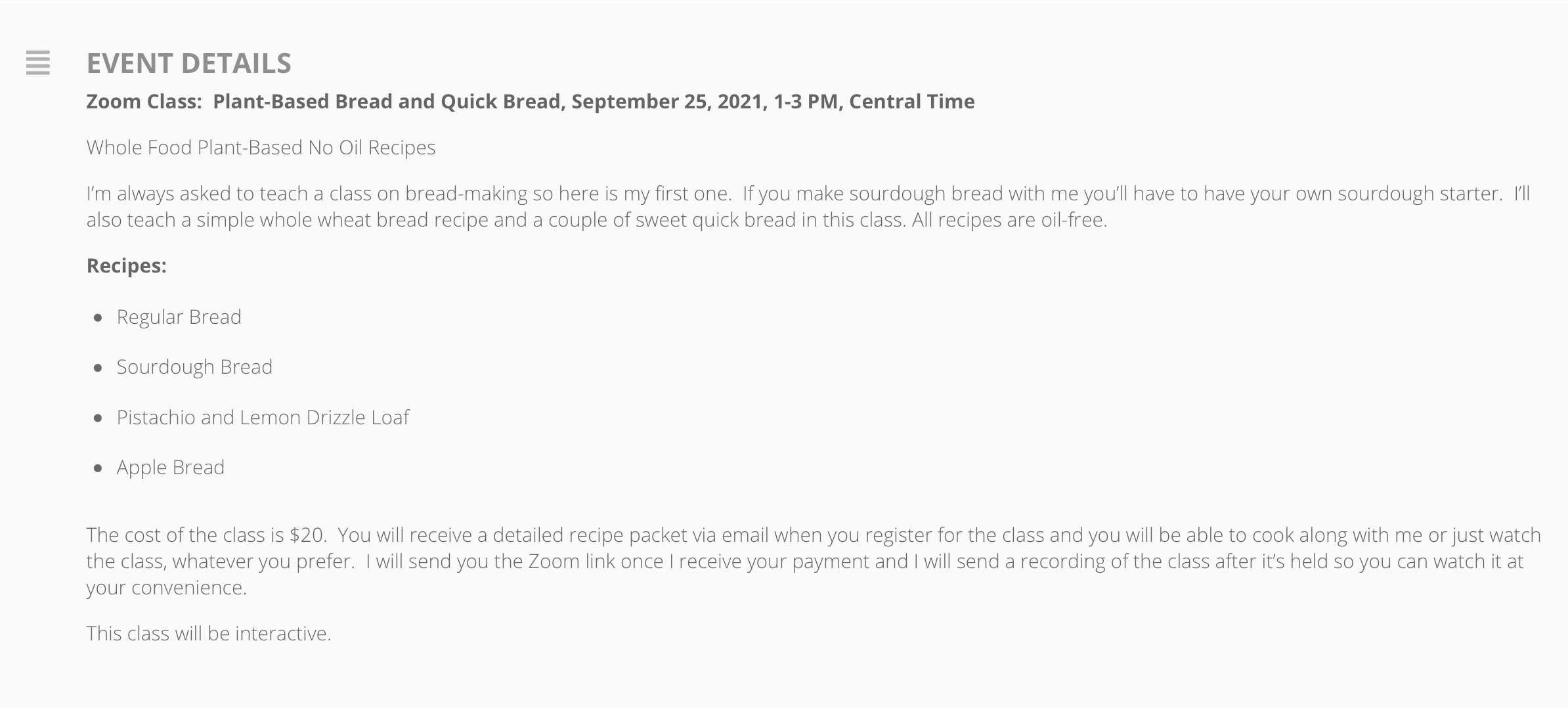
thank you. I like that you pointed me to the “show full event description” I LOVE that. Thank you.
but what I would like to do is change the font color of the full description. It’s so light, it’s a bit hard to read for the audience of this site. The average user is most likely 55+ so I would like to make the font darker in color for the entire description :). Is there a setting in the backend for that in EventON?
Hi Becky,
You can fix that by enabling full event description by going to myEventon > Settings > EventCard > Other Event settings.
Let us know if that helps.
Hello,
Thank you for your message, I am going to assign this ticket to Ashan and he will be able to take it from here. Please allow some time for him to get back to you, we greatly appreciate your patience and thank you for being a eventon customer!
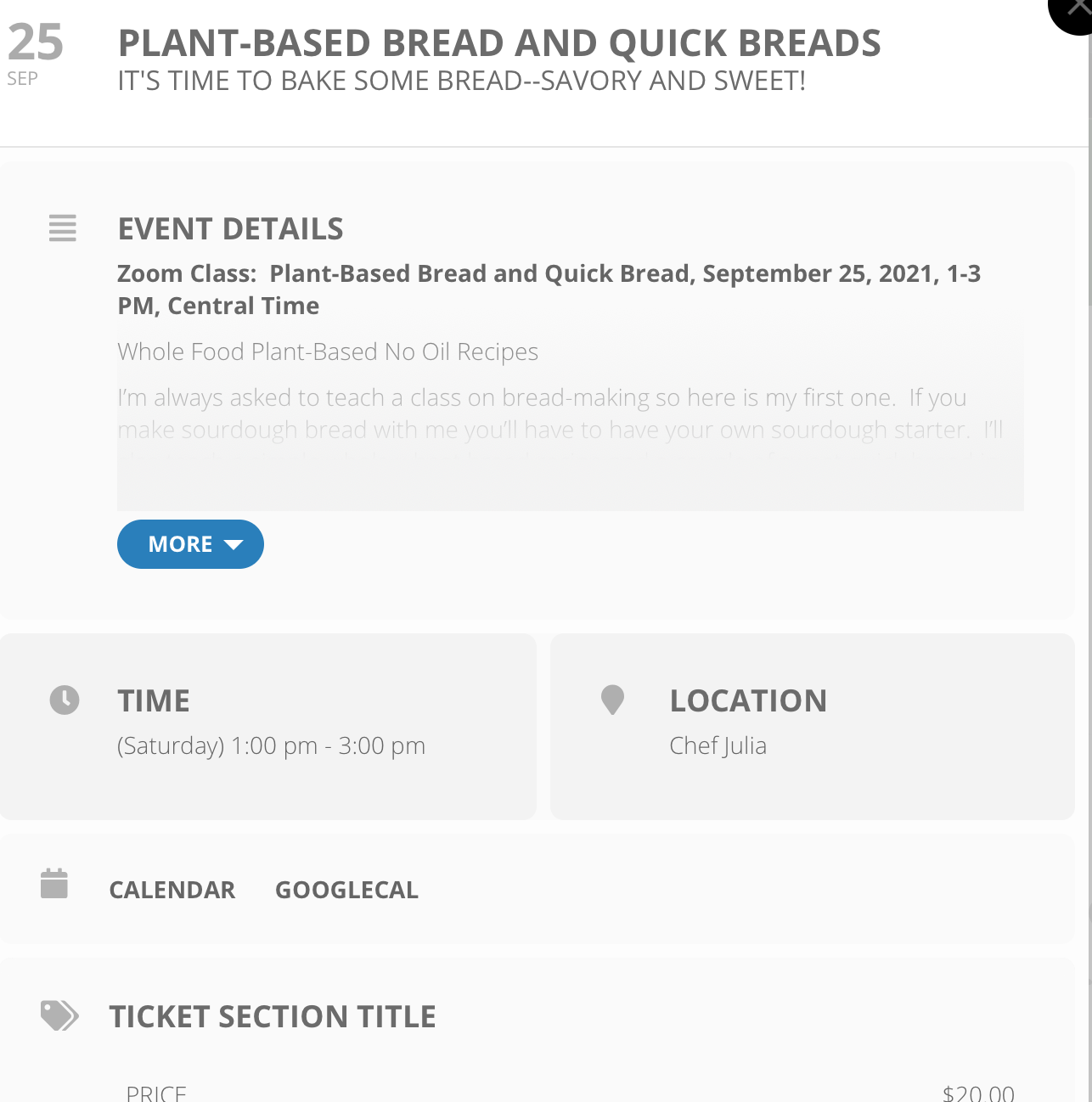
Amazing!!!!! thank you.
Can you show me where to update the body of text in the description area. See attached.
It’s very faint. Is there a setting for this? I’m just not seeing it.
Or do I just update it in the event page.
I can’t thank you enough
Hello,
Thank you for your confirmation, I am going to assign this ticket to Ashan and he will be able to take it from here. Please allow some time for him to get back to you, we greatly appreciate your patience.
Hi,
It’s the plugin: RSVP Events – Single Site × 1
Download: eventon-rsvp_2.7.4.zip
Could you please make the refund? I see it’s already charged on my credit card.
Thanks for your efforts.
BR
Cristina
Hello,
doesn’t it just work with RSVP? It would not make sense to activate an e-commerce system when it is to manage free appointments 🙂
We will be forced to find another plugin unfortunately …
Grazie
Davide