Thanks for the feedback. Is there also a way to create bulk dummy events?
Archives: Replies
Replies for tickets on suppota
Reply to: tickets(251698)
Hello,
1. Booking add-on requires Tickets add-on. WooCommerce is also required.
2. Admin must do this from wp-admin > WooCommerce > Orders.
3. Yes. Example of such confirmation email:

You can try it on https://dev.myeventon.com/wp-admin/
Reply to: tickets(251382)
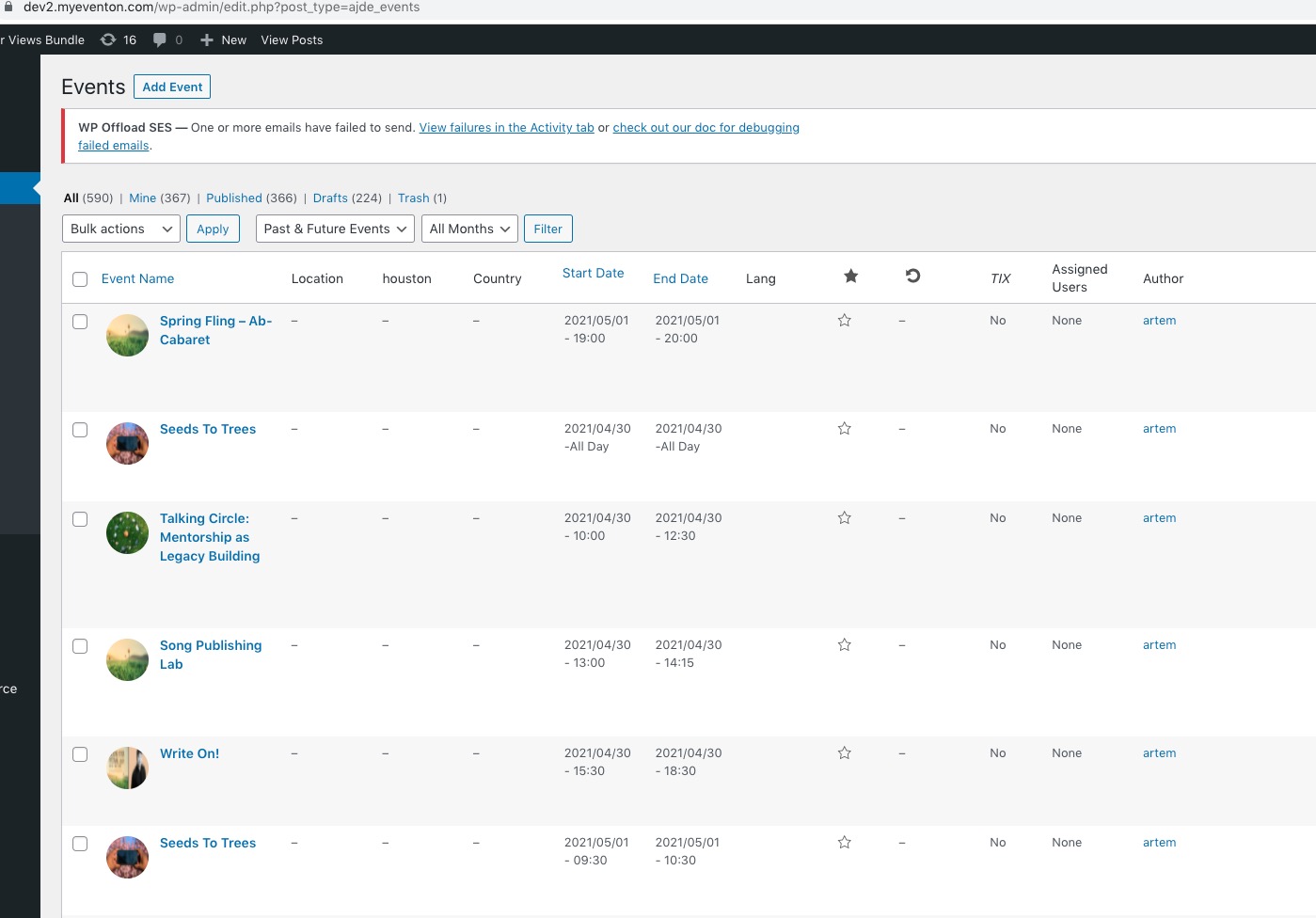
It imported everything correctly on our test server: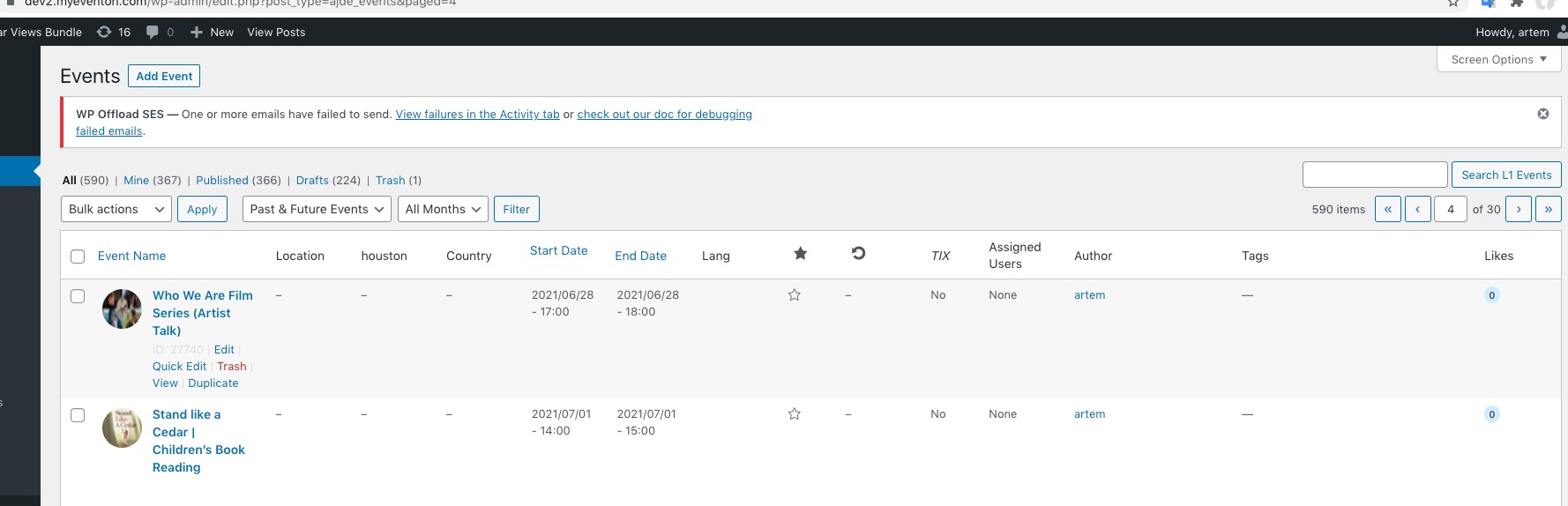
Please follow the instructions in this documentation to activate debug in your site to see any PHP errors recorded that can provide insight on to whats going on. Please reply with a link to debug.log file. If you are not able to do this please send us FTP access to your site so we can do this for you.
Maybe there is not enough memory and that’s why it imports only part of the file.
Reply to: tickets(251654)
Unfortunately, this is the only way at the moment. However please create a new ticket and select Feature Request as category so others can vote on your idea and get it moved into development faster.
Reply to: tickets(251680)
Hello,
Please take a look https://docs.myeventon.com/documentations/taxonomies-eventon/ > Get Event’s Terms.
Reply to: tickets(251673)
Hello,
Please go to https://dev.myeventon.com/wp-admin/. How to use Map add-on https://docs.myeventon.com/documentations/how-to-install-and-use-the-events-map-addon/
is there anyway to get back to the qr app just after the ticket validation ?
Thank you for your great suggestion, at the moment it is not supported. However please create a new ticket and select Feature Request as category so others can vote on your idea and get it moved into development faster.
Reply to: tickets(251588)
Test event: https://www.chef-julia.com/dev/wp-admin/post.php?post=322667&action=edit&classic-editor
Test order: https://www.chef-julia.com/dev/wp-admin/post.php?post=322669&action=edit&classic-editor
Ticket confirmation email I received:
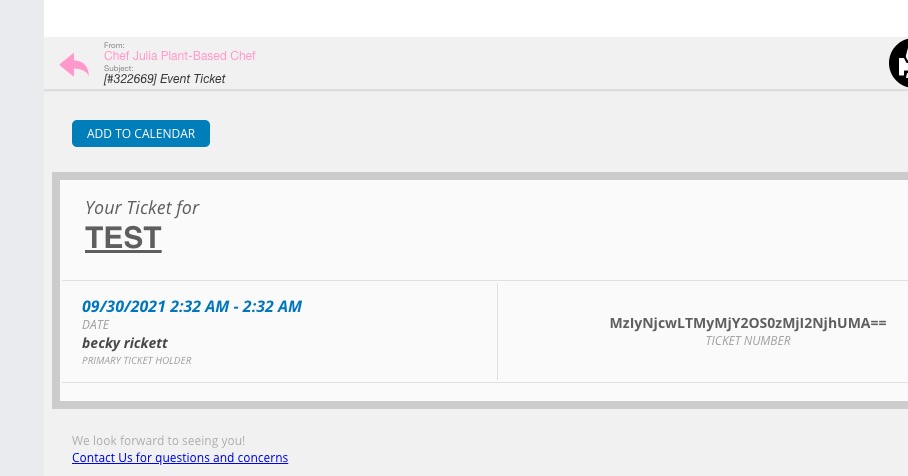
If you check orders you may notice that they all are still processing. How they should be:

You need to complete them manually or by following https://docs.myeventon.com/documentations/auto-complete-ticket-order/
For PDF please take a look at PDFer add-on: https://www.myeventon.com/addons/pdfer/. Try it on https://dev.myeventon.com/wp-admin/
To include Zoom link you need to make sure that Virtual Event is enabled https://docs.myeventon.com/documentations/how-to-set-up-virtual-online-events/
Reply to: tickets(244479)
Yes I have, but I emptied the cache, but nothing helped ! Jean Marc
Reply to: tickets(251676)
Hi Jean,
Please try the custom CSS code below:
.EVOWV_content.wk_1 .evowv_col_events .event .time {
width: 60px;
height: 12px;
overflow: hidden;
}
Add the code in Appearance > Customize > Additional CSS
Reply to: tickets(251607)
Hi Jordan,
We are glad your issue is resolved, if you have any further questions or concerns please feel free to create a new ticket.