Nosing around for a plugin, I found this. It looks nifty but want to ask you if it’s compatible with Tickets Addon before trying it. https://new2new.com/?item=woocommerce-cart-all-in-one
Archives: Replies
Replies for tickets on suppota
Reply to: tickets(250882)
We are glad your issue is resolved, if you have any further questions or concerns please create a new ticket.
If you have a moment, we would greatly appreciate if you could kindly leave us a review at codecanyon! from your account > downloads. Cheers!
Reply to: tickets(250882)
nevermind, tried a different browser and it did kick in. Thanks so much!
Reply to: tickets(250882)
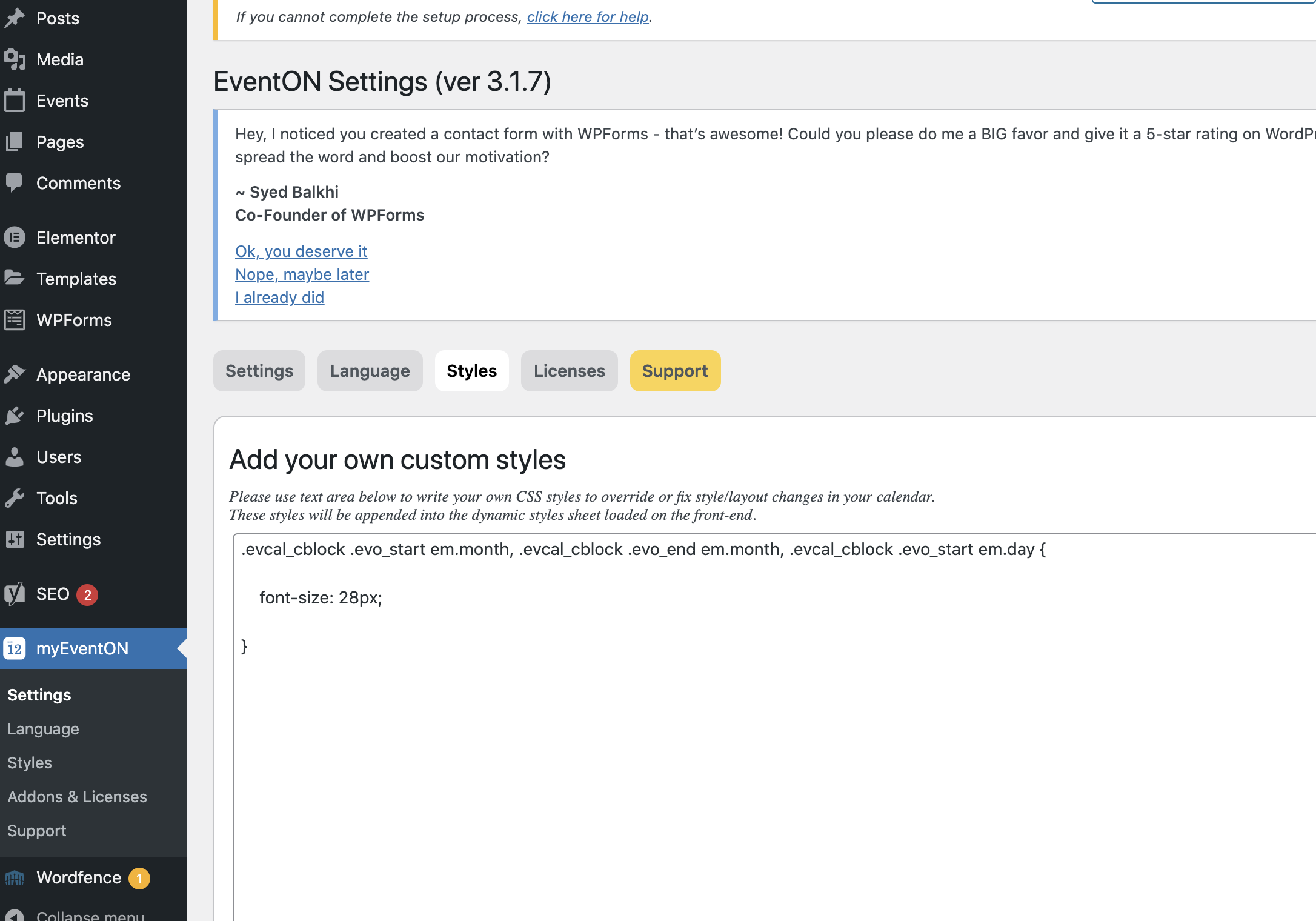
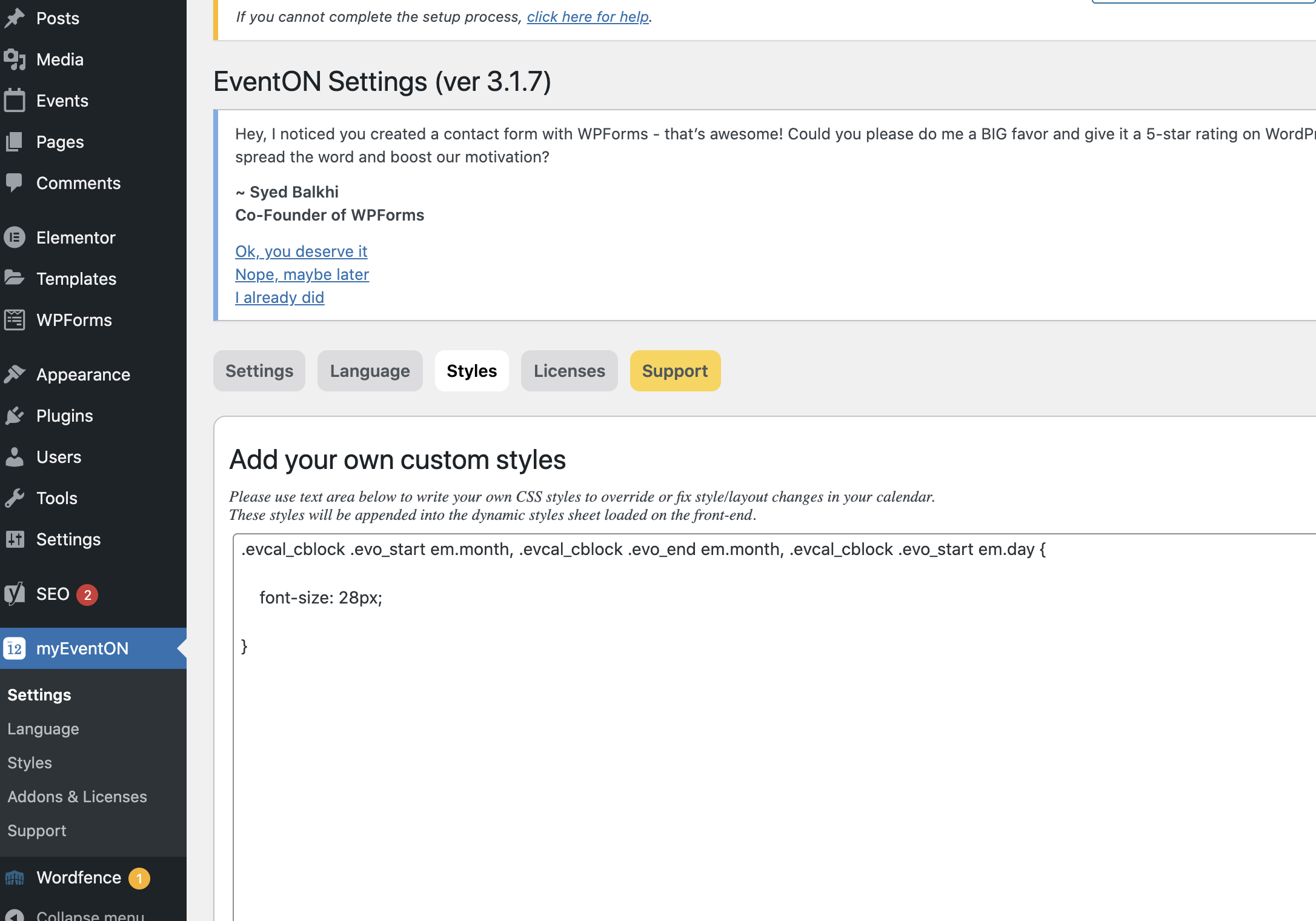
thanks. There is no customtomize in APPEARANCE >>> CUSTOMIZE
But I found this under styles (see attached)
When I added that css nothing changed on month and day size on tile view
Reply to: tickets(250882)
sure i can write some css for you in
appearance>>>>>customize>>>>>additional css
change the number to suit your size
if you are new to css only copy whats in bold
_________________________
This controls the main title size
_________________________
.eventon_events_list .eventon_list_event .evcal_desc span.evcal_desc2, .evo_pop_body .evcal_desc span.evcal_desc2 {
font-size: 22px;
}
_________________________
This controls the sub title size
_________________________
.eventon_events_list .eventon_list_event .evcal_desc span.evcal_event_subtitle, .evo_pop_body .evcal_desc span.evcal_event_subtitle {
font-size: 14px;
}
_________________________
this controls the day & month size
_________________________
.evcal_cblock .evo_start em.month, .evcal_cblock .evo_end em.month, .evcal_cblock .evo_start em.day {
font-size: 18px;
}
if that fails please provide wp-admin access and we will do it for you
Reply to: tickets(250882)
Excellent! Thank you. That worked. Any way to make the size of fonts on TILES larger?
Reply to: tickets(250579)
Thank you, I appreciate being kept in the loop.
clark
Reply to: tickets(250105)
Thank you, I appreciate being kept in the loop.
clark
Reply to: tickets(250073)
Thank you, I appreciate being kept in the loop.
clark
Reply to: tickets(250599)
It is linked to a custom job in the theme.
We have excluded it : “if logged as admin” then it worked.
Thank you