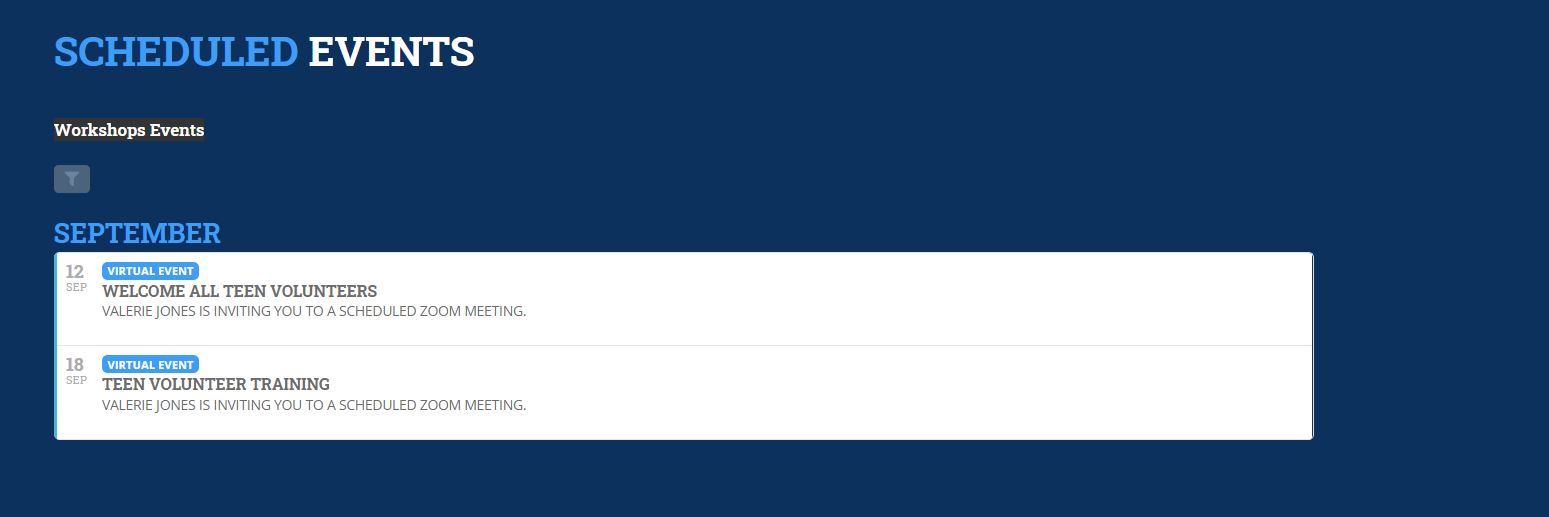
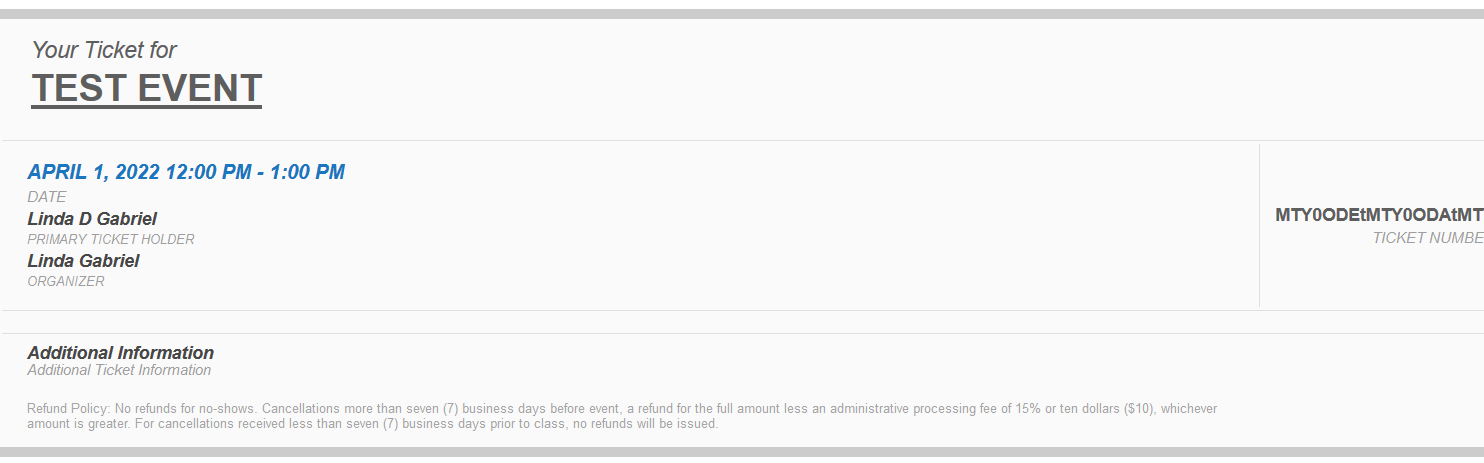
theres more virtual updates for zoom events and Jitsi embeded streaming video right on the event itself
OK please update eventon to the lastest version 3.1.7
you’ll know things are updated because you will see blue toggles and not orange
To update eventon to latest version: If you are unable to do autoupdate, you can go to codecanyon your account > download and get the latest eventon version as zip file. Then you can go to your website, deactivate old eventon, activate (Do not delete eventon settings & data when EventON is uninstalled) from eventon settings, delete old eventon, install new one and activate. This link will further explain the process it. Also you can follow us on twitter to get real-time announcements on updates!
After that Clear your browser cache- sometimes it wont work- because you need to clear your browser cache and also wordpress cache and then also if your server has an additional cache- that needs to be cleared as well
from 3.0.8 to 3.1.7 is a larger update with a load more features and fixes to some of the time here is a glance of the change log
ADDED: option to disable csv export all events formatting chracters
ADDED: shortcode option to hide happening now events only
FIXED: paypal third party button supporting currencies
FIXED: widget arrow positions
FIXED: several settings related translation strings missing
FIXED: event type widget not saving correctly
FIXED: compatibility with wordpress 5.8
FIXED: live now events with featured image styling
FIXED: widget live now icon styles
FIXED: taxonomy archive page styles formatting issues
FIXED: tooltips to use global object using elements
UPDATED: event edit page UI styles

= 3.1.6 (2021-5-20) =
FIXED: organizer page social links not working
FIXED: ux_val 4a loading event card content
FIXED: event time remaining calculated incorrectly
FIXED: location page layout issue
FIXED: schema information not showing in event
FIXED: add to google calendar only link not working
FIXED: EVO()->elements->print_date_time_selector() date_format_hidden field not working
UPDATED: eventon_ics_download input sanitation

= 3.1.5 (2021-4-16)
ADDED: option to disable event URL encoding in social share items
FIXED: further all day event issues on ICS file
FIXED: event bubble styles for event lists
FIXED: Cal date range fixed month and year value format to int
FIXED: email not sending issue using evo_helper send_email()
FIXED: default image not showing on some rare cases

= 3.1.4 (2021-4-8) =
ADDED: option to set custom email character type encoding method via settings
FIXED: all day events correction for ICS file
FIXED: email encoding changes causing errors on emails

= 3.1.3 (2021-4-6) =
ADDED: basic text area field as custom meta field for event data
FIXED: minor style changes
FIXED: year long events not showing correctly
FIXED: repeat events set for sunday not working
FIXED: health guidelines not showing when shows after virtual info
FIXED: add to google calendar not working
FIXED: add to calendar not working and time corrections
FIXED: default event image not working

= 3.1.2 (2021-3-10) =
FIXED: repeating events from future showing in wrong months
FIXED: get_event_time() not using utcoff
FIXED: widget styles changes

= 3.1.1 (2021-3-15) =
ADDED: option to disable jitsi external API from loading
ADDED: website time on event edit page
ADDED: utc offset time method (Beta)
FIXED: minor styles updates
FIXED: duplicate language string editing issue
FIXED: day/days for happening now calendar and live time remaining
FIXED: jitsi external api loading on wp-admin pages
FIXED: open location link in new window showing as input field
FIXED: link passed as multi data field convert to clickable link
FIXED: month nav arrow hover color not working
FIXED: virtual event access box styles for responsiveness
FIXED: virtual live showing sooner than it should be
FIXED: live now and other current time validations to use UTC offset event times universally
FIXED: stop running initial ajax call if ajax loading calendars are not in page
FIXED: widget arrow styles
FIXED: single repeat event header month correction

= 3.1 (2021-2-18) =
ADDED: zoom meeting with meeting authentication ability
ADDED: social media links support for event organizer
ADDED: pluggable filter for ics download for an event
ADDED: jitsi complete integration for virtual events
ADDED: moderator role selection option for virtual events
ADDED: all language strings duplicates to be updated when editing duplites
ADDED: event starting shortly notice for virtual events 30 minutes before
FIXED: live now bar showing NAN for days
FIXED: repeat events skipping certain months on monthly generator
FIXED: _convert_ssl_url() for urls without protocol
FIXED: colorpicker to have unique class
FIXED: undefined class error evo_admin()
FIXED: search showing same events multiple times
FIXED: event details ul ol formatting
FIXED: live bar layout issues on tile
FIXED: post event content display issues
UPDATED: color scheme for over all plugin backend
UPDATED: virtual events access section on eventcard
Hello,
You can use the custom CSS code below to center the slides.
.ajde_evcal_calendar.miniSlider .evo_slider_slide_out{margin-left:20%;}
Hope this helps.
Hello,
To display the slider one event at a time, use the code below:
[add_eventon_slider slide_pause_hover=”yes” slide_hide_control=”yes” slide_nav_dots=”yes” slide_loop=”yes” number_of_months=”2″ event_count=”6″ slide_auto=”yes” hide_mult_occur=”yes” etc_override=”yes”]
Regarding customizing the colors for all events, you can customize the background color in the single event settings.

so I got the email sent to me- and what part do you need to add HTML to? looks fine
OK untoggle that
myeventon>>>>settings>>>>>event card
Open all eventCards by default (Except tile layout)
as in turn it off
then add to the yearly view the following
evc_open=”yes”
OK the login for the site is:
http://woodlandsdarkanddaysbewitched.com/wp-login.php
username : woodlandsdarkanddaysbewitched_v28dyw
pssw: ^2TGTrz7fM!nbTKAsLiGXMky
Hi Katie,
You can either clear your browser cache or open the page using Google Chrome’s Incognito mode.
Hi Holger,
We can’t say for sure what is happening. Maybe you can create another admin account and check if it works the same way the “event-on” one works.
Let us know if you have any other questions.