Hello,
Please send us wp-admin access to your site as a private message for us to further assist your situation.
Replies for tickets on suppota
Hello,
Please send us wp-admin access to your site as a private message for us to further assist your situation.
Taken care of, thanks!
Why does it cost so much?
Thanks, the fix helped. Now the distance is as it should be.

Can you tell me how to fix another thing?

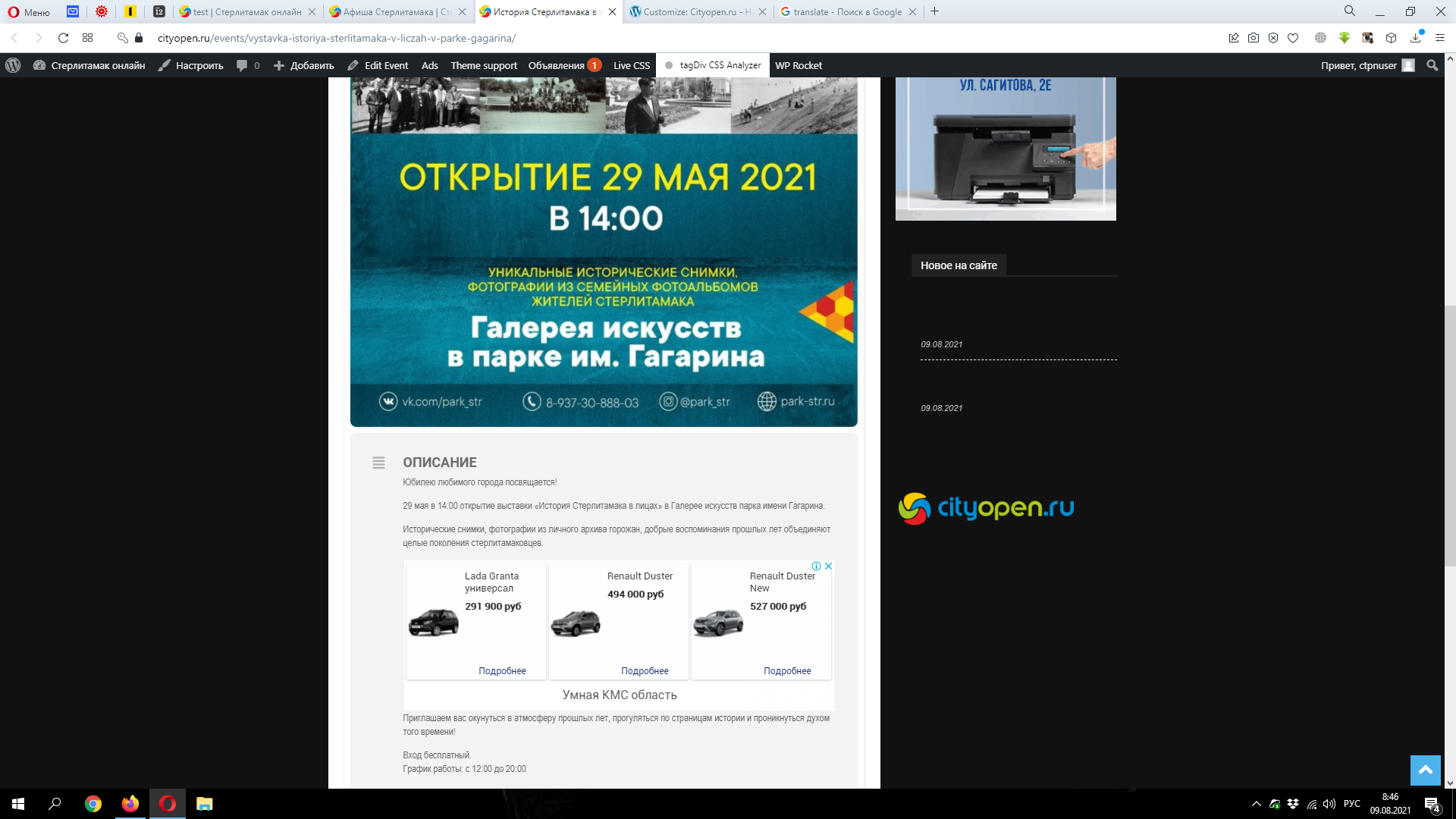
In single events, the footer breaks and the background goes black.
Example: https://cityopen.ru/events/vystavka-istoriya-sterlitamaka-v-liczah-v-parke-gagarina/
This isn’t an addon by eventon.
It was a custom coding service that you requested for a one time fee. There is no lifetime support as it was not a software we were selling.
This work was performed by me as an individual and eventOn had no part in it.
Hi, updating PHP means migrating the site to a new bitnami stack. That takes about 3 hours to do and is not doable right now. I should have time in two weeks. We have generated a new instance with an older version of the plugin and will proceed with that until you have a solution to the problem.
Yes, all my questions were answered but the answers were not as expected and simply just a reply, not a solutions.
Pls refer to my message on july Jul 11,2021 AT 9:07AM, my question were not answered which provide the solution i wanted. For example a user must save event for the 2nd time only they can click on the Booking Block Manager – you answered Unfortunately, we needed to do it this way. Otherwise, it could cause issues. The to View Attendee is not user-friendly and tricky for users as i stated in my questino and illustrated in my document.
Please get me a full refund for everything. I have opted for other plugin and i need the money urgently.
Thank you very much!! That did the trick!! Much appreciated!! 🙂
Hi, nice to hear from you.
First, looking back:
What you developed was the following thing. Within EVENTON you can add one (1) organization to an event. For us it was very important to have more than one organization attached to the events. So that was the feature you developed.
After you developed the feature on a test WP installation, I managed to identify the files you edited and/or created, and transferred them to the live version of our WP page.
Things worked until the newest update of eventon came, which probably just overwrote the “hacked” files.
What I need from you?
For that, I would prepare you a new test environment, and give you again access to the old one, where your development took place.
What do you think, would that be OK?
Cheers
Hi Tim,
Add the custom CSS code below to fix the issue.
.evo_widget .ajde_evcal_calendar .evcal_arrows.evcal_btn_prev:before {
transform: rotate(135deg) translate(-1px, -1px) !important;
}
.ajde_evcal_calendar .calendar_header .evcal_arrows.evcal_btn_next:before, .evo_footer_nav .evcal_arrows.evcal_btn_next:before {
transform: rotate(-45deg) translate(-1px, -1px) !important;
}