Please add jumper_offset=”2″ to the shortcode.
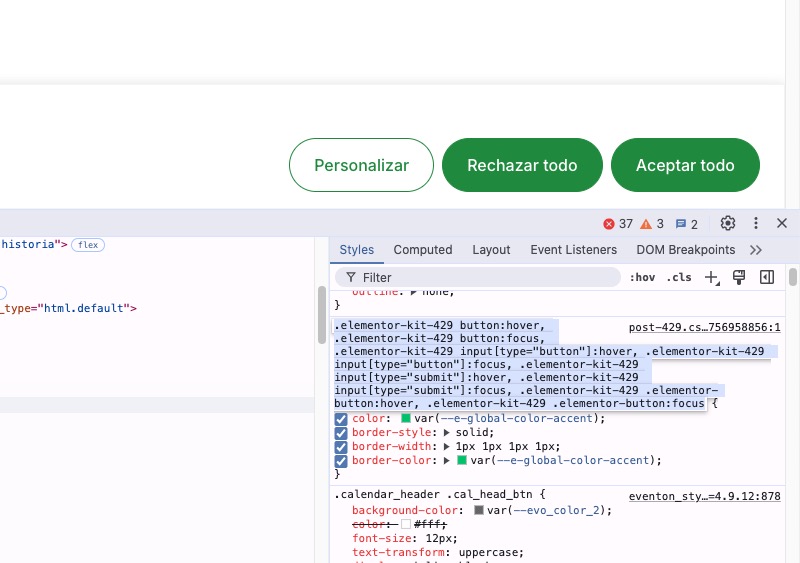
It’s green because of this custom styling from Elementor:
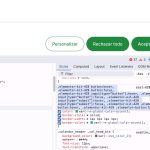
Please add this CSS code to EventON > Styles (If you don’t see any change, EventON > Scripts & Styling > turn off Write dynamic styles to header > save settings > turn on Write dynamic styles to header). You can also add this code to wp-admin > Appearance > Customize > Additional CSS.
.calendar_header button:hover, .calendar_header button:focus { color: white !important; }
You can select year and month to show events from. It’s available in Main Calendar and doesn’t need a special license to use.

I have finally found a shortcode to do what I want: [add_eventon month_incre=”+1″ event_count=”3″ fixed_month=”9″ fixed_year=”2025″ jumper=”yes”]
Question: how can I erase past years? I´m trying in this URL: https://clubajedrezoberena.es/calendario-torneos/
Changing colours
When I hover the buttons or click the buttons they change to green. But in settings I don´t find any field that I can change to other colour. Where or how can I change that?

I have other colour I want to erase and I don´t find. When I click on an event the border turns red. I don´t want any border. Where or how can I erase it?

Thanks in advance.
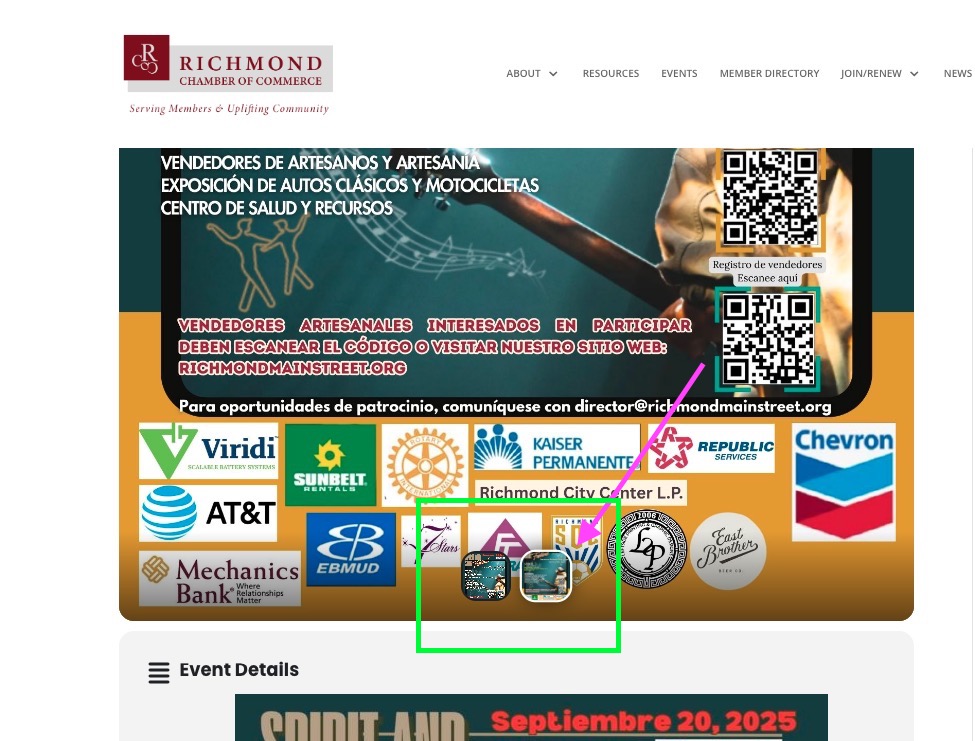
if you see thumbnails could you please circle them?
that’s the same screenshot – there are no thumbnails.
Just wanted to update you, a bit of a hold up on finalizing the table seating addition and we should be able to get this out tomorrow 🙂
Hey Artem,
We updated the main EventON plugin today and got another failed RSVP notification not too long after. I double-checked and the patch code is still in there (since we didn’t update the RSVP add-on), it just seems to not work with the new version of the main plugin. Please advise – thank you!!
– Michie
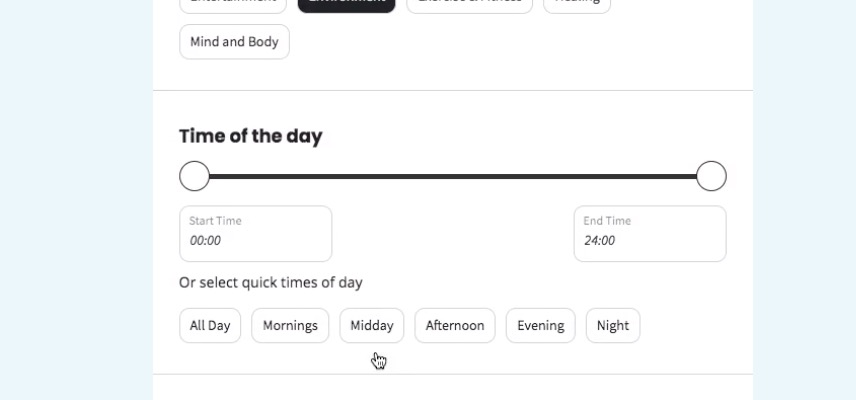
Please also take a look at Filters Plus add-on:
https://www.myeventon.com/addons/filters-plus/
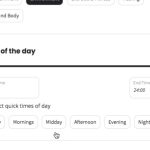
It allows to filter by Time of the Day:
Hello,
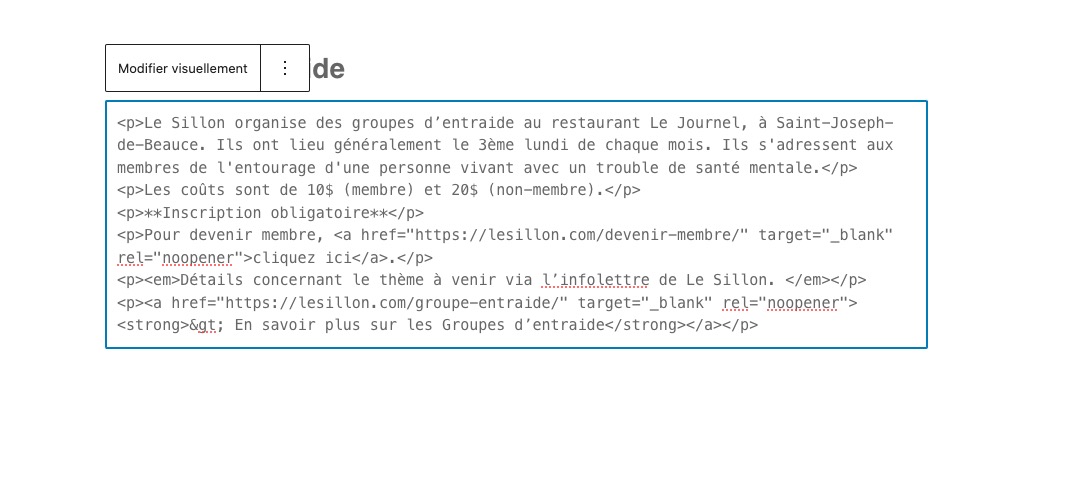
The issue happens when one of HTML tags isn’t closed:
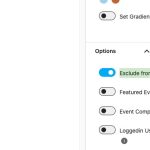
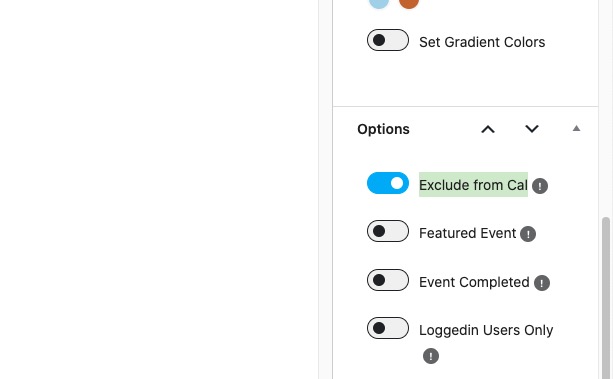
Could you create a new event with the issue, but make sure to exclude it from the calendar, so I can check the HTML: