Thank you for updating us Quetzal, we will follow up from our side.
Archives: Replies
Replies for tickets on suppota
Reply to: tickets(395406)
Hello,
Please try going to EventON > Advanced > try a different Select event calendar WP Query method
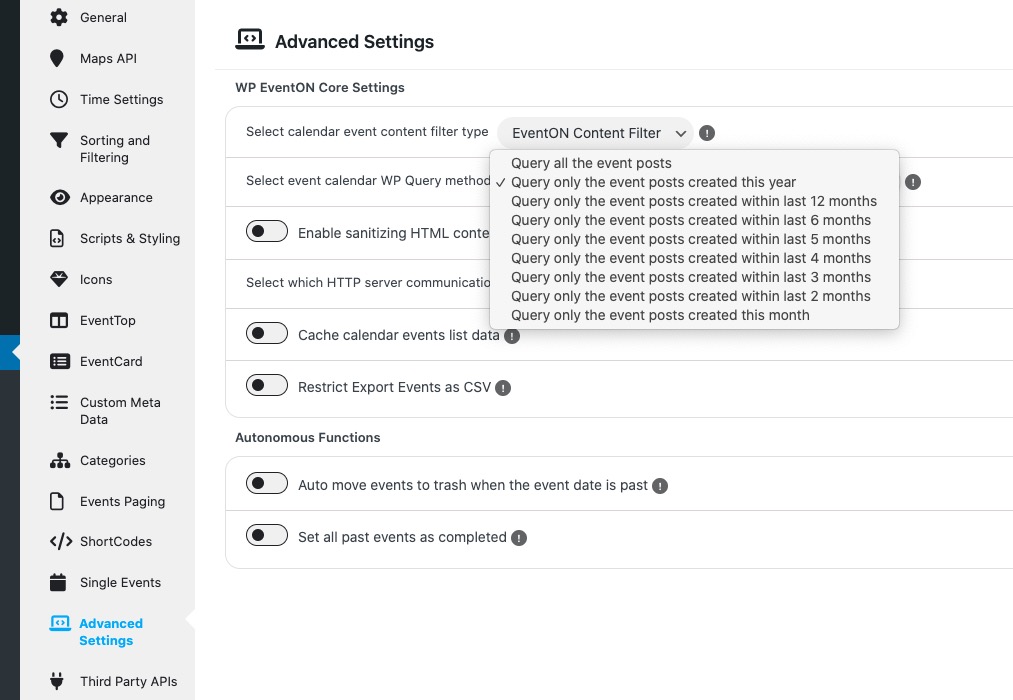
On the same page try enabling Cache calendar events list data.
If you want to export, then go to EventON > click on Download all eventON events.: CSV Format.
In order to import the .csv file, please use CSV Importer:
https://www.myeventon.com/addons/csv-event-importer/
Reply to: tickets(395367)
After I converted the text to blocks, the issue is gone:
Could you check?
I also checked for unclosed tags and everything was correct:
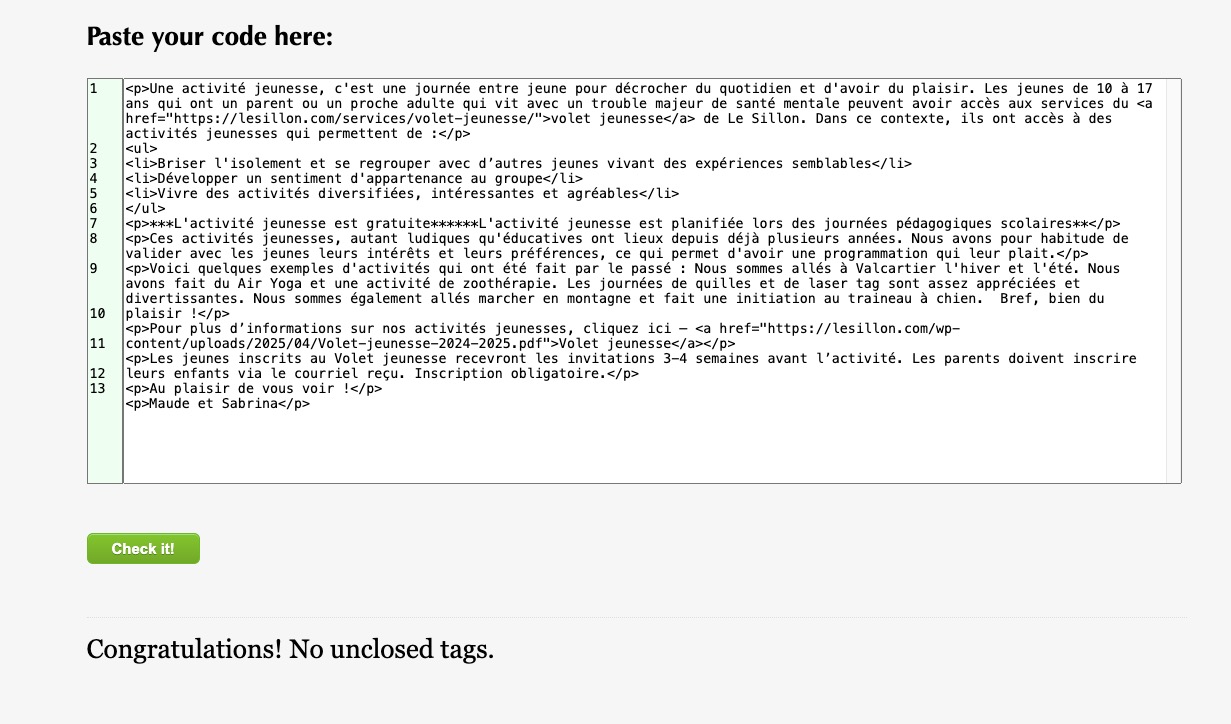
So it seems that the issue was happening because the text wasn’t created as blocks.
Reply to: tickets(395409)
Hello,
When I try to login, it says the password is not correct. Could you check?
Please also try going to EventON > Advanced > select a different Select calendar event content filter type.
I am not sure, but I believe that you need to follow and add the map through the code:
https://docs.myeventon.com/documentations/show-additional-custom-data-eventcard/
Reply to: tickets(395170)
Thank you for letting us know! Ashan will check this ASAP.
Reply to: tickets(395405)
Hello,
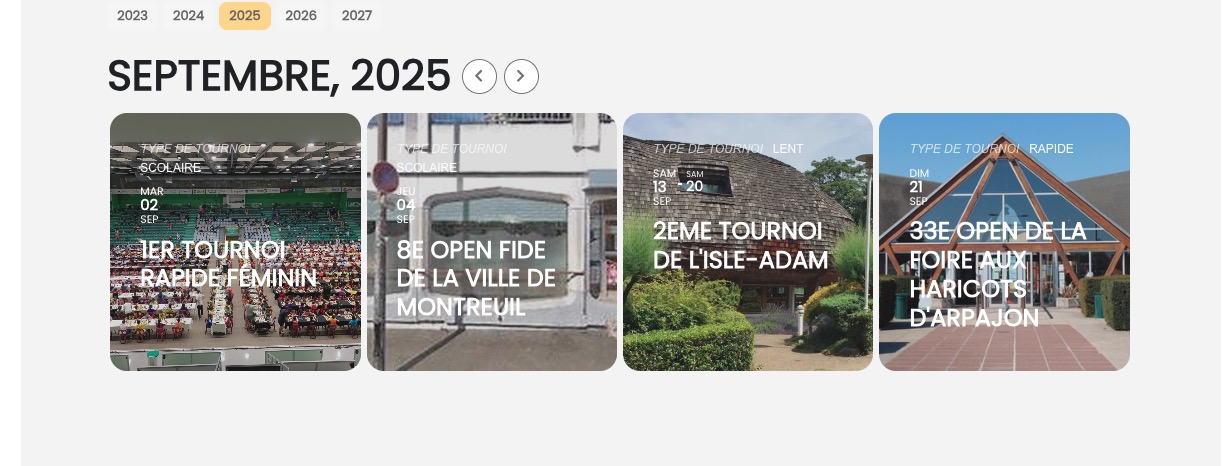
Could you elaborate more?
Are you trying to make these white title to be the color of Event Type?
Reply to: tickets(395170)
Hello, I reached out to Patchstack and they replied as follows; “Hello, since no patch has
been submitted for us to validate, we can’t update the information. If the
vendor refuses to provide one, we have nothing to verify.”
They also said in a 2nd email… “I’ve reached out to the
vendor again. If they don’t provide a patch for validation, there’s not much we
can do.”
Thank you, I hope this can be resolved soon.
We appreciate the replies.
Virginia for Quetzal Arellano
Reply to: tickets(395367)
It’s Ok for this new event : https://lesillon.com/activites/test-val/
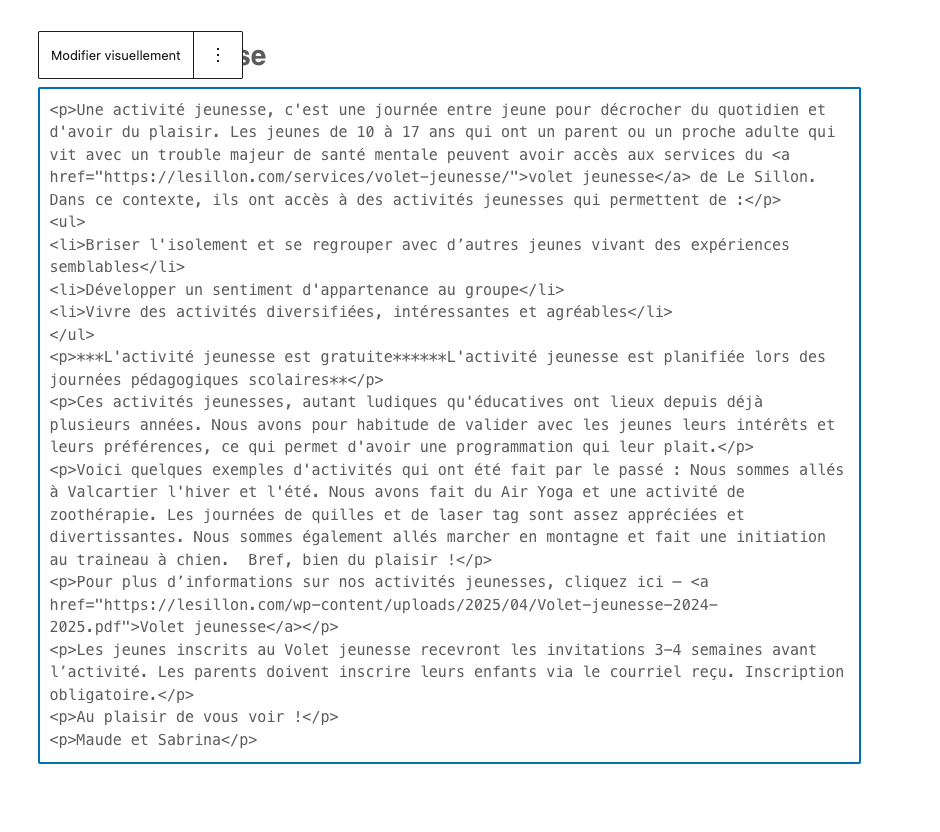
But if you look at this event, : https://lesillon.com/activites/activite-jeunesse/ we still have the issue… and i couldn’t find the unclosed tag.
Reply to: tickets(394510)
Ashan,
The same on dev2:
https://dev2.myeventon.com/wp-admin/admin.php?page=wpml_plugin_log
https://dev2.myeventon.com/events/rsvp-4/
Reply to: tickets(394510)
Thank you for letting us know! Ashan will check this ASAP.