that is correct. If you have more questions, kindly send us a new ticket and we would be more than happy to help you resolve your issues!
Archives: Replies
Replies for tickets on suppota
Reply to: tickets(248282)
Chris I went ahead and refunded you for the order. Please know we will not be able to refund again in the future as you can cancel the subscription before they are renewed. 🙂
Reply to: tickets(234094)
take a look at this on your website. https://www.loom.com/share/b17cafee6e7a4b11a95c9db0da72869d works perfectly. You just have to type the minimum price correct like 40,00 you have typed only 40.
Reply to: tickets(244036)
I see, yea we can not help with 3rd party plugins interference with our plugins unfortunately. You can certainly try to put the slider outside the modules and also try contacting the divi team to see if they have a solution.
Reply to: tickets(248613)
Sorry to hear your customer’s trouble during covid times, it has been tough for everyone on mother earth.
However we still see eventON being used in the website https://highlights-kultur.de/event-directory/.
And the maps addon license is still active in the account.
Reply to: tickets(248704)
The setting “Disable Font Awesome Fonts” is not selected. I have a PerfMatters plugin that has an option to disable Google Fonts which I have selected, but it’s not Font Awesome, so I assume that’s not a problem? I have cleared the Autoptimize cache as well.
I see the arrows and icons when I am previewing in WordPress Customize, but not on the frontend.
Reply to: tickets(248664)
The shortcode I was using for my Full Cal was: [add_eventon_fc cal_id=”1″ show_et_ft_img=”yes” evc_open=”no” jumper=”yes” heat=”yes” hover=”numname” cal_init_nonajax=”yes”]
Reply to: tickets(248630)
Please check now.
Reply to: tickets(248454)
Hello,
We are sorry for the delay.
Order status can be found in “s” field:

Could you check WP All Export and let us know if you are able to find it?
Reply to: tickets(248580)
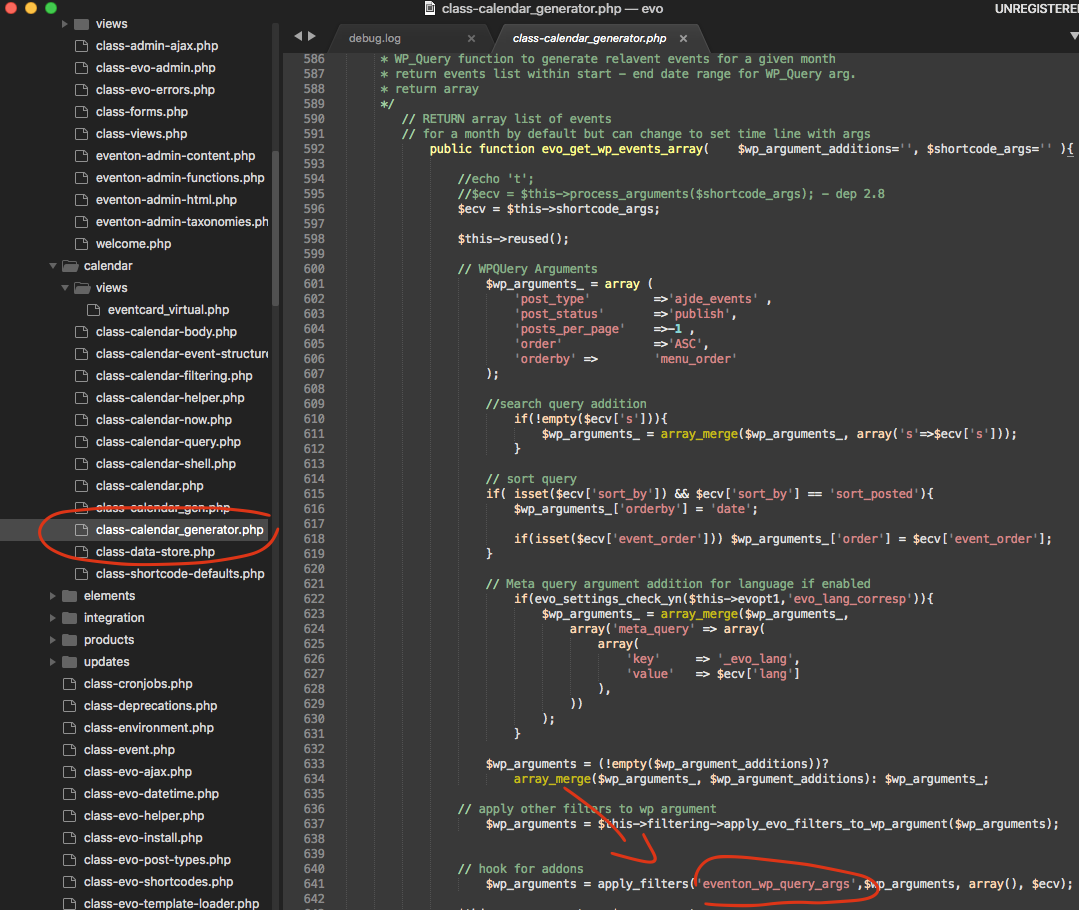
Hello there thank you very much for this. It is a good way to improve performance. With event posts not saving the event happening time and virtual repeat events, there is no other way to get events for a set duration, except to get all events and find which ones are in the date range. If you dont have events posts that you created older than jan 2021 with actual event happening date of after jan 2021 — your approach is perfect. If its not the case, those older event posts created will not show on correct dates within 2021 year range. — That I see is the only down side of this approach.
I will see if we can bring this to settings to allow customers to intuitively make this decision to improve performance and you can use this pluggable filter to update the query code.