Yes that dev account have admin privileges to fully control backend , I suggest that way to login first in the user area to the paste the admin url /wp-admin so you wouldn’t get redirected ( don’t know why is this happening and you get redirected from the admin area )
admin url its the default (https://academeet.co/wp-admin/)
I’m sorry for that, now the admin access is ok.
Thank you very much.
Should the link NOT ask you to login?
What are you wanting me to check? Please give me more context. These short replies are not helpful.
https://outlook.office365.com/calendar/published/06a90788e954441fb2e65eb9b53b2086@gobbc.edu/b2fea585e7a94af0a18ee754dca78c9716738164352224333209/calendar.ics
This link says that I need Sign In to Outlook:
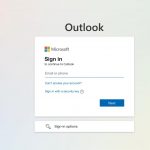
Could you check?
Hello,
I am sorry, the access information you have provided did not work for us: “Error: Invalid email address.”
Please check them and post the correct login information as a private message, thank you!
Please check for latest version of this software from here Your issue might be related to an older version you are running and we might have resolved this already in the newer version update. If you are on latest version of our software and the issue still persist please let us know.
Dear Event-On Team,
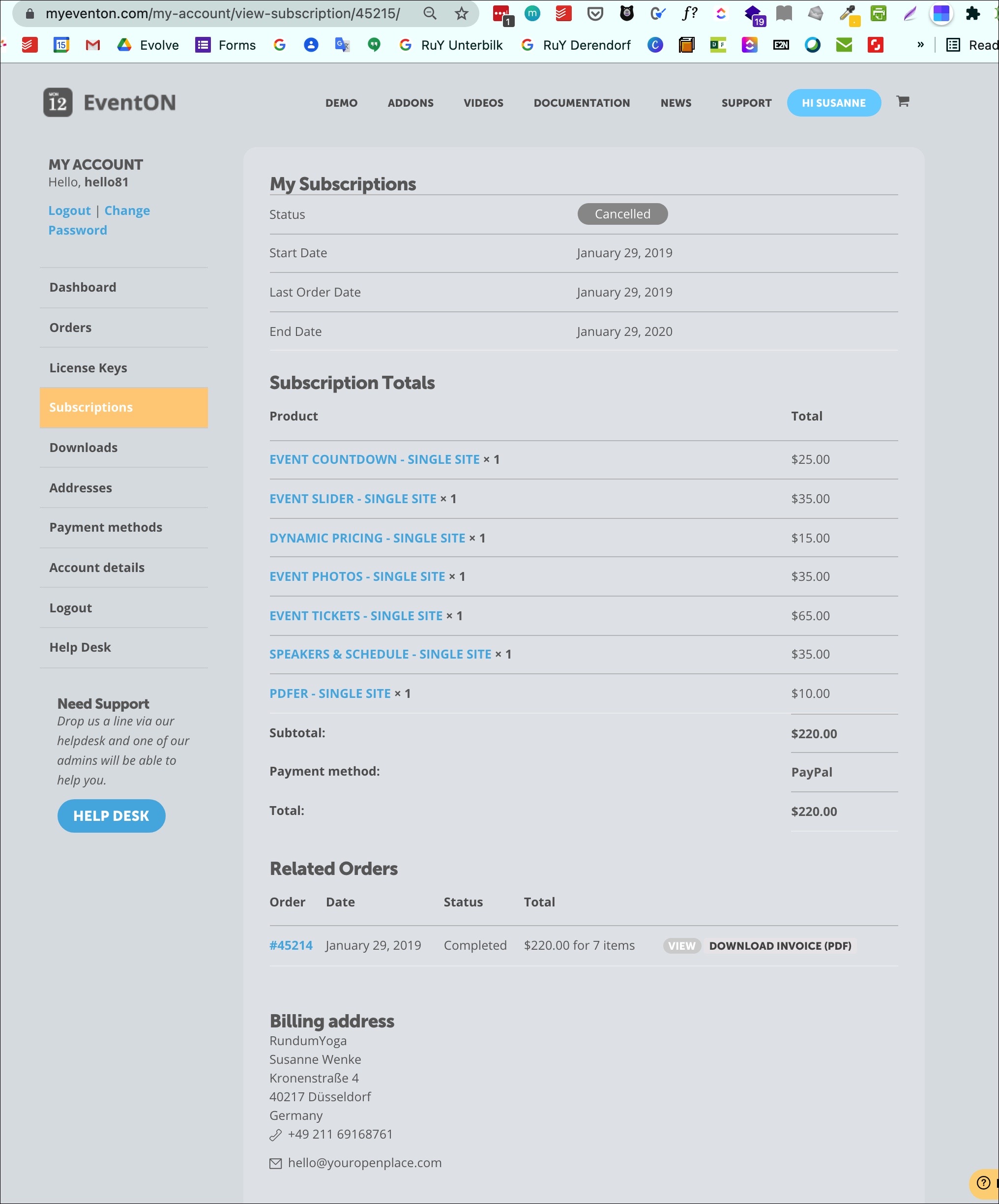
Susanne is now back from holiday and I canceled now the order myeventon.com/my-account/view-subscription/119197/ as suggested by you, but we have no option to subscribe again :-(.
On myeventon.com/addons/?type=bundles I do not find the bundle anymore and adding the items as single units it is more expensive.
Is the only option to add the below items all individual to the shopping cart and end up with higher price?
Thanks once more for clarification.
With kind regards,
Sirpa
I rsvp’d to this event https://www.altemarkthalle.ch/events/retroboerse-2021/
and did receive the email
the daily digest is just in beta at the moment so you should receive an email with my rsvp
now on some servers an email sent from one email address can’t be sent to the same email, perhaps try changing the from email address to
no reply@. at the moment the rsvp emails notification seems to be anmeldungen@altemarkthalle.ch sending to anmeldungen@altemarkthalle.ch
perhaos as a test try to change the outgoing email address or choose a different email address at the person receiving the notification
the tickets emails seem to be from mitmachen@altemarkthalle.ch
I am just guessing at the cause but worth a try as it can sometimes happen
You can see it displayed on https://gobbc.edu/test-page/
The link is: https://outlook.office365.com/calendar/published/06a90788e954441fb2e65eb9b53b2086@gobbc.edu/b2fea585e7a94af0a18ee754dca78c9716738164352224333209/calendar.ics
The link to view the calendar is: https://outlook.office365.com/calendar/published/06a90788e954441fb2e65eb9b53b2086@gobbc.edu/b2fea585e7a94af0a18ee754dca78c9716738164352224333209/calendar.html
Ticketing Email is working (always was working). So it’s only RSVP emails.
Also other Woocommerce orders are working perfectly fine.