Hello,
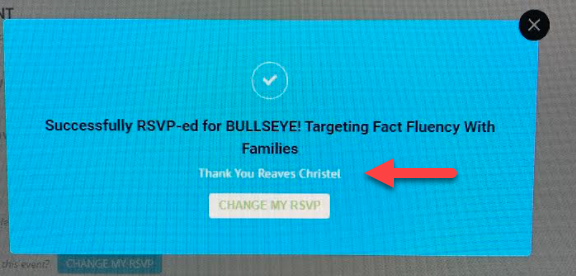
Could you update RSVP to 2.7.3?
To update eventon addons: You can download latest eventon addons from myeventon > my account. Then you can go to your website, deactivate old addon and install new one and activate then delete the old addon. This link will further explain the process. Also you can follow us on twitter to get real-time announcements on updates!
On our side:

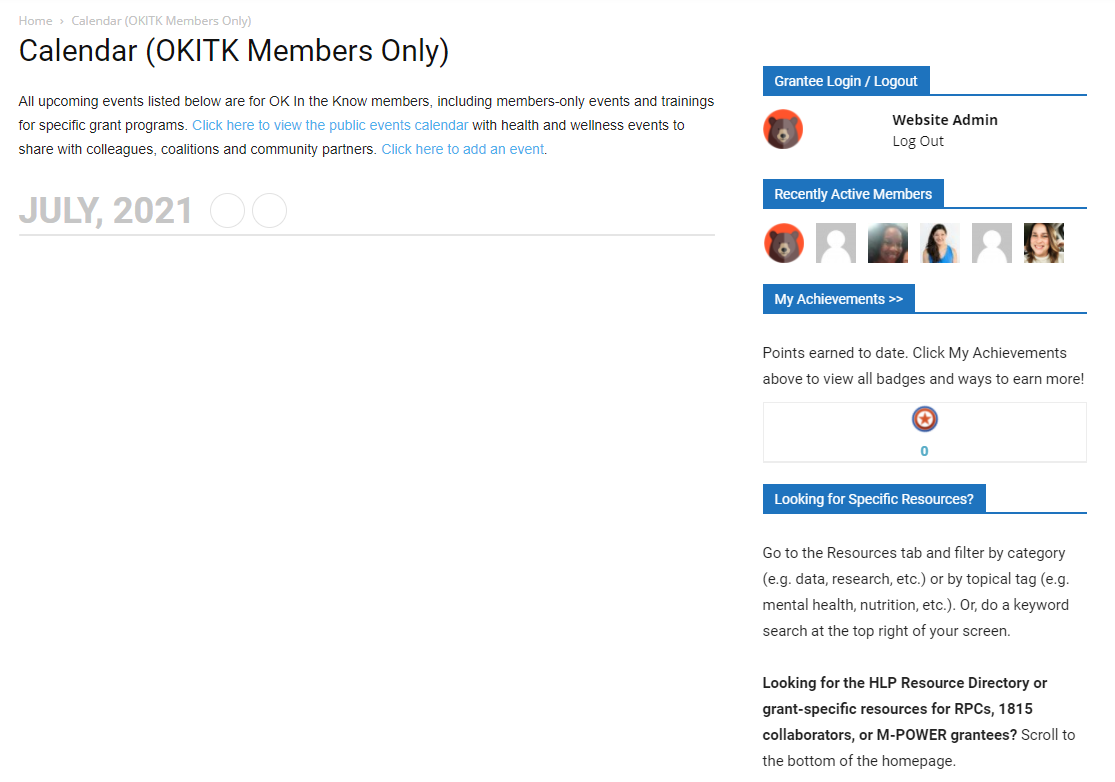
Hello! This is so bizarre, but I’m not seeing that at all anywhere [attached screenshot shows what I’m seeing across the board]. I’ve cleared cache/cookies and have checked on Chrome, Edge, FF on laptop [PC] and iPad and Android for mobile and nothing is there. I created a test page for the calendar and generated a new shortcode and still nothing appears. Any thoughts? Thanks!
Sorry this got lost in my spam folder.
Yes. Can you please refund the order for me, we are not using this plugin on our website.
It’s order number #113027
Please confirm refund.
Thanks,
Shawn
Apparently not. I did not know there was even such. 99.9% of plugins when updated keep previous settings from the database. Is there a way to recover?
If not I will be looking into another solution. That is totally assinine to have to do that for an update.
I’ve updated the plugin and attempted all three different options under Event Processing Timezone Method and the time is still showing as 7:00pm the previous night through 7:00pm of the day of the event…
Hi Martin,
Please provide us the password also, not sure where we can see it.
We are glad everything is working okay. If you have any further questions or concerns please create a new ticket.
I have add an if and everything is qorking.
Thx,.