Do you know when I will hear back?
Archives: Replies
Replies for tickets on suppota
Reply to: tickets(246838)
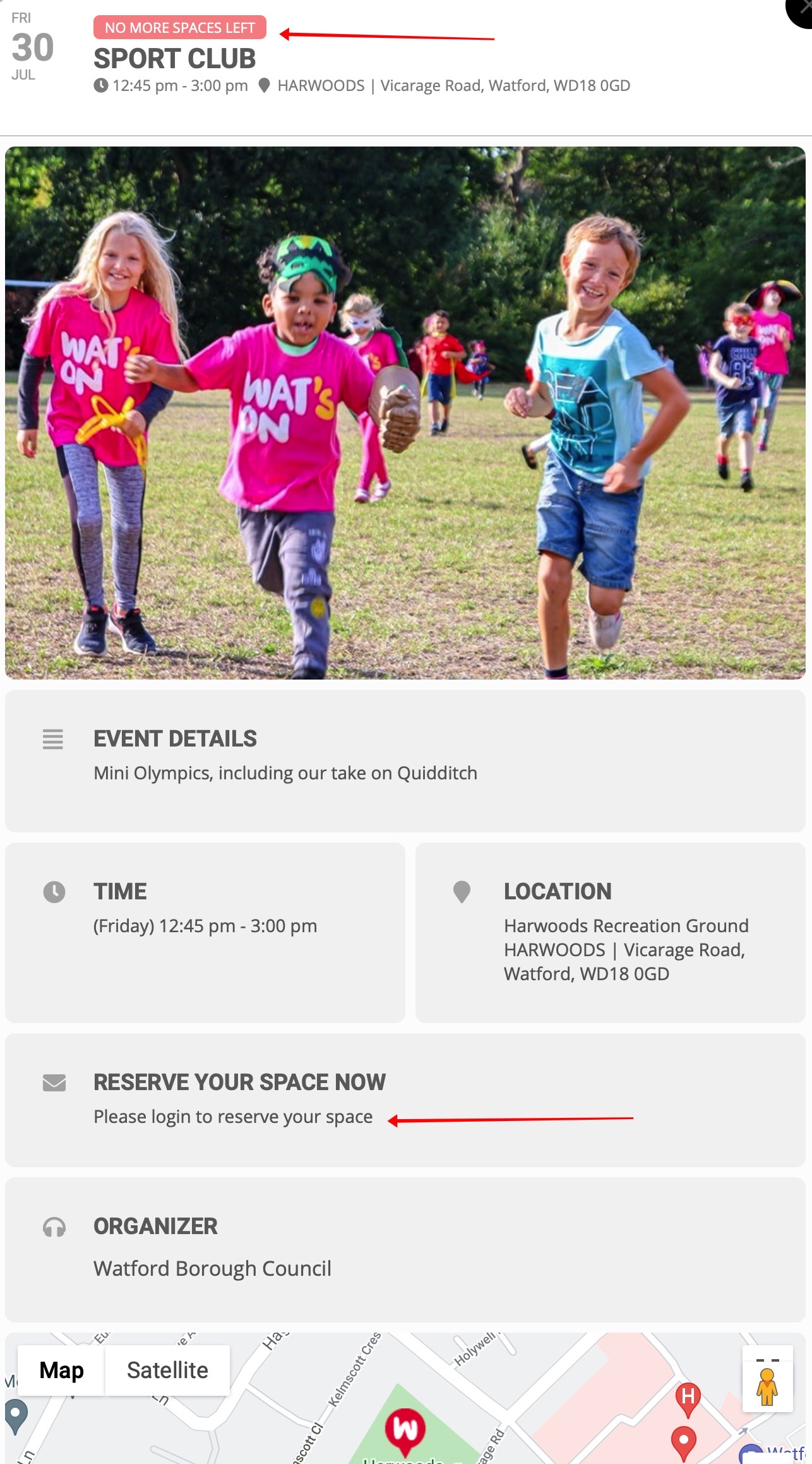
This is a pic of the event when it is fully booked and it says “no more spaces left on the front”
Users can’t amend their RSVP
Reply to: tickets(246838)
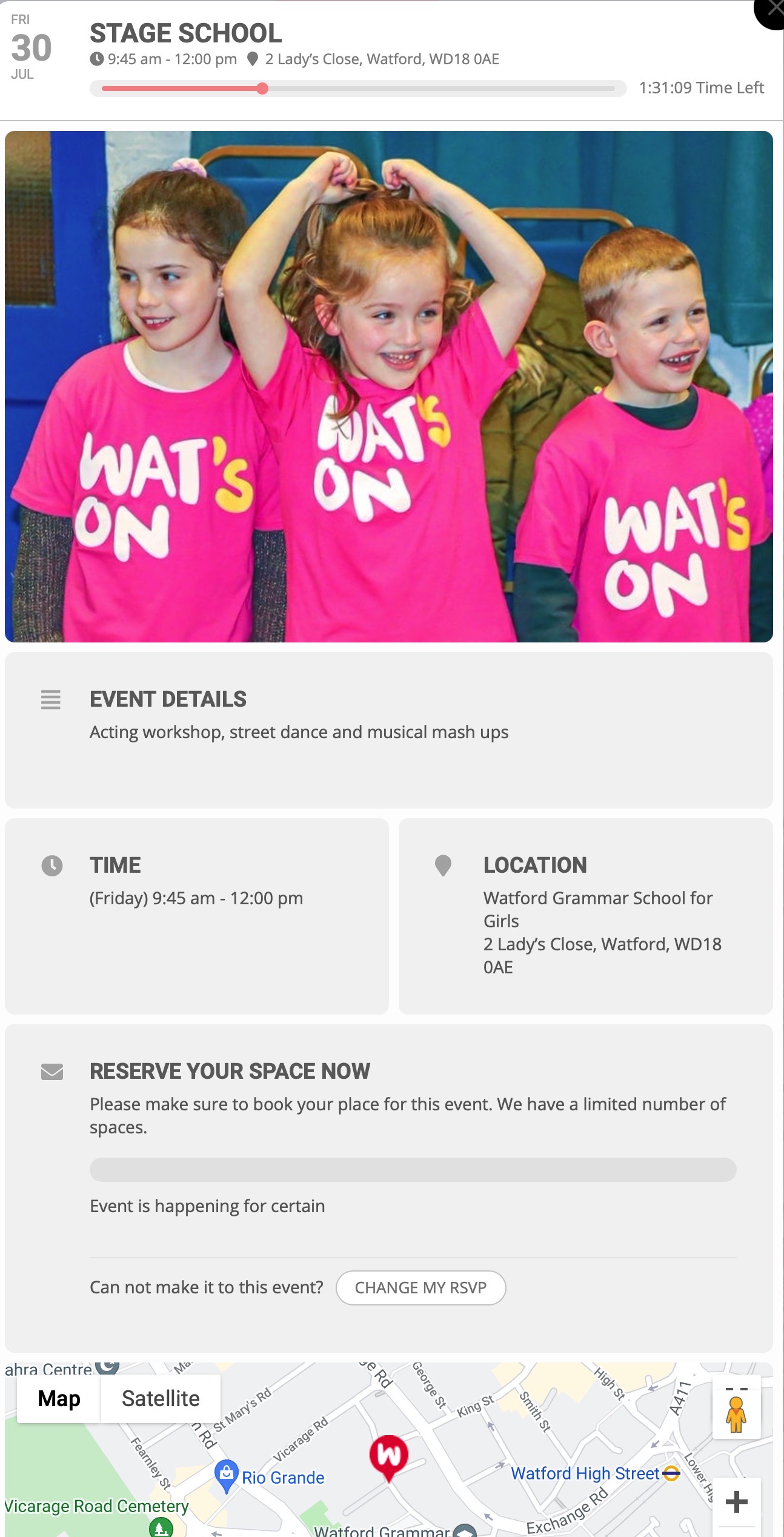
This is a pic of the event that wont allow bookings
Reply to: tickets(246738)
Hi Artem
How can i add the html code just for an individual event?
Where should i add the id??
add_filter(‘eventon_eventtop_custom’, ‘eventon_top_content’, 10, 3);
function eventon_top_content($object, $helpers, $EVENT){
$event_id = $object->eventid;
//$event_id = $EVENT->ID — event ID can also be get from this
// $event_pmv = $object->evvals; // event post meta values
// your HTML code goes in here.
$output = ‘<span data-eventid=”‘.$event_id.'” class=”custom_code”>Click to see more</span>’;
return $output;
}
Thx.
Reply to: tickets(246525)
Great! If you have any further questions or concerns please create a new ticket.
Reply to: tickets(246684)
Please add this CSS code to EventON > Styles (If you don’t see any change, EventON > Scripts & Styling > turn off Write styles to header > save settings > turn on Write styles to header):
.evoau_submission_form .evoau_table .row p.subrows.event_location_cord { display: none !important; }
It’ll hide Location Lat/Long text field.
Reply to: tickets(246525)
Ok, thank you for your confirmation Artem.
Reply to: tickets(246795)
Hello,
Could you update ICS Import with https://helpdeskx.s3.amazonaws.com/wp-content/uploads/2021/01/18030912/eventon-ics-importer-2.zip?
Then go to EventON Settings > ICS Import > Event processing timezone method > try different options.
Reply to: tickets(246738)
If you need to add elements as HTML code you need to follow https://docs.myeventon.com/documentations/hook-eventtop/and add them through the code.
Reply to: tickets(246823)
Hello,
EventON should be compatible with any theme, built according to ThemeForest’s requirements: https://help.author.envato.com/hc/en-us/articles/360000472383-WordPress-Theme-Requirements-Start-here-