hey Trey,
We are trying to short it out and we will come back to you for iy
Replies for tickets on suppota
hey Trey,
We are trying to short it out and we will come back to you for iy
Thank u, Robert.
We will take a look abd come back to u
Hey There,
Not sure what u want to achieve can u help us understand a little bit please?
Hi Kalvin,
This is something that we noticed happening after our latest update, we will fix the issue as quick as we can.
I don’t care, you supposed to cancel the subscription… it’s not like I’ve been using the app.
Cancel that thing or I’ll let you a bad review, thanks.
please rephrase as that didn’t make sense to me
are your wordpress users adding events themselves or are you the only person adding events ?
Sorry about this there seems to be a communication breakdown
Hi Harald,
Please try the custom CSS code below. Add the code in Appearance > Customize > Additional CSS
@media screen (min-width:768px){ .ajde_evcal_calendar.boxy .eventon_list_event, .ajde_evcal_calendar.boxy .evoShow_more_events { min-height: 379.98px;}}
We are glad your issue is resolved, if you have any further questions or concerns please feel free to create a new ticket.
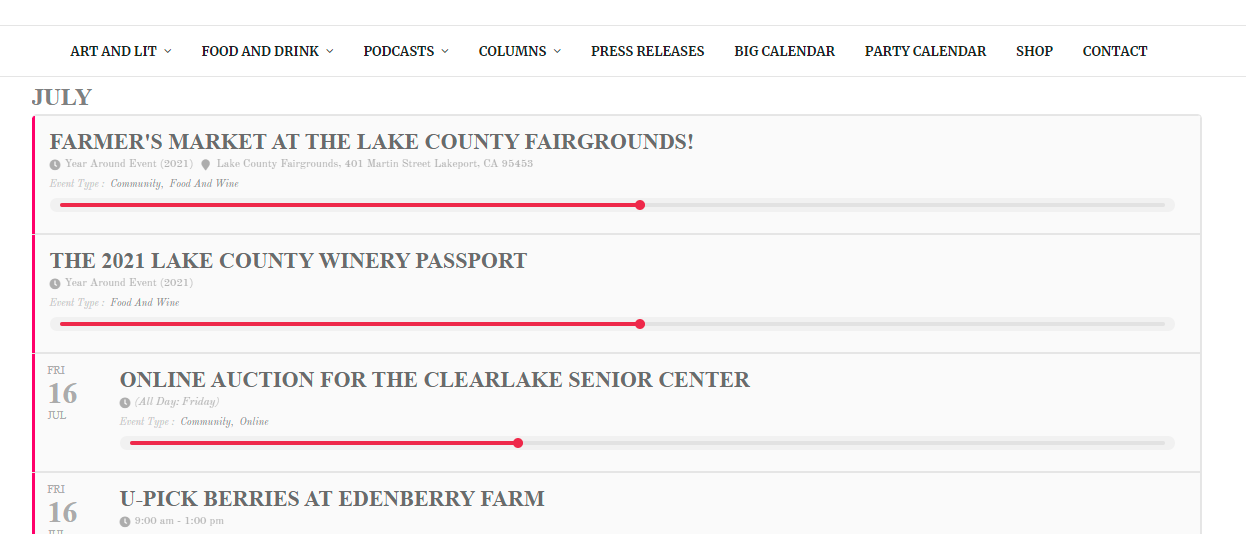
I was able to answer question 2 on my own.
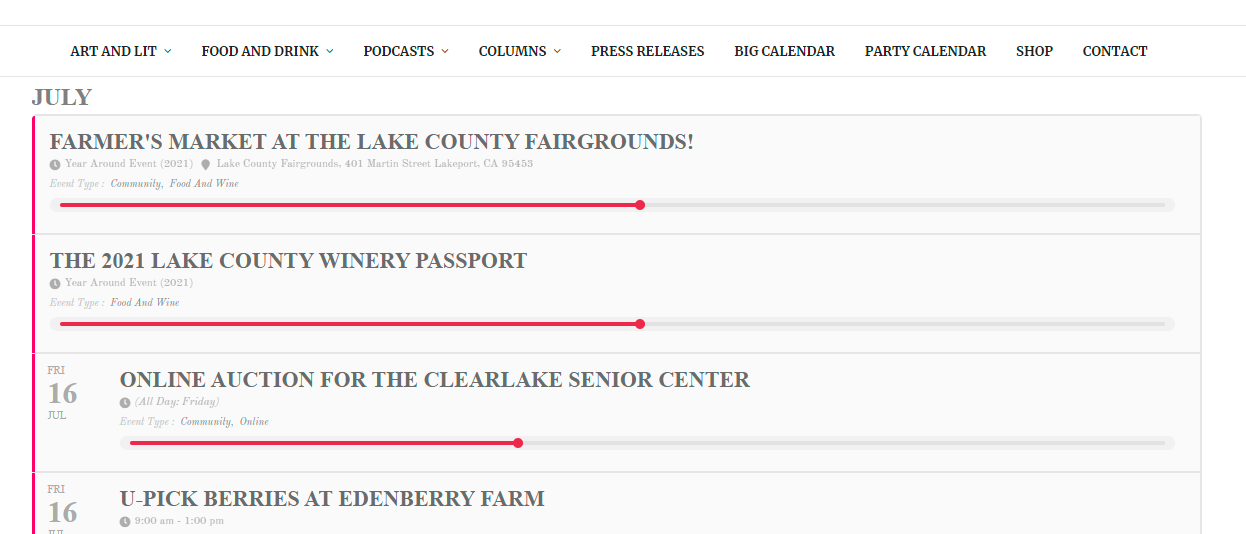
Thank you for your suggestions. It now loads on my test page. I’ve got three questions: