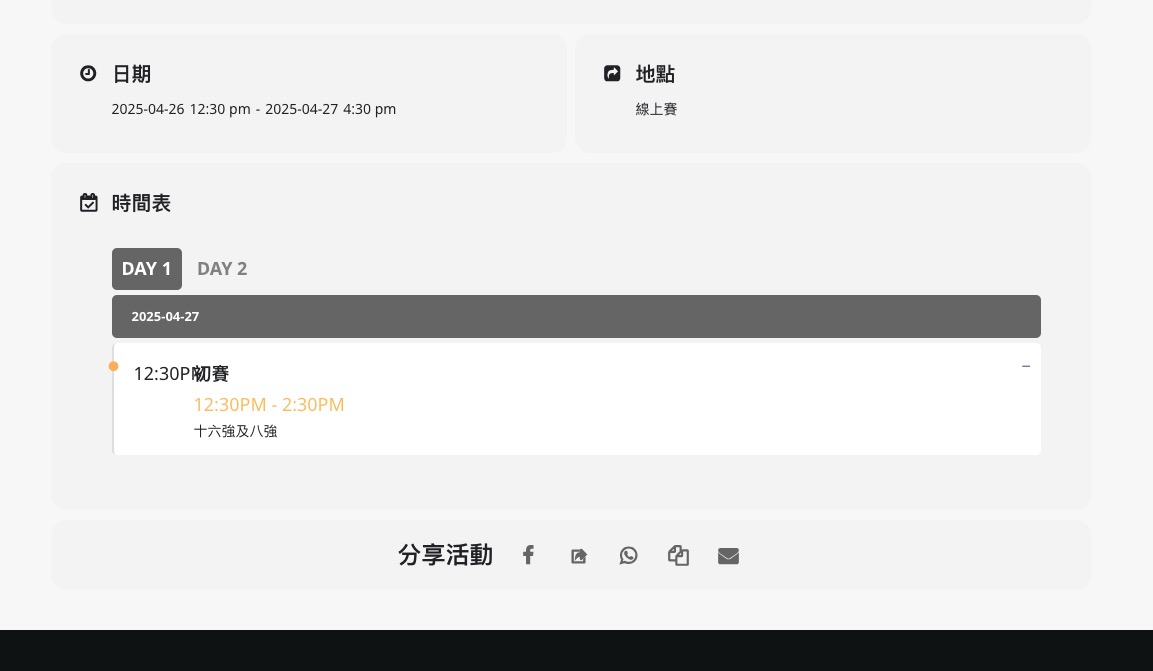
Hello,
Please follow this guide:
https://docs.myeventon.com/documentations/customize-eventtop-date-format/
Use ‘date’ and try $start[‘F’].’.’.$start[‘d’] according to:
https://www.php.net/manual/en/datetime.format.php
Just make sure that quotes are correct.
Hello – thank you for the support. It appears to working now for me as well.
Thank you matt for the video and letting us know. We were able to make some progress on the event maps code. If you want to share wp-admin access I can upload the latest stable version of maps addon. We are still doing final test of version 1.6 before we can release it to public.
Alright new version 2.2.2 — should resolve focus day color.
Hello friend, yes the new version does not address your issue. Let me take a look at this and let us get this issue resorted with color settings and get it out 🙂
been using Cusomizer: Additional CSS, with something like this
.evoau_submission_form .evo_date_time_select .evoau_time_edit .time_select select
Specificity: (0,4,1)
{
background-color: #fff;
}
.evoau_submission_form ._row_datetime {
background: linear-gradient(45deg, #38B8D2, #38B8D2);
}
.evoau_submission_form .evo_date_time_select .evoau_time_edit .time_select select.ampm_sel
Specificity: (0,5,1)
{
background-color: #fff;
}
Not sure if that’s right?!
Anyway, it doesn’t seem to over-ride the EventOn styling.
Please do let me know what I should be doing! Thanks.
Hello,
Could you elaborate more? The schedule section is visible on my side:
Hello,
In our system the license is activated correctly:

I can deactivate it from our side or you can follow
https://docs.myeventon.com/documentations/how-to-deactivate-eventon-addon-licenses/
Please also know that you can use the add-on (even if it’s license deactivated) while we are working on the issue.
I added the code to wp-admin > Appearance > Customize > Additional CSS. Seems to be working now. Please check and let me know.