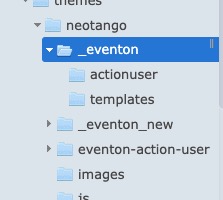
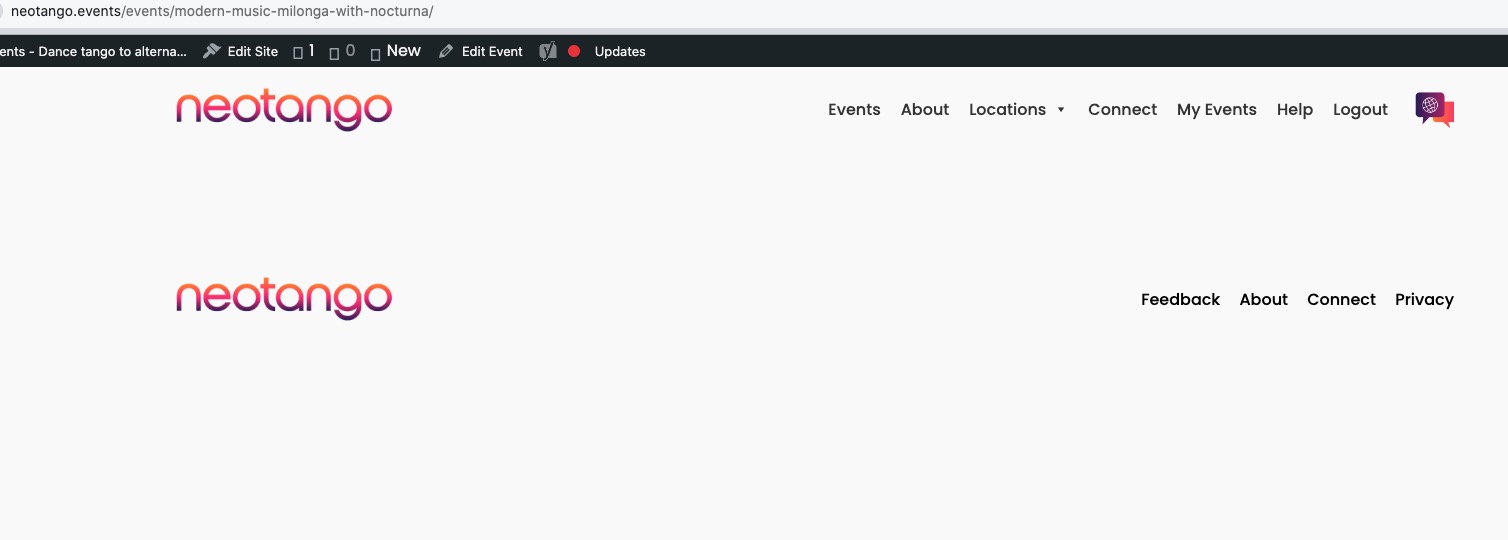
I renamed eventon folders for the theme to stop using them, but Single Event Page isn’t working:
Do you have any more customizations somewhere in the theme or as a snippet?
Replies for tickets on suppota
I renamed eventon folders for the theme to stop using them, but Single Event Page isn’t working:
Do you have any more customizations somewhere in the theme or as a snippet?
I changed “Caminhada” to “0-Caminhada”, but on Calendar i see the same name “Caminhada”.
Have to something more to see the update?
thanks
Please try adding this code:
.widget .ajde_evcal_calendar.color.esty_2 .eventon_events_list .eventon_list_event .evoet_title { margin-bottom: 0 !important; padding-bottom: 0 !important; }
I changed the code in Additional CSS:
https://staging.flamboree.org.uk/wp-admin/customize.php?return=%2Fwp-admin%2F
Seems to be working now. Please check and let me know.
Ups, i will try
“Manage Ticket Stock” should work:
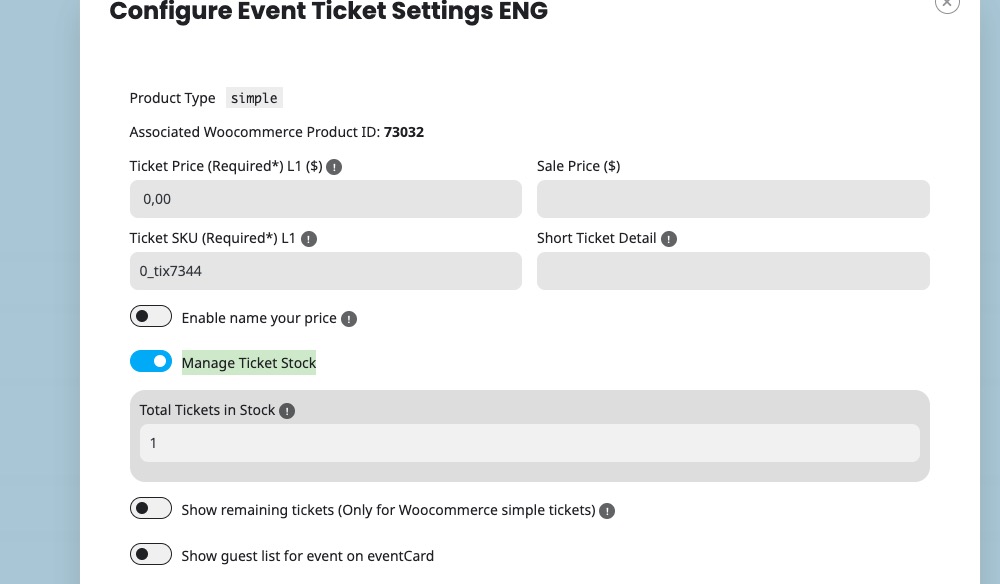
Please try and let me know.
Thank you for your messages, I am going to assign this ticket to Ashan and he will be able to take it from here and find you a solution. Please allow some time for him to get back to you, we greatly appreciate your patience and thank you for being a eventon customer! Also please disable any IP blocking on your site if there are any.
Not sure, I’ll need to double check the log.
Sure, I understand and that’s great. But, now any link that I put in my bash script will be void in 24 hours.
Is there a work around. Having the static link allowed me to get the csv without an issue.
Manually downloading all the csv files is time consuming.
Any help would be appreciated.
Thanks
Iain
Hi Artem,
Thank you for the instructions. I have shared the FTP access details with you so that you can enable debugging and check the PHP error logs. Please let me know once you have completed the steps or if you need anything else from my side.