Hello,
I just added this event:
https://leopoldsporties.com/wp-admin/post.php?post=7378&action=edit
And the website is loading correctly.
Do I need to go to a certain part of the website?
Please follow the instructions in this documentation to activate debug in your site to see any PHP errors recorded that can provide insight on to whats going on. Please reply with a link to debug.log file. If you are not able to do this please send us FTP access to your site so we can do this for you.
I just re-checked the issue and could you try manually clearing your browser cache.
No issues on my side when I click on

Thank you for letting us know! Ashan will check this ASAP.
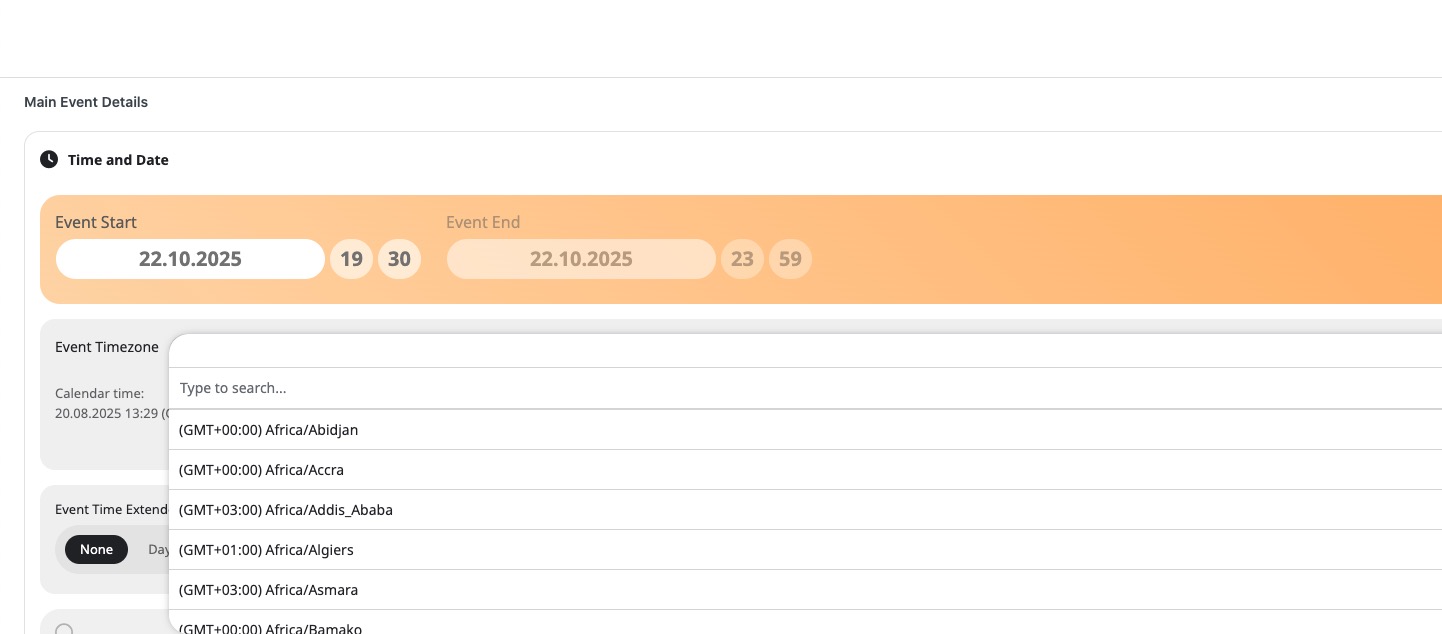
Timezone is empty:
https://www.xtra-news.eu/wp-admin/post.php?post=1906&action=edit
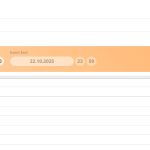
The Vienna timezone is correct, please just make sure that Edit Event > Timezone isn’t empty.
Hello,
Can we take a look at wp-admin? Please send us wp-admin access to your site from “Access Info” box on right side menu, to further assist your situation.
If not possible, please send us your shortocode.
Please also try the instructions mentioned in this documentation to make sure your issue is indeed coming from eventon.
Hello,
Please create a new ticket and select Feature Request as category so others can vote on your idea and get it moved into development faster.
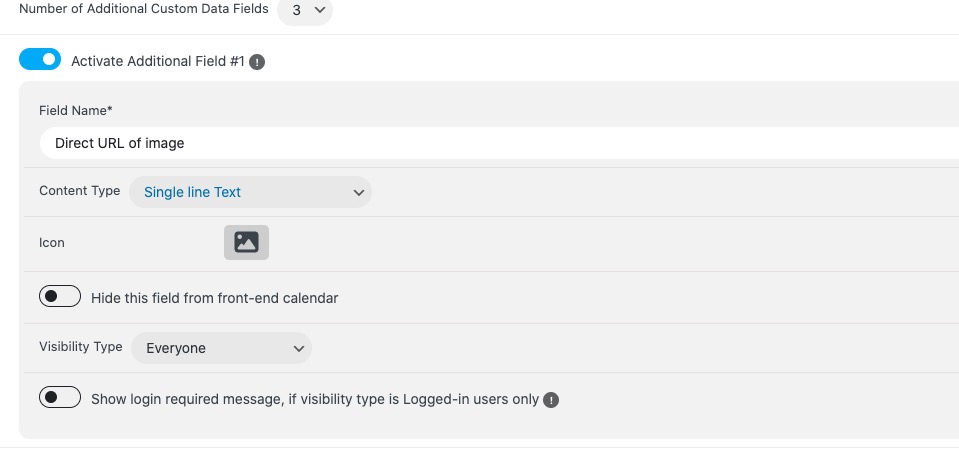
I believe that you can use “cmd_{x} => Custom meta data values.” for this. But you need to add URLs manually.
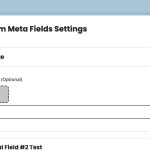
Enable Custom Meta field:
https://docs.myeventon.com/documentations/setup-use-custom-meta-fields-events/
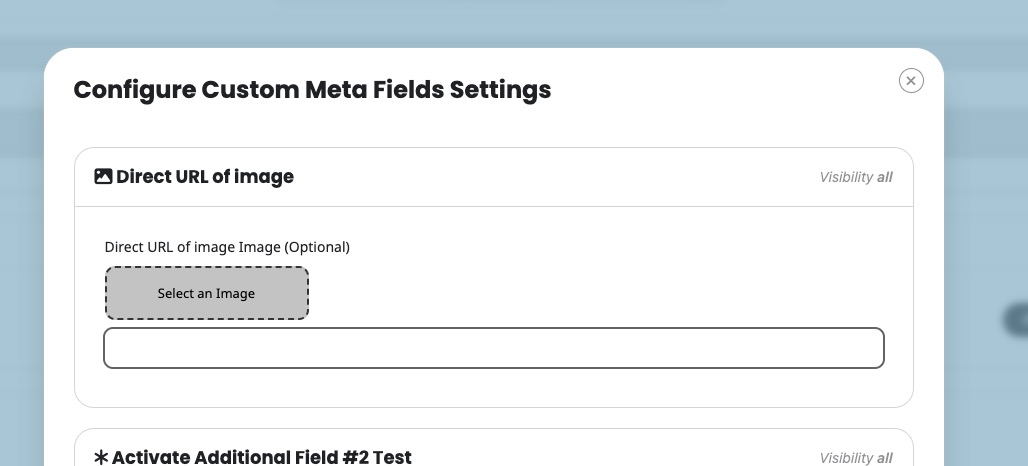
And then from Edit Event add full URL to it:
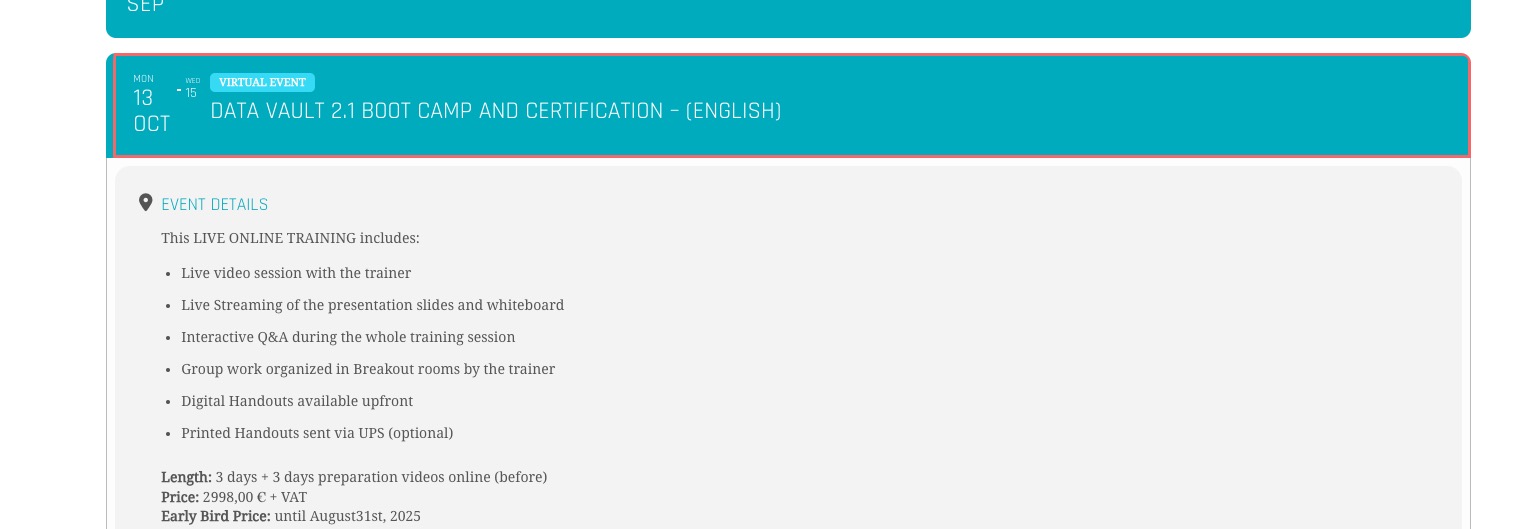
The only incorrect day that no longer appears is October 17th, but it still displays incorrect dates for October 23rd and August 25th through 31st (they incorrectly date until September 1st). I’m using the European time zone with the city of Vienna, so that should be fine, right (Calendar timezone: GMT+02:00)?
Actually, this worked for the events with “Open in new window”
but it broke the links for “Slide down EventCard”
they have a # link and are going to the top of the page
Ok, great! Thanks for the update. Doest that mean I need to change the plugin file, until there is an update fixing this issue?
Perfect! Thank you very much! Kind Regards – Oliver