I went to EventON > Advanced Settings > enabled Enable sanitizing HTML content for event data.
Seems to be working now. Please check and let me know.
Replies for tickets on suppota
I went to EventON > Advanced Settings > enabled Enable sanitizing HTML content for event data.
Seems to be working now. Please check and let me know.
thank you for this, the website is loading correctly, it seems to be something with html, I am seeing this error message on most of the events, the event details don’t show up:
Error: There are unclosed HTML tags in the event details. Please fix the content in the editor.
Hello,
According to:
Supported Dynamic Tags for Email Message
{event-name} {event-link}{rsvp-yes-count}{rsvp-no-count}
Using these tags within the email message for reminders email will be replaced with dynamic content.
Tags you are referring to cannot be used in “Email Subject line”, only “Email Message Content”.
Please check and let me know.
Ashan,
Customer’s screenshots:
https://helpdeskx.s3.amazonaws.com/wp-content/uploads/2025/08/19120707/eventon-errors-in-log.png
https://helpdeskx.s3.amazonaws.com/wp-content/uploads/2025/08/19120712/eventon-error-smtp.png
https://helpdeskx.s3.amazonaws.com/wp-content/uploads/2025/08/19120701/eventon-rsvp-email-settings.png
The same on dev2:
https://dev2.myeventon.com/events/rsvp-4/
https://dev2.myeventon.com/wp-admin/admin.php?page=wpml_plugin_log
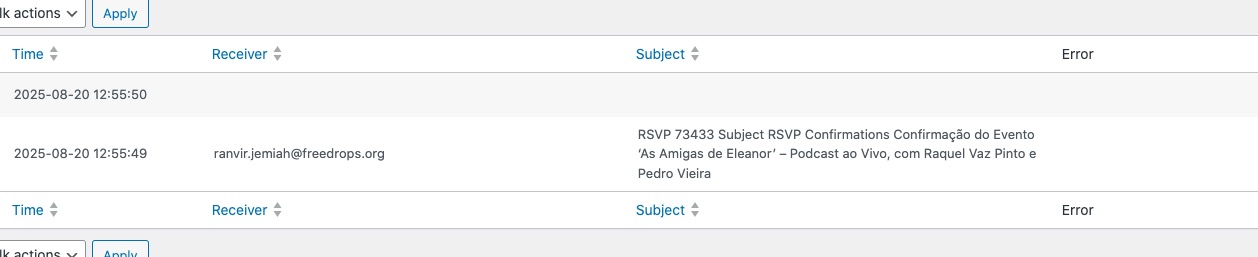
It sends out two emails and one is empty:
Thank you for your messages, I am going to assign this ticket to Ashan and he will be able to take it from here and find you a solution. Please allow some time for him to get back to you, we greatly appreciate your patience and thank you for being a eventon customer! Also please disable any IP blocking on your site if there are any.
I only see “No access information available.”. Could you check?
After you enabled WPML and created translated versions for each Event, you need to make sure that you also added wpml_l1, wpml_l2 and so on to your shortcode, so when users go through your website, they can open events from calendars that provides the correct URL.
Please make sure to provide us with the correct login details, so I can create an example for you.
I will need your email to create the user. i can’t give you access to my work email. I asked you for an email so that you can receive the authentication code.
Please provide me for any support email so that you can access wordpress.
Thanks.
Perfect! Please keep us updated.
Hello,
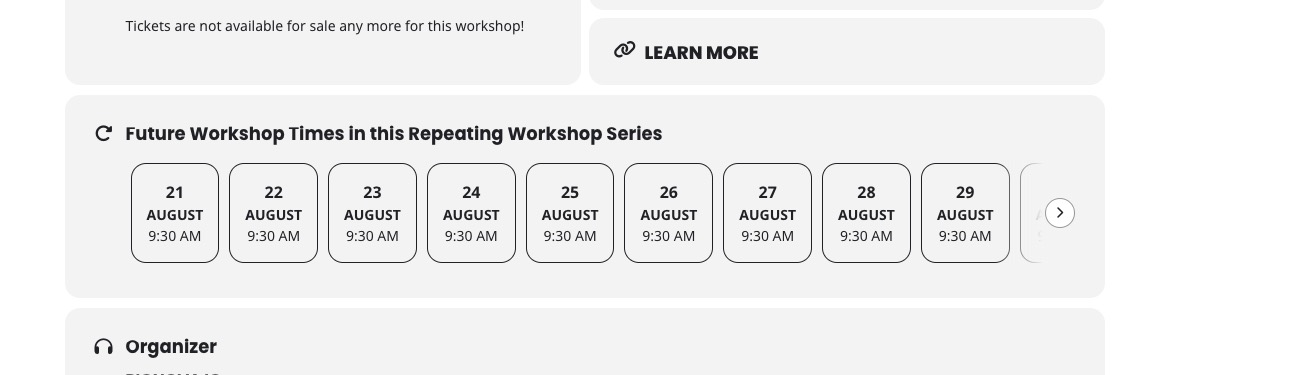
Past repeats are hidden by default, I believe:
Could you check and let me know?