Hello,
It seems to be working on our side:
https://dev2.myeventon.com/events/new-york-album-launch/var/ri-3.l-L1/
 Please send us wp-admin access to your site as a private message for us to further assist your situation. Also send us FTP access to your site as a private message.
it works normal for me to add an event- what in particular are you testing?
Hi Tim,
Please use the default single event slider, it should display the way you want.
by default it shows a sinlge event
[add_eventon_slider]
please type your questions in point form and provide wp-admin access so we can diagnose
probably a better way is to make a pop up gravity form if you know how to make pop ups or model windows
and use the custom meta data in eventon to create a new HTML field on your event and put the pop up button code or shortcode into that
see https://docs.myeventon.com/documentations/setup-use-custom-meta-fields-events/
No the bookings plugin does not currently work with action user- you can add basic tickets but not customized ones- you would have to set that up for the client the way you add normal events
for starters you’ll want this plugin
https://en-au.wordpress.org/plugins/autocomplete-woocommerce-orders/
what this does is auto change an order to completed if they buy with an instant payment system- (paypal,stripe etc)
which will then trigger the completed order email and send the ticket to the customer via email
however they will need to be logged in to view the stream if it is embeded if they are a guest there is the option to force them to join if they are not a user on checkout in woocommerce settings
if the feed is not embded – then a link to the vimeo feed will be completed order email
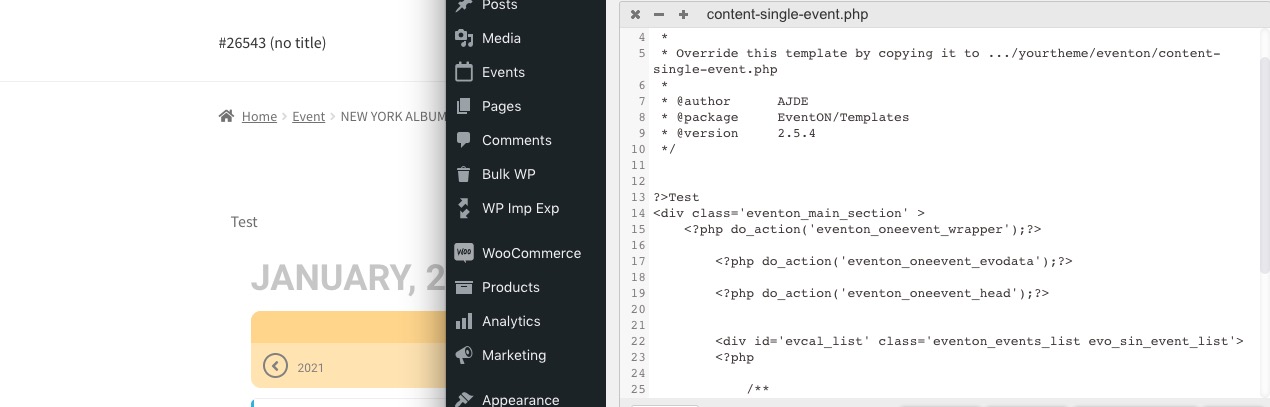 Please send us wp-admin access to your site as a private message for us to further assist your situation. Also send us FTP access to your site as a private message.