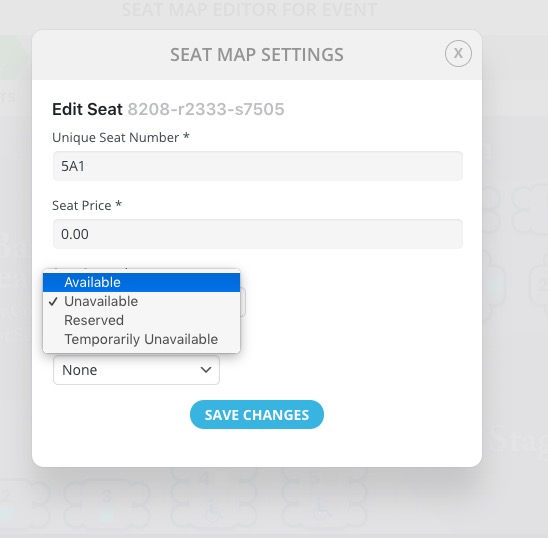
Hmm, very strange if not a bug as sometime’s it appears and sometimes it doesn’t with the resolution not changing
But, don’t want to waste time on that issue, I will hide the one below with CSS
More importantly, you did not answer me about the MAP Zoom issue which is more of a problem for me.
Got it! Is there a more direct way to edit seat availability from front-end / admin user?
There are alot of steps just getting to the event’s map editor from back-end admin, difficult to manage realtime with on premises staff.
Your thoughts?
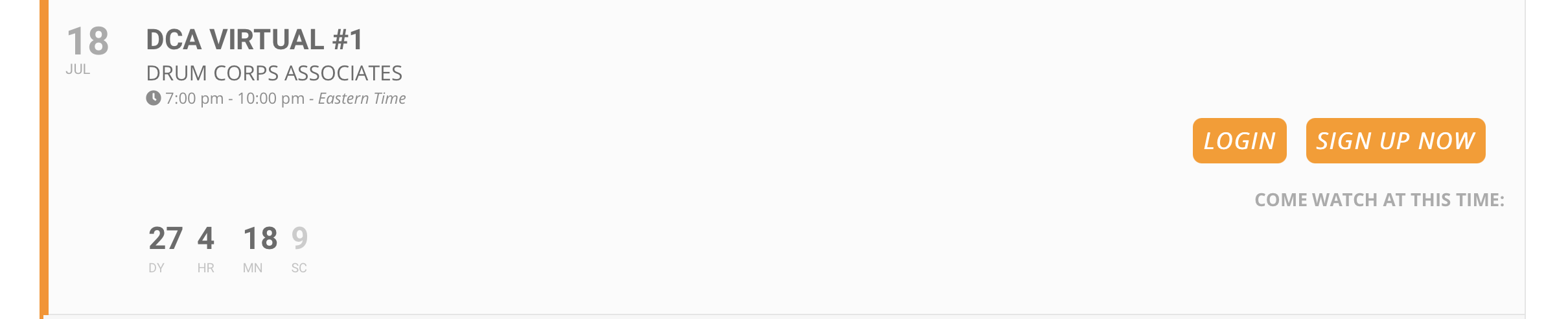
I got the countdown to show up. However, now I would like the calendar to show up together, but leave the buttons where they are. The calendar should be on the left, buttons on the right.
Hi,
thanks for your reply.
I. tested the plugin tip. As it is only a backend issue, I did not think it could be a plugin.
But… funnily it is caused by the “Calendarize It” Plugin. As soon as it is inactive, everything works. It is a bit unpleasent, as I cannot prepare the events before I switch the calendar on the live site. But well, somehow it has to work 😉
Thanks!
Hello,
Could you please try the instructions mentioned in this documentation?
Please start with disabling Really Simple SSL.
Hello,
1. Event Settings. Please clean browser cache:
2. About ICS. Please go to EventON Settings > ICS Import > enable “Import past events as well from ICS file”. Could you also send us the .ics file you are trying to import?
[21-Jun-2021 14:47:56 UTC] PHP Fatal error:  require_once(): Failed opening required '/home/ygtudgsr/public_html/wp-content/plugins/ninja-forms/includes/Libraries/BackgroundProcessing/classes/wp-async-request.php' (include_path='.:/opt/alt/php74/usr/share/pear') in /home/ygtudgsr/public_html/wp-content/plugins/ninja-forms/ninja-forms.php on line 317
[21-Jun-2021 14:47:58 UTC] PHP Notice:  require_once(): read of 21116 bytes failed with errno=14 Bad address in /home/ygtudgsr/public_html/wp-content/plugins/wp-event-aggregator/wp-event-aggregator.php on line 164
[21-Jun-2021 14:47:58 UTC] PHP Fatal error:  require_once(): Failed opening required '/home/ygtudgsr/public_html/wp-content/plugins/wp-event-aggregator/includes/class-wp-event-aggregator-admin.php' (include_path='.:/opt/alt/php74/usr/share/pear') in /home/ygtudgsr/public_html/wp-content/plugins/wp-event-aggregator/wp-event-aggregator.php on line 164
[21-Jun-2021 14:48:02 UTC] PHP Notice:  require_once(): read of 36513 bytes failed with errno=14 Bad address in /home/ygtudgsr/public_html/wp-content/plugins/usp-pro/inc/usp-process.php on line 16
[21-Jun-2021 14:48:02 UTC] PHP Fatal error:  require_once(): Failed opening required '/home/ygtudgsr/public_html/wp-admin/includes/image.php' (include_path='.:/opt/alt/php74/usr/share/pear') in /home/ygtudgsr/public_html/wp-content/plugins/usp-pro/inc/usp-process.php on line 16
[21-Jun-2021 14:48:15 UTC] PHP Deprecated:  implode(): Passing glue string after array is deprecated. Swap the parameters in /home/ygtudgsr/public_html/wp-content/plugins/wp-rss-retriever-pro/inc/lib/simplepie/library/SimplePie/Parse/Date.php on line 544
Please try disabling Ninja Forms, WP Event Aggregator and USP Pro for a test.
Hello,
I cannot login because it redirects me to https://greenworldalliance.org/gwa-add-events/
Could you check?
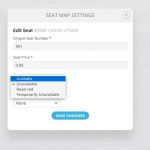
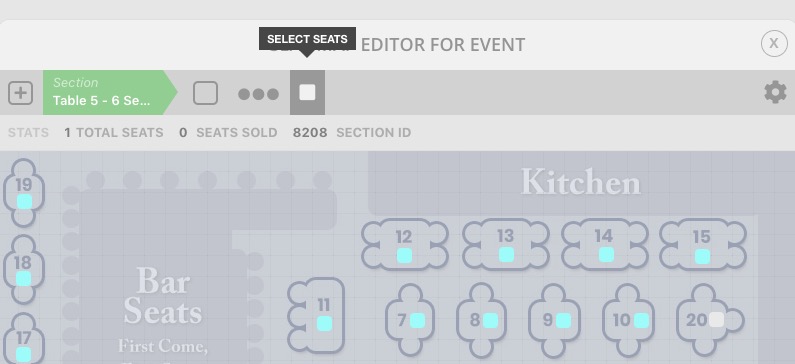
Please go to Edit Event > Seats > click on Select Seats > after click on a seat > make it unavailable: