that´s right but only if editing in the backend. So when I´m creating a new event using front end submission it still shows pacific time.
Archives: Replies
Replies for tickets on suppota
Reply to: tickets(243849)
Please follow the instructions in this documentation to activate debug in your site to see any PHP errors recorded that can provide insight on to whats going on. Please reply with a link to debug.log file. If you are not able to do this please send us FTP access to your site so we can do this for you.
Reply to: tickets(232977)
Hello,
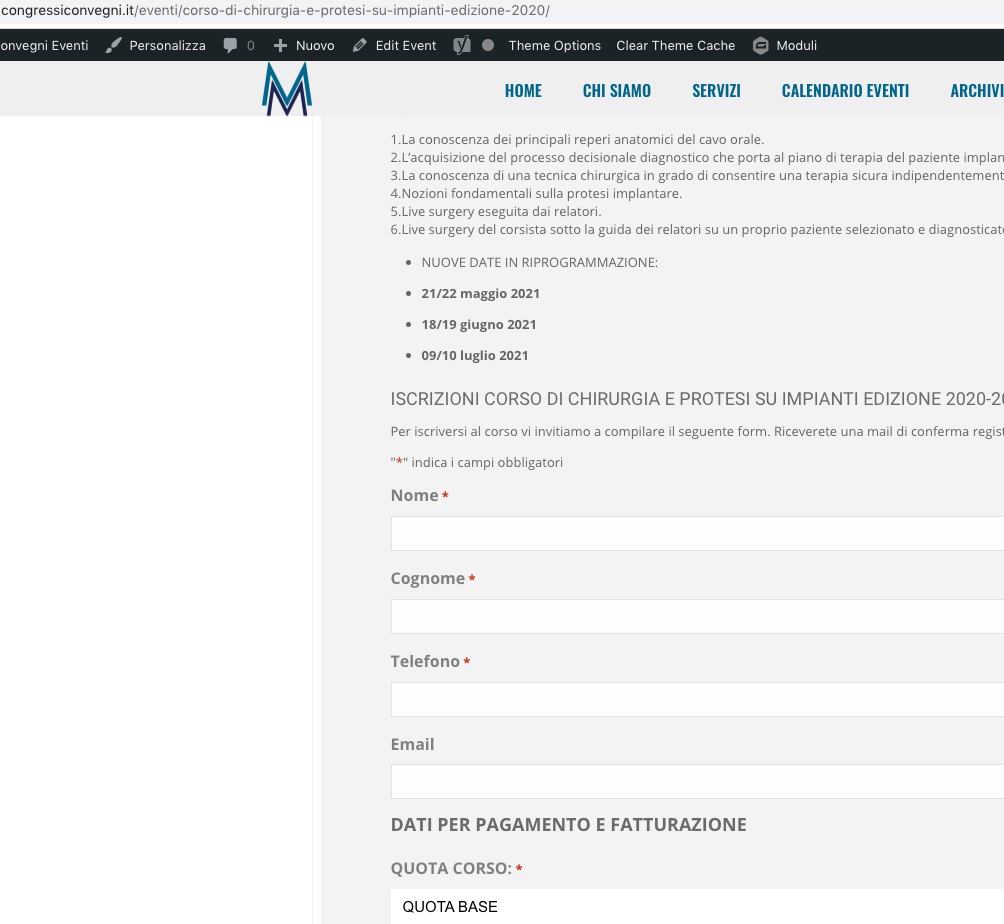
The only way to fix this is to go to EventON Settings > set Select calendar event content filter type: Default WordPress Filter > enable Remove JSON-LD data for events.
Please check now:
Reply to: tickets(243993)
Hi Ashan,
When you try to load events in the demo version backend there is a critical error. Please take a look.
Reply to: tickets(243993)
Hello,
Everything seems to be working. Could you send us a screenshot?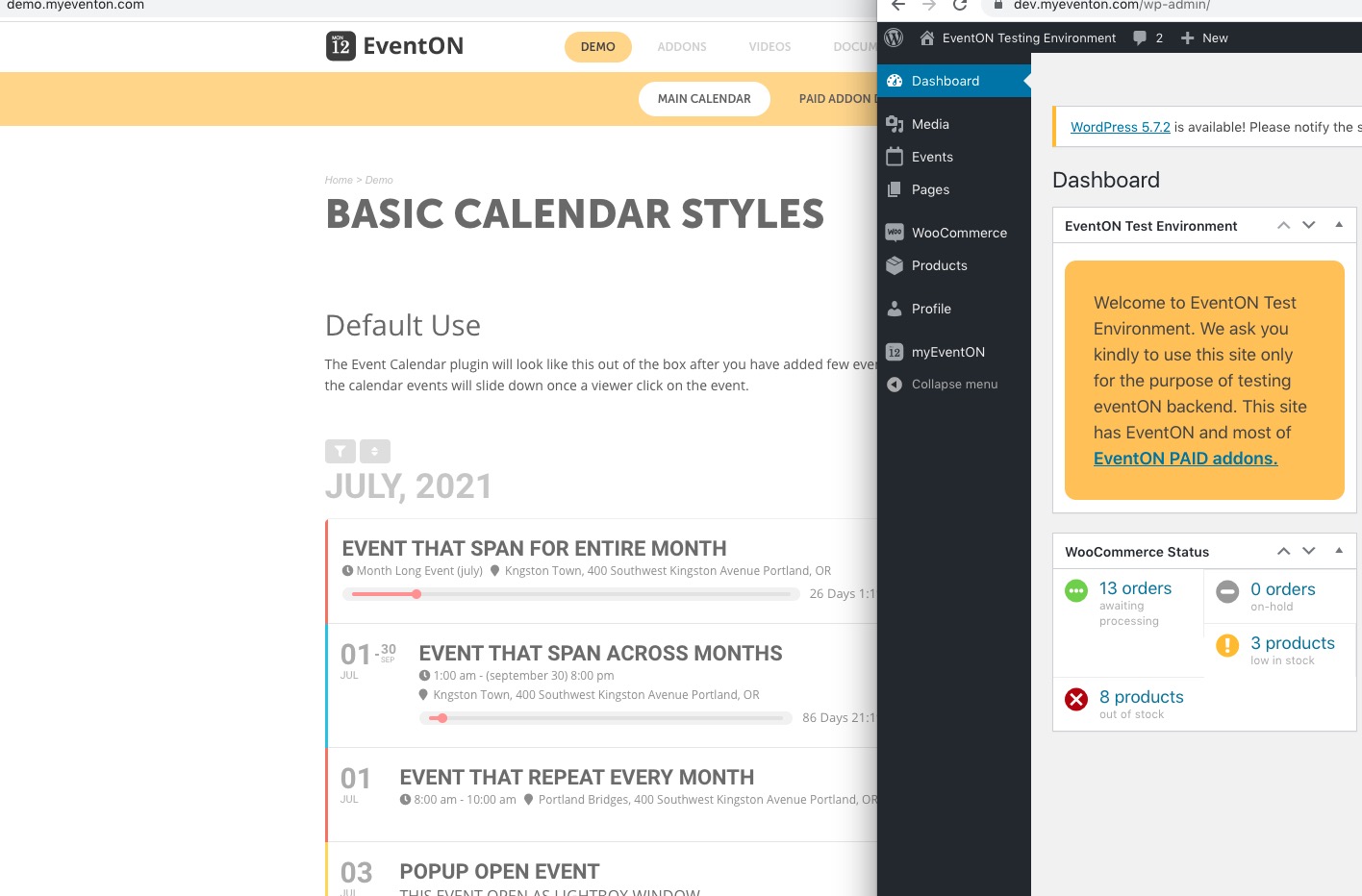
Reply to: tickets(243993)
Thank you for writing in. I am going to assign this ticket to Ashan and he will be able to take it from here. We greatly appreciate your patience and thank you for being a eventon customer!
Reply to: tickets(232977)
Have you the admin password ?
Do you need ftp?
Reply to: tickets(243967)
Please send us wp-admin access to your site as a private message for us to further assist your situation.
Reply to: tickets(243643)
here’s an option see video below:
Reply to: tickets(243906)
Hi Sam,
Please provide the email used to purchase as well as the order number.