Frontend is now translated manually by me.
But how can i translate backend? Is there an update for the tickets and the speaker addon??
Replies for tickets on suppota
Frontend is now translated manually by me.
But how can i translate backend? Is there an update for the tickets and the speaker addon??
Please include solution asap in next Update. Thank you!
No
Here in Europe we write: 9.000,00 for ninethousand – and 90,00 for ninty.
I am still waiting for a solution. Could you please help as quick as possible?
Thank you!
Calendar: https://www.herz-der-dinge.de/kalender/
Your username for login ist still active: eventON
Password: rex#4rU
Your booking block on my side:
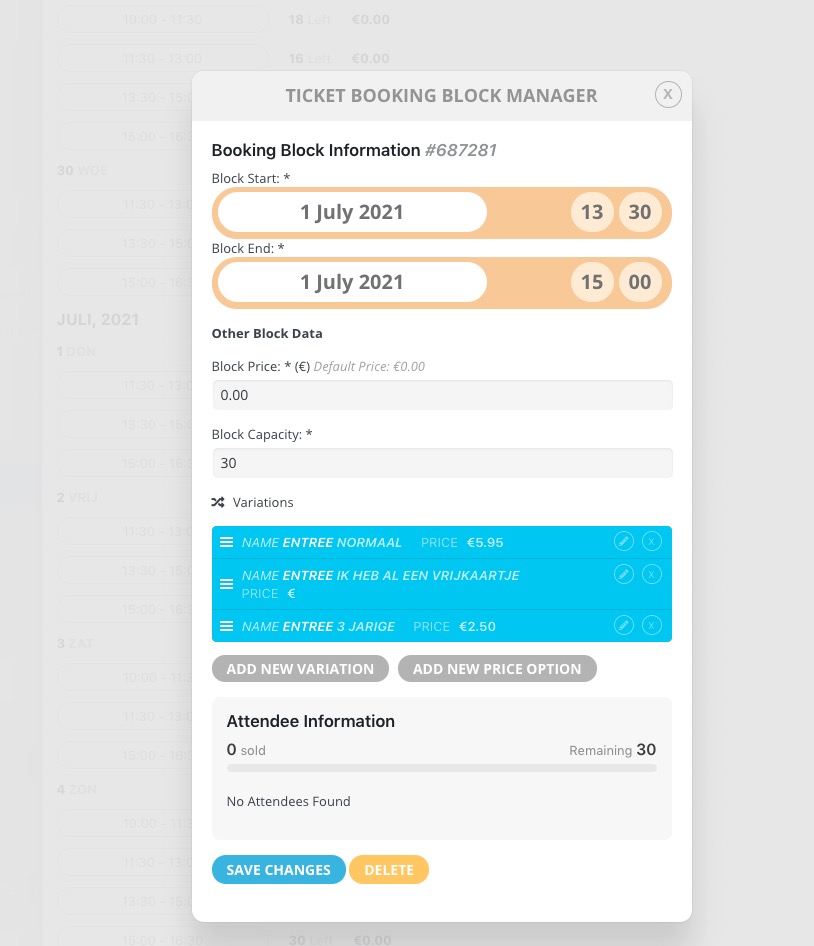
Could you try cleaning your browser cache and check again?
Thank you. It works now but it looks the same – what did you do to make it work – I need to know so that I don’t have to ask you in the future if there is an issue…
No, I expect when buying software for the software to work relatively simply and if there is stuff that I need to do for there to be a decent set of instructions. That is not the case with this plugin. REFUND PLEASE
We are glad your issue is resolved, if you have any further questions or concerns please create a new ticket.
If you have a moment, we would greatly appreciate if you could kindly leave us a review at codecanyon! from your account > downloads. Cheers!
Hi,
your are awesome!! It works great, thank you!
Please clean your browser cache. View attendees should work now.
WooCommerce was designed to sell online so the best solution for your staff to go through the checkout process like a regular customer does. Then go to WooCommerce > Order, where they can send a confirmation email or generate tickets as PDF using https://www.myeventon.com/addons/pdfer/
Also can additional questions be asked to booking guests for things like allergies?
Please check https://docs.myeventon.com/documentations/how-to-add-additional-fields-at-checkout/
I cannot create a new ticket. I’ve tried twice and after filling in all forms the ticket doesn’t show under “My Tickets”. Very frustrating. So here’s my problem (feel free to create a new ticket with this info).
Could you tell us more about how you create tickets?