I am unable to unblock entire countries, the security analyst will unblock an IP or a range of IP addresses for me, temporarily, but that’s it.
Archives: Replies
Replies for tickets on suppota
Reply to: tickets(390182)
Hi Artem,
many thanks foir the update and Yes… that works… We/ve bee using Event on for many years – it’s far the best Event plugin by the way – did the website button and input fields ever feature in the regular event creator window? Or is there a way of displaying/adding selected custom meta fields to the regular creator line up??
Anyway…. we are back in business! – So many thanks again for your prompt help with this and best wishes to all the team there. Good work.
Steve
Reply to: tickets(391928)
https://life-online.de/termin/praxisworkshop-berufliche-veraenderung/
please fill out the form and produce an error by missing an entry into a required field so that the form field verification is activated. You will see this </div> “,”location”:[{“@type”:”Place”,”name”:”LIFE Bildung Umwelt Chancengleichheit e.V.”,”address”:{“@type”: “PostalAddress”,”streetAddress”:”Rheinstr. 45, Aufgang C, 12161 Berlin”}}]}</script> in the header and the closing script tag cannot be recognized by the browser
Reply to: tickets(391355)
Hi Ashan,
Thanks a lot for your reply!
I understand that refactoring the schedule to support multi-date items isn’t really feasible — totally get that it would be a big effort.
It would really help if there was an option to continue using the old start and end date fields as free text. We have a lot of events built around that setup, and changing everything would mean a big refactor and redesign on our side. Using multiple blocks for each date unfortunately doesn’t work well for how we display things on the website.
Could you point me to the place where I could access older versions of the add-on?
Best wishes,
Olga
Reply to: tickets(391921)
Reply to: tickets(391617)
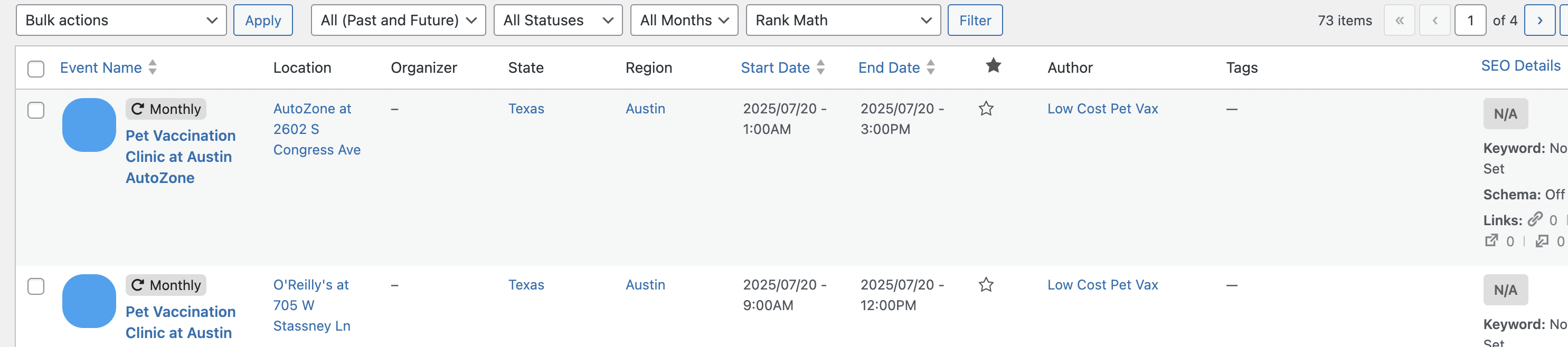
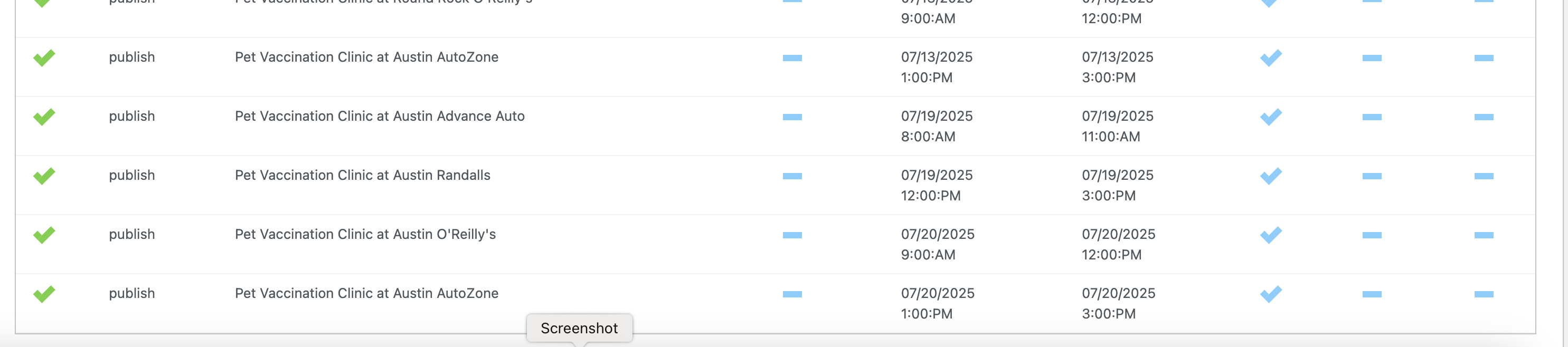
One other example is I am trying to upload tags with my events, but the CSV Format has no column example for tags I can see. I actually dont’ see it in the guide either. So how do I do this?
Thank you.
Reply to: tickets(391355)
This is the first time someone requests this option. I think another option for you would be to create multiple blocks for each date, because it is tracking the date for the schedule.
After looking through, we need to completely refactor how the schedule is generated in order to support multi date schedule items. — sorry to tell this, but I think it might take more time to get this implemented.
At the moment, you can use old version or add multiple blocks to represent each date block item.
Reply to: tickets(391617)
Thank you, I have done that; but I found out that the CSV format exported doesn’t match what I need to use for importing events, and in fact, if I copy the column names, I will have errors. An example would be that when I download the CSV format, it has the column name “repeat_type”. That’s not the correct column name though, and it took several tries to get the right one, which is “evcal_rep_freq”.
I did figure out the post ID situation. It would be nice if the export and import format was the same, so I could simply export the list, edit that one, and then import it again.
Reply to: tickets(391355)
Thank you for pointing this out. We did update in this way to maintain the structure of the schedule to be within the event date range. Let us see if we can get optional end date support implemented.
Reply to: tickets(391890)
Hello,
Thank you for your great suggestion, at the moment it is not supported. However please create a new ticket and select Feature Request as category so others can vote on your idea and get it moved into development faster.