OK forget the last video
here is the video you want to see. (Theres a little subtle box to check to open the link in a new window)
Replies for tickets on suppota
OK forget the last video
here is the video you want to see. (Theres a little subtle box to check to open the link in a new window)
strike that- I am working on a new video one moment
ux_val=”4a” is what you need to add to the calendar
you have like 10 calendars on the page but only the first one has ux_val=”4a”
I added that to juli- and now it opens in a new window- you’ll have to go in and add it to the remaining claendars
see video below
Dear Ashan,
the wp-password is correct but you need to check the checkbox
Ja, ich akzeptiere eure DATENSCHUTZERKLÄRUNG.
All the best,
Sirpa
can you give the login for that user? so I can login as Auckland for kids and see exactly what he/she is seeing and experiencing
I tried with ux_val=2 and put my external URL into the ‘Learn more’ section. That at least sends it to the right URL but still won’t open in a new window.
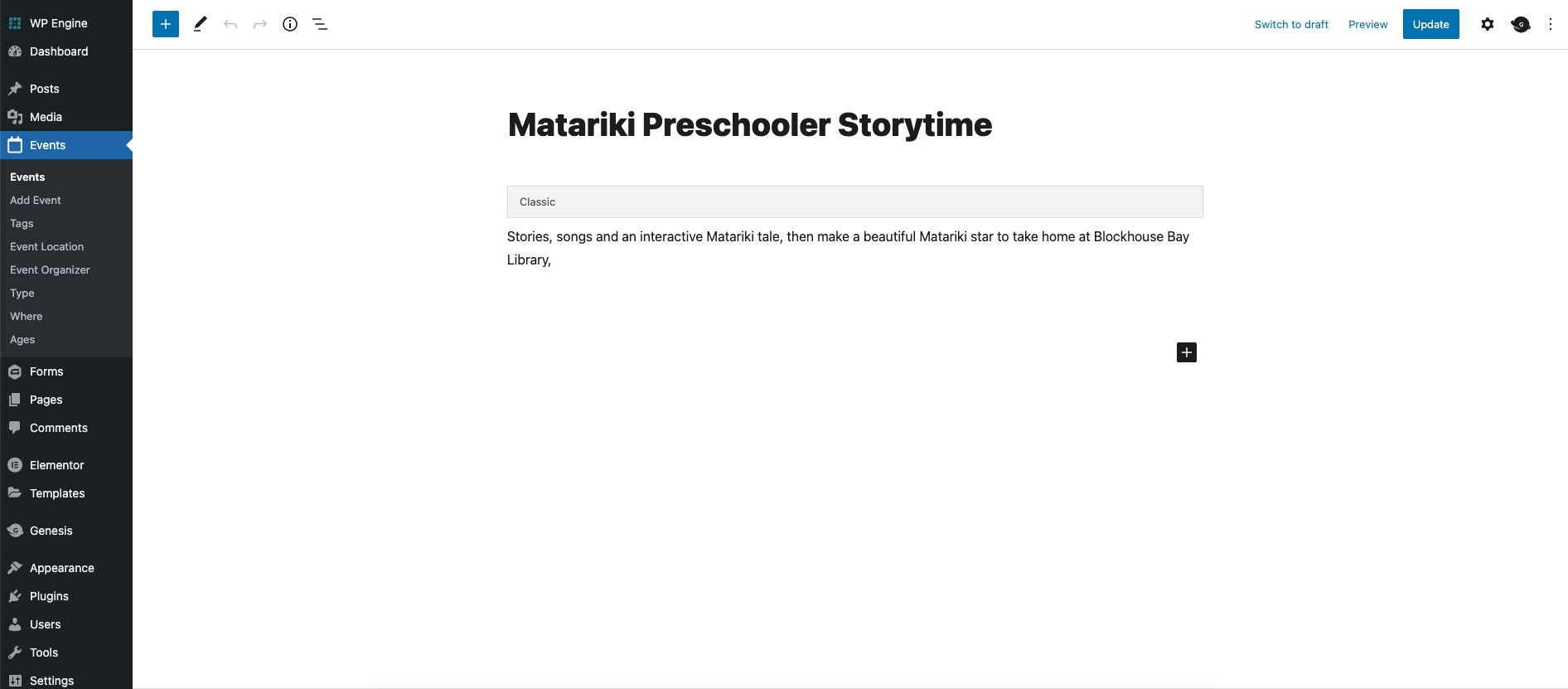
Oh never mind actually, I figured it out. The Event Details section had been moved into the sidebar section somehow. Tried activating the Classic Editor plugin and dragging the Event details section back under the main content and deactivating that plugin and that solved the issue.
Is there not a variable that uses ‘User interaction: Open external URL in new window’?
Hi! It’s not working. When you read the history of this thread you seee that that’s why we added the ux_val=4a. Which you suggested btw 🙂
So if you go to intao.io/kalender and you click for example Peer-Coaching in Oktober it will only open the event card. When you click on it in Juli, it will open the new URL but not in a new window.
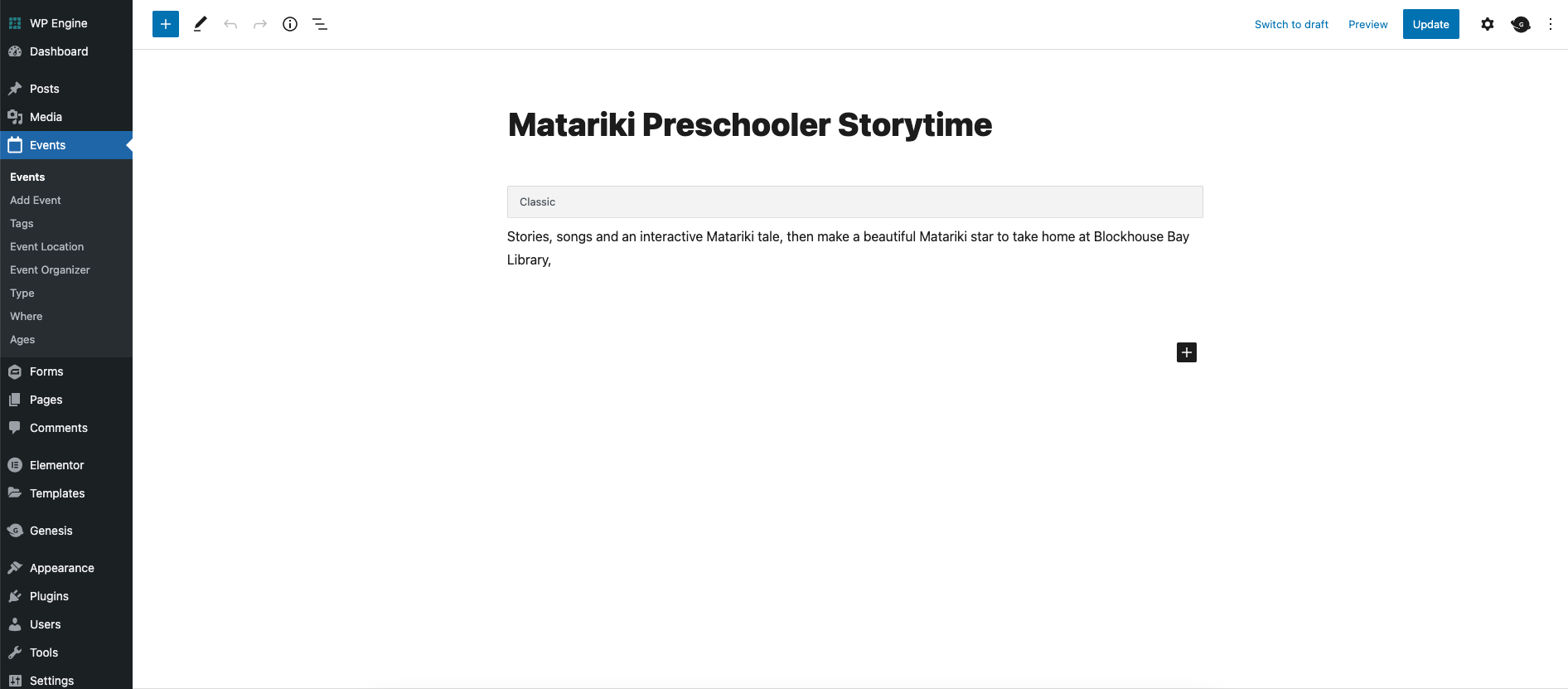
Hiya thanks for the video. The issue isn’t actually with the ‘thefold’ account it’s with the admin user ‘Auckland for Kids’. I’ve attached an image showing what they’re seeing when they edit an event, they have the Gutenberg editor but then the Event Details section underneath is just not there. If I go to Preferences and into Panels the Event panels are active and nothing has been turned off in Screen Options as far as I can see so I’m not sure why they’re not showing.