We are glad your issue is resolved, if you have any further questions or concerns please create a new ticket.
If you have a moment, we would greatly appreciate if you could kindly leave us a review at EventON WordPress Page OR EventON > My Account > Downloads. Your review helps us a lot in continuing EventON improvements!
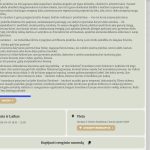
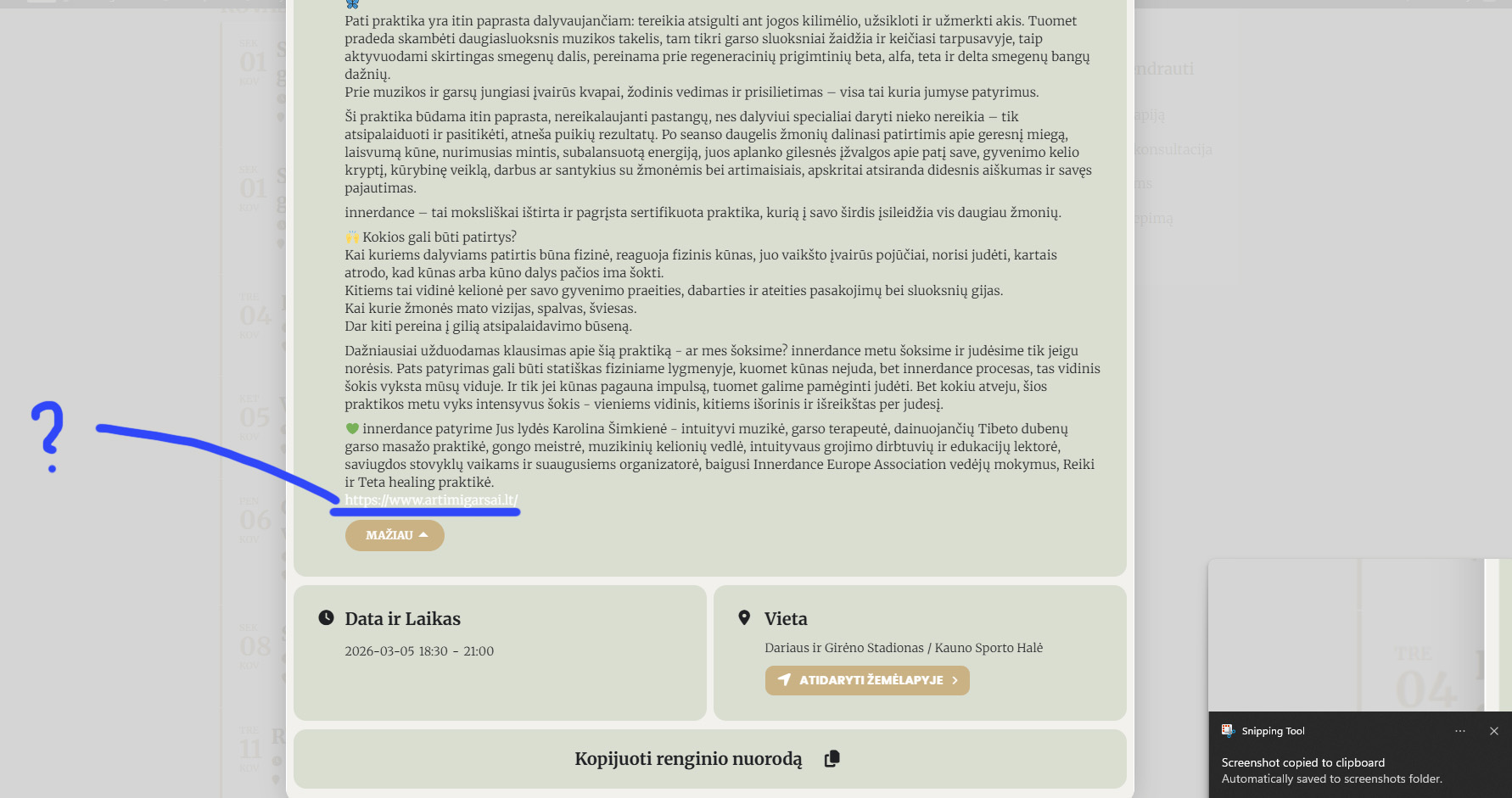
For now, temporary, I changed the background color for the links to be visible. Please help to change the link color and the link hover color.
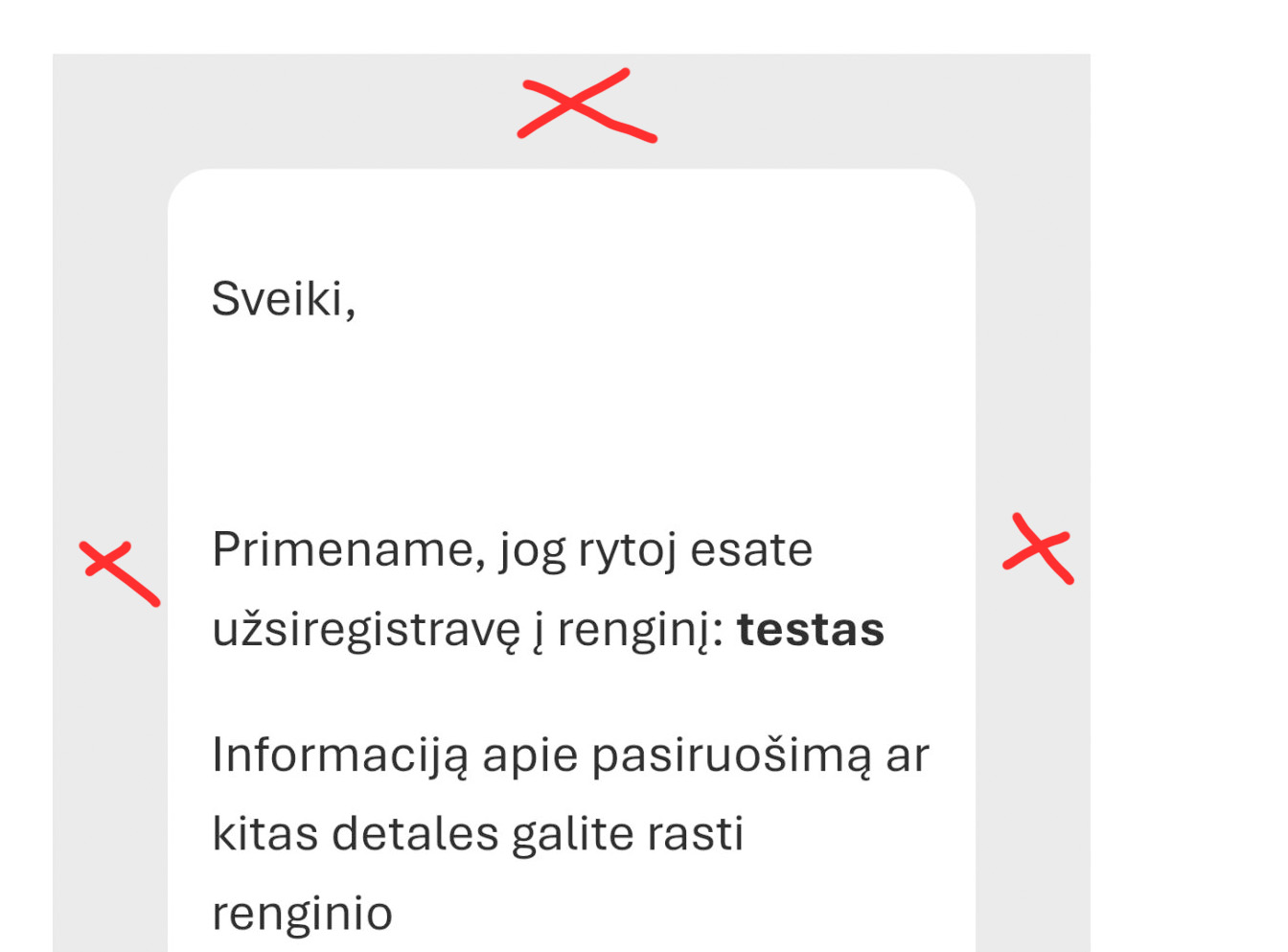
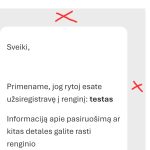
Sorry, too complicated for me. Maybe you could give a hint on what should I delete or add and where to delete the grey frame surrounding the email?
Would like to look like normal, standard email.
Thank you, the code worked.
Is it possible to change the style of eventTops in this archive page? And also to change the layout? To be more specific, would be great to have this tyle view like here: https://www.artimigarsai.lt/renginiai/ , and also a wider page layout – without the sidebar, also like here: https://www.artimigarsai.lt/renginiai/
The eventon code for the tile view would be this:
[add_eventon_list number_of_months=”12” ux_val=”3a” show_et_ft_img=”yes” tiles=”yes” eventtop_date_style=”1” tile_count=”3” tile_style=”2” tile_bg=”1” tile_height=”300” hide_empty_months=”yes”]
If not possible, than lets leave it as is.
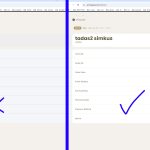
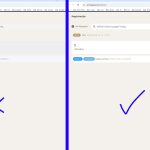
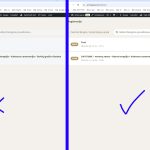
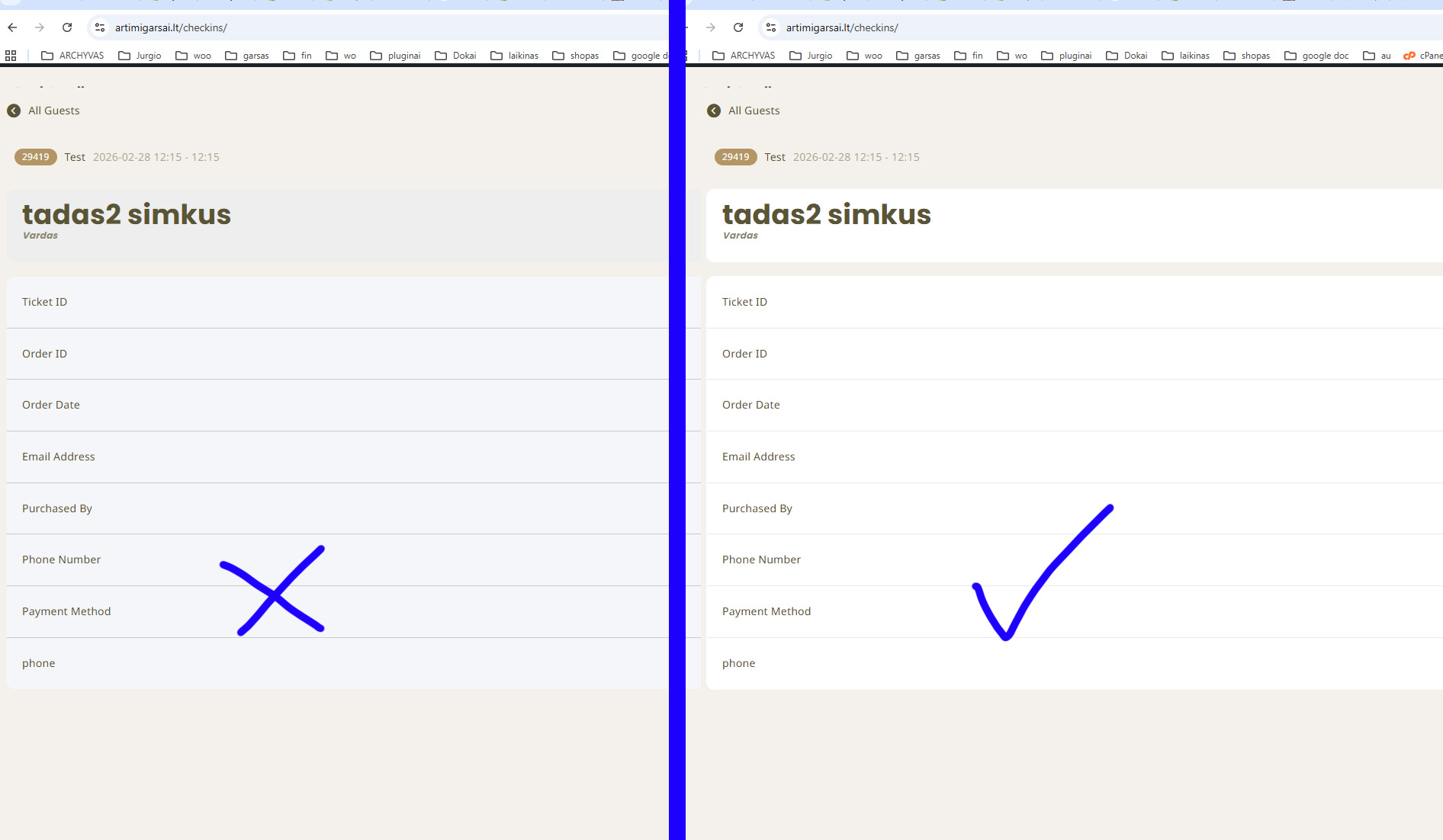
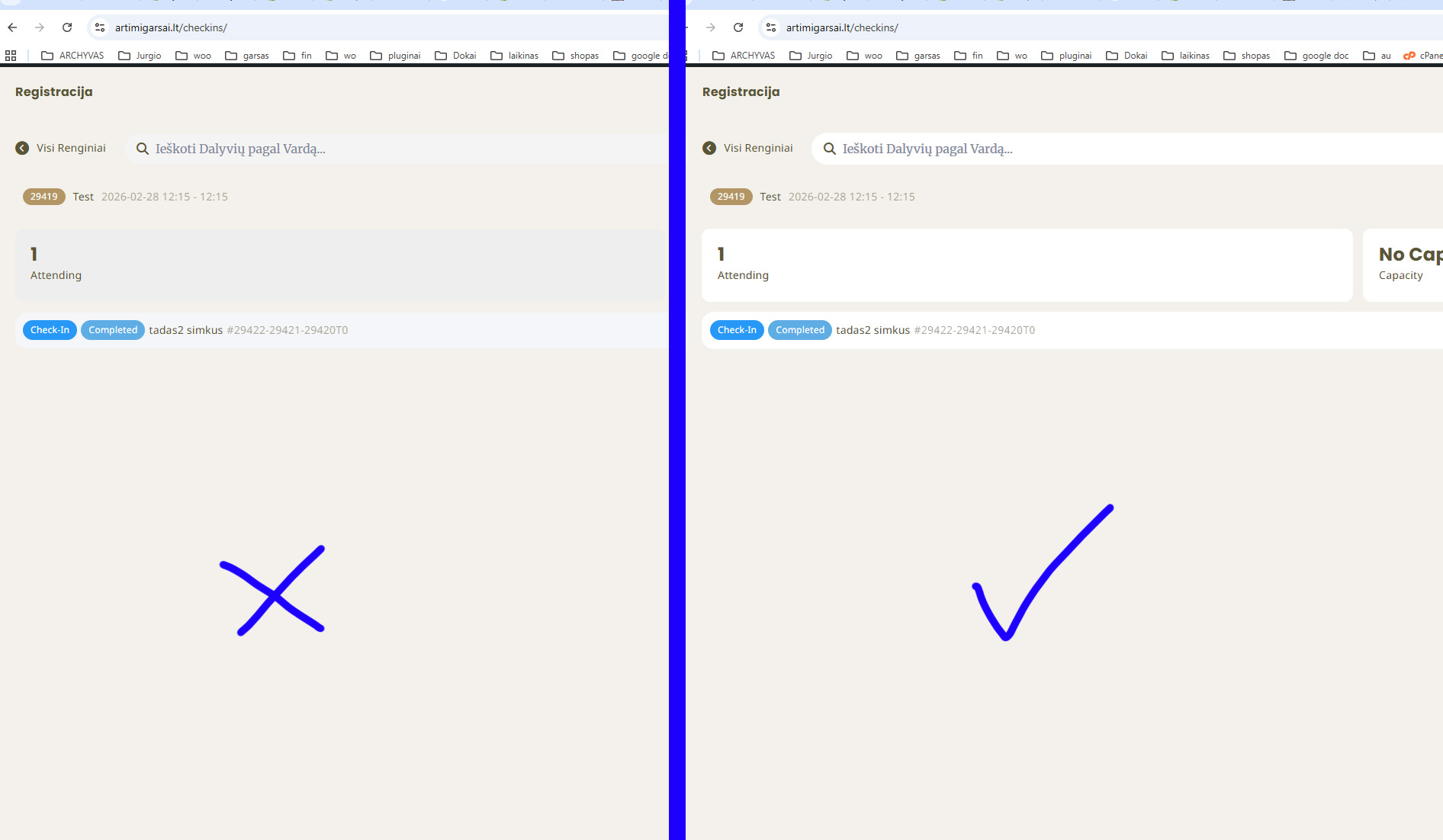
If possible, just change all the greyish parts to white. Thank you!
Thank you — I’ve fixed it, and everything is now working properly.
Thank you for the update. Unfortunately the customer decided to move to another platform due to the multiple issues with email and attendees list and the very long time required.
Hello,
Please add this CSS code to EventON > Styles (If you don’t see any change, EventON > Scripts & Styling > turn off Write dynamic styles to header > save settings > turn on Write dynamic styles to header).
You can also add this code to wp-admin > Appearance > Customize > Additional CSS.
.evo_page_content.evo_se_sidarbar .evo_event_content { width: 50%; }
Hello,
Could you tell us more about your current issue, so we can help?
EventON 5.0.2:
Guzg30yrldbk