Spain, 92.191.21.86.
Archives: Replies
Replies for tickets on suppota
Reply to: tickets(393677)
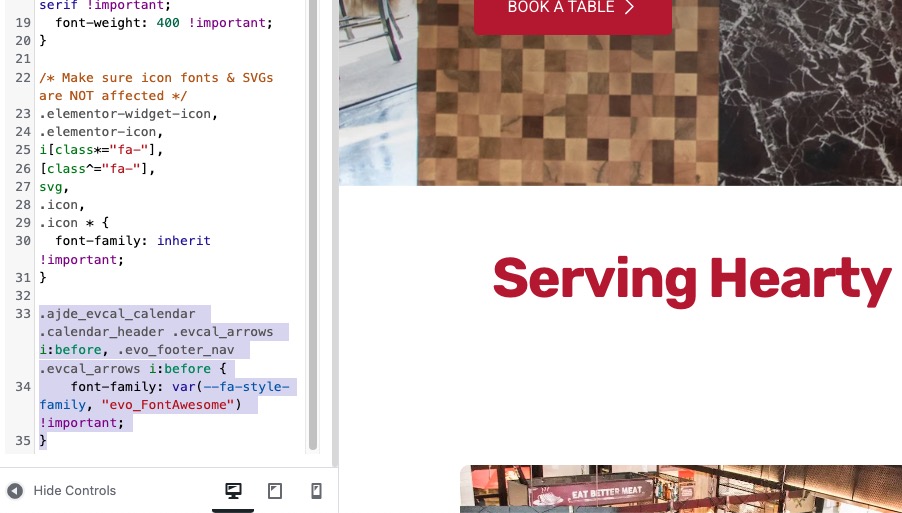
I added the code to
https://new.cleaverandco.co.nz/wp-admin/customize.php?url=https%3A%2F%2Fnew.cleaverandco.co.nz%2F
So it should work now:
Reply to: tickets(394249)
Hello,
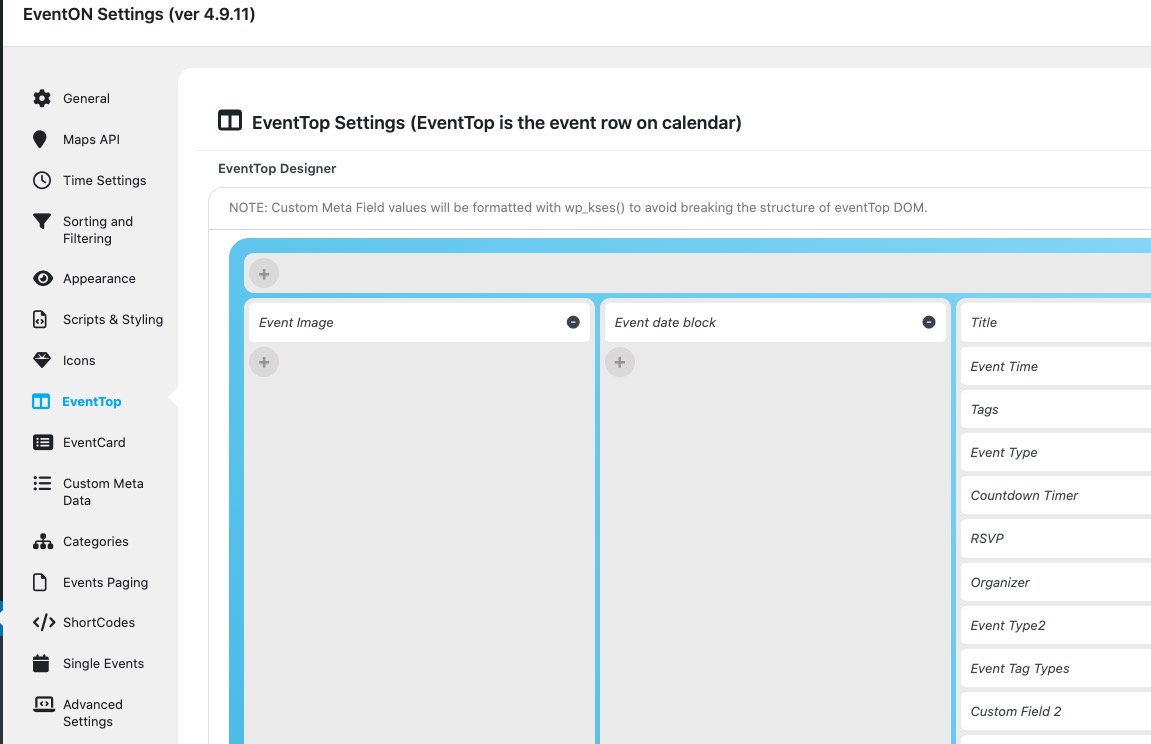
Please go to EventON > EventTop > arrange fields like this:
About the red border. Please add this CSS code to EventON > Styles (If you don’t see any change, EventON > Scripts & Styling > turn off Write dynamic styles to header > save settings > turn on Write dynamic styles to header). You can also add this code to wp-admin > Appearance > Customize > Additional CSS.
.ajde_evcal_calendar.color #evcal_list .eventon_list_event p a.desc_trig:focus { box-shadow: none !important; }
and also I can’t scroll down a page,
Could you also send us a link to the event?
Reply to: tickets(390018)
Hi Ashan,
I am not sure why you would be getting an error. I get to the homepage and admin without a problem.
Homepage: https://bluejeanblues.live/dev/
admin: https://bluejeanblues.live/dev/wp-admin/
Your login is the same..
Reply to: tickets(393801)
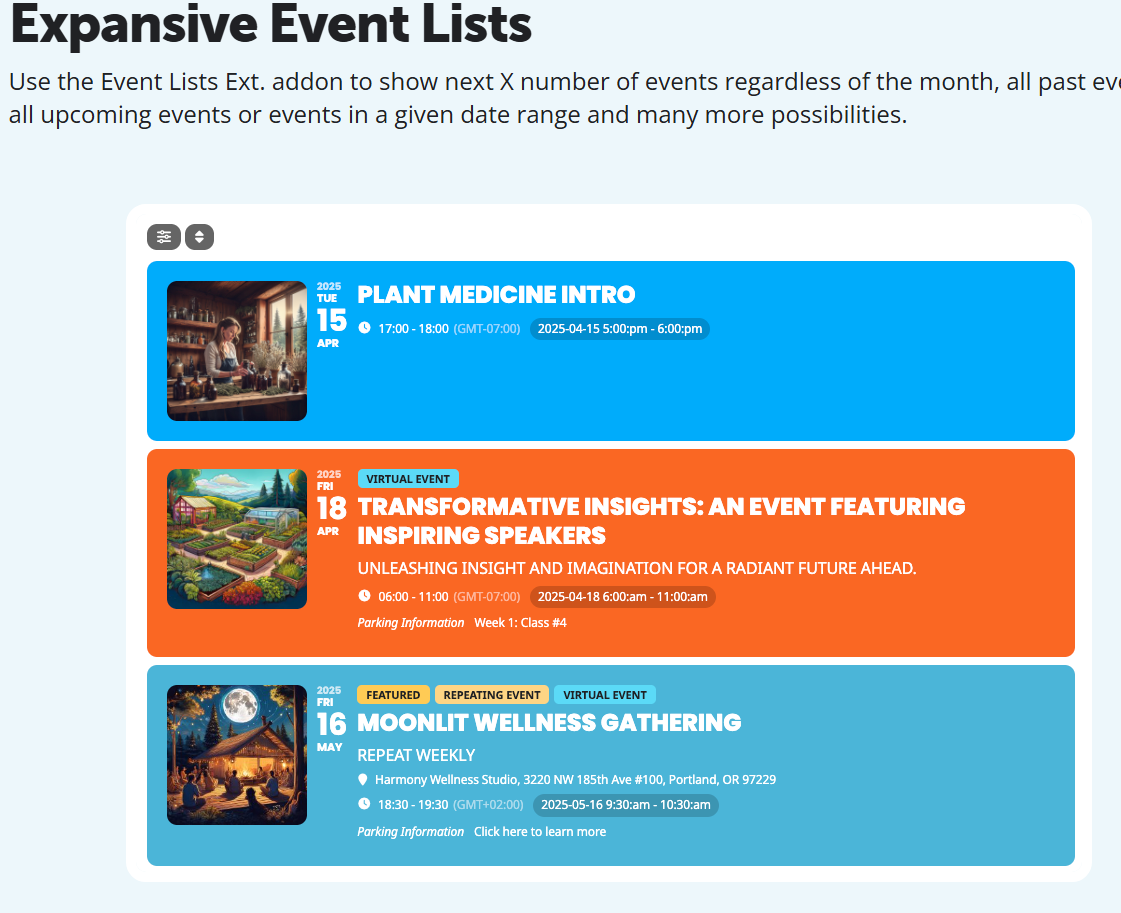
Can I purchase this plugin, https://www.myeventon.com/addons/event-lists-extended/ to get the results I want on the “list page”? I just want a continuous list of events that I can show for the next 6,9 or 12 months and when an event is clicked on, it opens with the additional details in a lightbox. Isn’t this a better option?
Reply to: tickets(393835)
I think that problem was in plugin: LiteSpeed Cache (https://wordpress.org/plugins/litespeed-cache/). When I turned it off, the event on the main page started working correctly. Is there a way to prevent selected page elements from being added to the cache?
Reply to: tickets(392048)
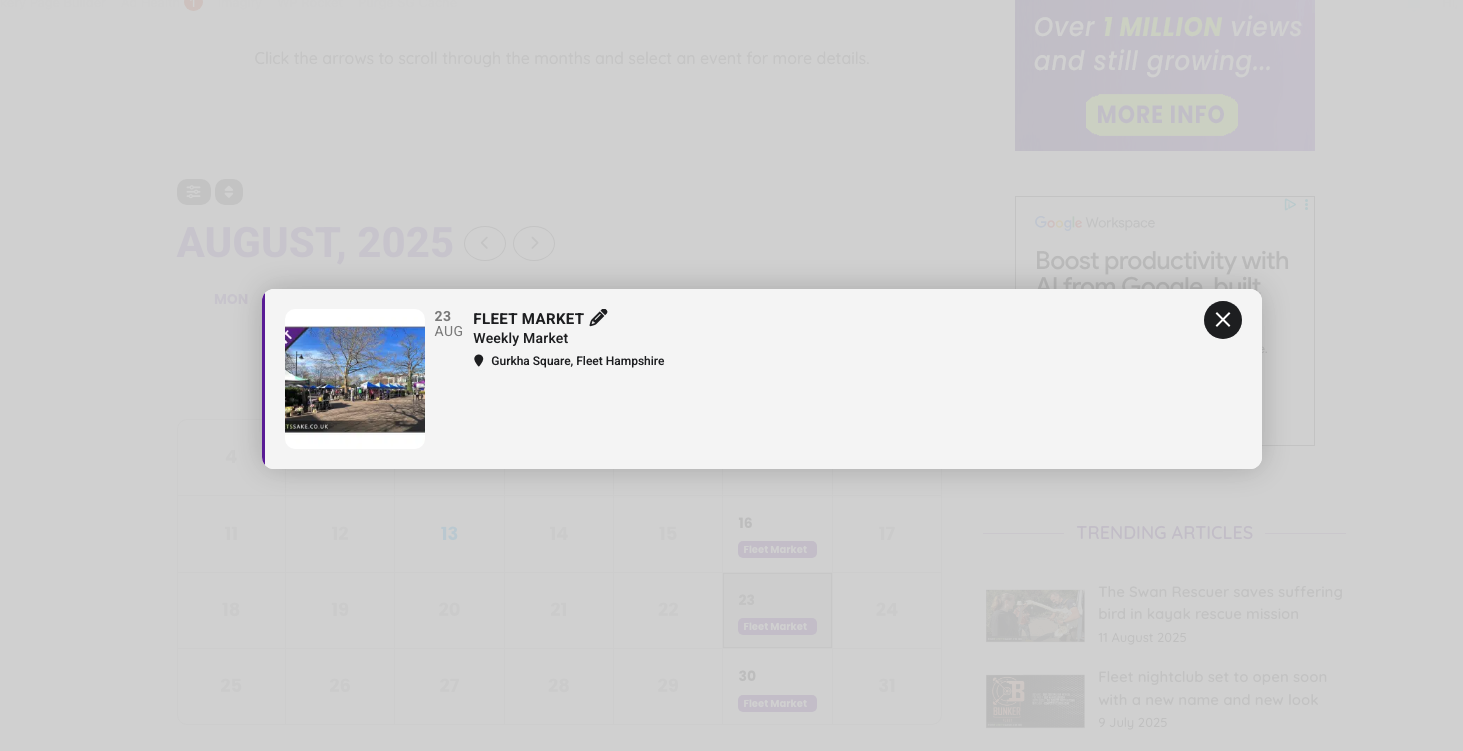
This does not work. When you click on an event from the full calendar, this is what appears.
Reply to: tickets(394179)
Thanks! It works perfectly Best, D
Reply to: tickets(394172)
URL: https://www.torreviejaplus.es/wp-admin
USER: Developer
PASS: #WzawDPlLLJ7B0EX@%cEDhZp
Reply to: tickets(394221)
I’ve forwarded the information to you.
Please don’t break the CSS changes in Event On.
Feel free to test on a draft.
Thank you.