Yeah… I’m working on it, but so far, no luck. I’m waiting for my webhost to lend a hand.
Archives: Replies
Replies for tickets on suppota
Reply to: tickets(390712)
Your website isn’t loading for me:
There has been a critical error on this website.
Could you check and let me know?
Reply to: tickets(390730)
Hello,
Please send us wp-admin access to your site from “Access Info” box on right side menu, to further assist your situation.
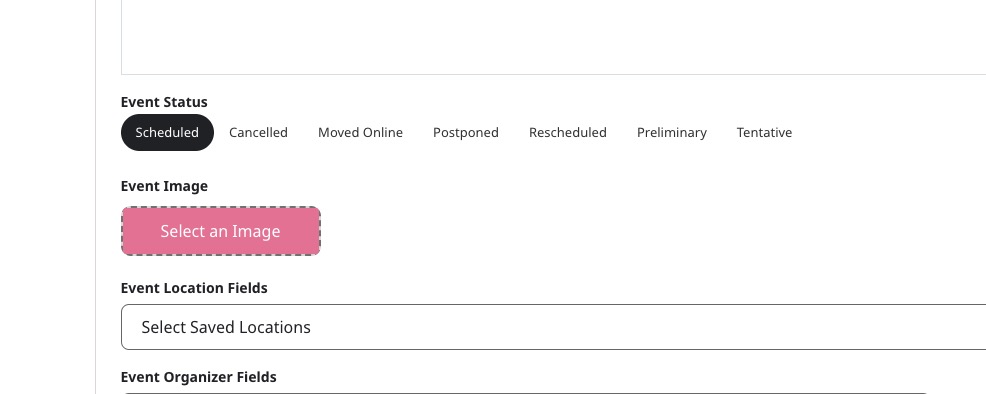
When you go to Edit Event > Set Event Image you cannot select an image?
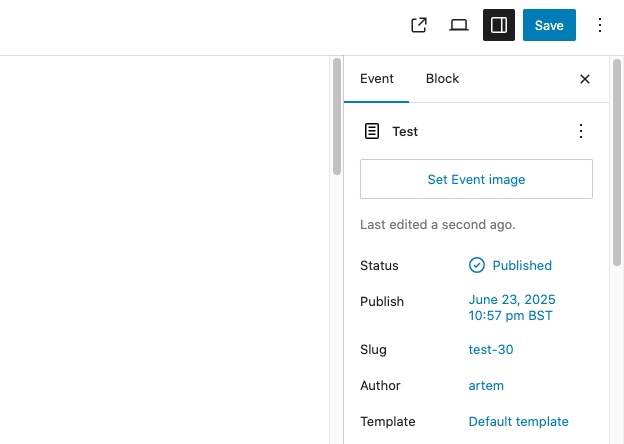
And the same issue with Action User Event Manager:
Reply to: tickets(390269)
Hi, I just activated your account again. You can use the latest credentials: https://1xs2.nl/wp-admin user: Eventon Pass;: Eventon2025%@
Reply to: tickets(390556)
An update: I have reproduced the issue by attempting to buy the ticket in a private window (that is, not as a logged-in user). I have screenshotted the login screen here: https://ibb.co/album/nMLqYs
The browser navigates to this screen after the “Place Order” button is pressed. No confirmation screen is provided, hence our customers’ confusion. I did not use Express Checkout.
If you look at the Orders list under the WooCommerce menu, you can see that the order (#3779) went through and is successfully processing.
I previously attempted to buy tickets while logged in as an admin and the purchase proceeded as normal–see order #3757.
Further, I attempted to buy another product in the same fashion in a private window and ran into the same issue. It appears that all of our products may be requesting login after checkout. The lack of reports for the other products only seems to indicate that the farm-to-table event is popular.
All of the above testing was performed after updating to the newest version of Event Tickets (2.4.17).
Also note that the “Enable Login During Checkout” setting in WooCommerce is unchecked.
I will attempt to figure out the shortcode situation–I would be surprised if the folks who built the website used anything special there. To clarify, you are telling me to replace any custom shortcodes on the Checkout page with the relevant default shortcodes, yes?
Lastly, we are now getting reports of mobile users not being presented with fields for payment. This may be a candidate for a separate help ticket (possibly in WooCommerce’s support system as well), but I present it here in the name of sharing as much data as possible.
Reply to: tickets(390269)
I am sorry, the access information you have provided did not work for us. Please check them and post the correct login information as a private message, thank you!
Reply to: tickets(300741)
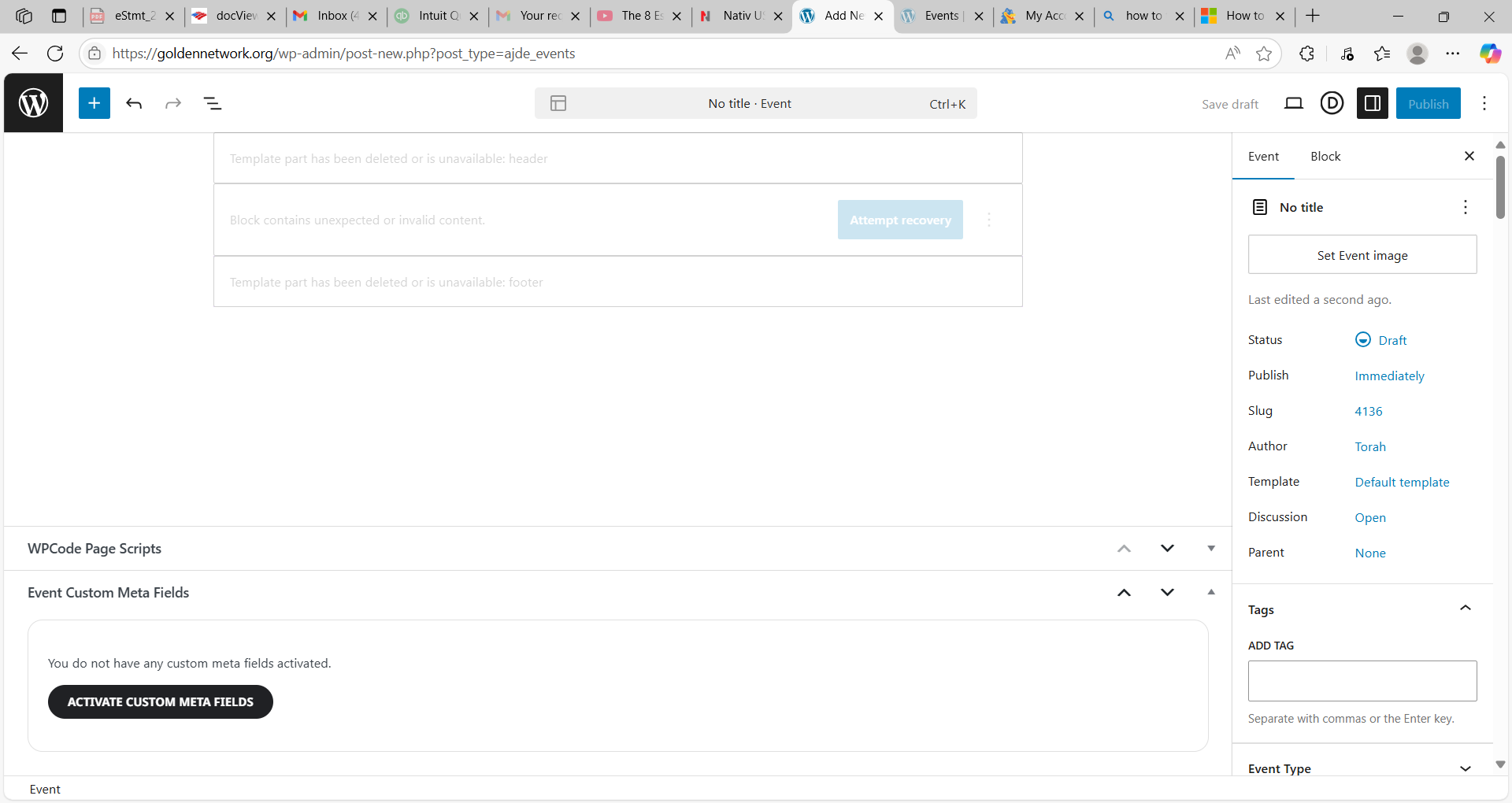
HI, I can’t add an event. The screen looks like this. Thank you for your help.
Reply to: tickets(390269)
Hi, so I did update the ticket plugin and just to be sure disabled all other ones except the main one off course. So I am now on version 2.4.17 As soon as I turn on the auto complete order in the checkout options for tickets I get this error when i’m checking out: Cannot read properties of undefined (reading ‘match’)
I also now changed the template for now to twenty twentyfout to be sure. So it seems nothing has chenged and stil not working properly
Reply to: tickets(390712)
Trying to center the 2 tiles (not the text inside).
Reply to: tickets(390018)
I will keep you updated. Do you have an idea of how long it will take you to add this?