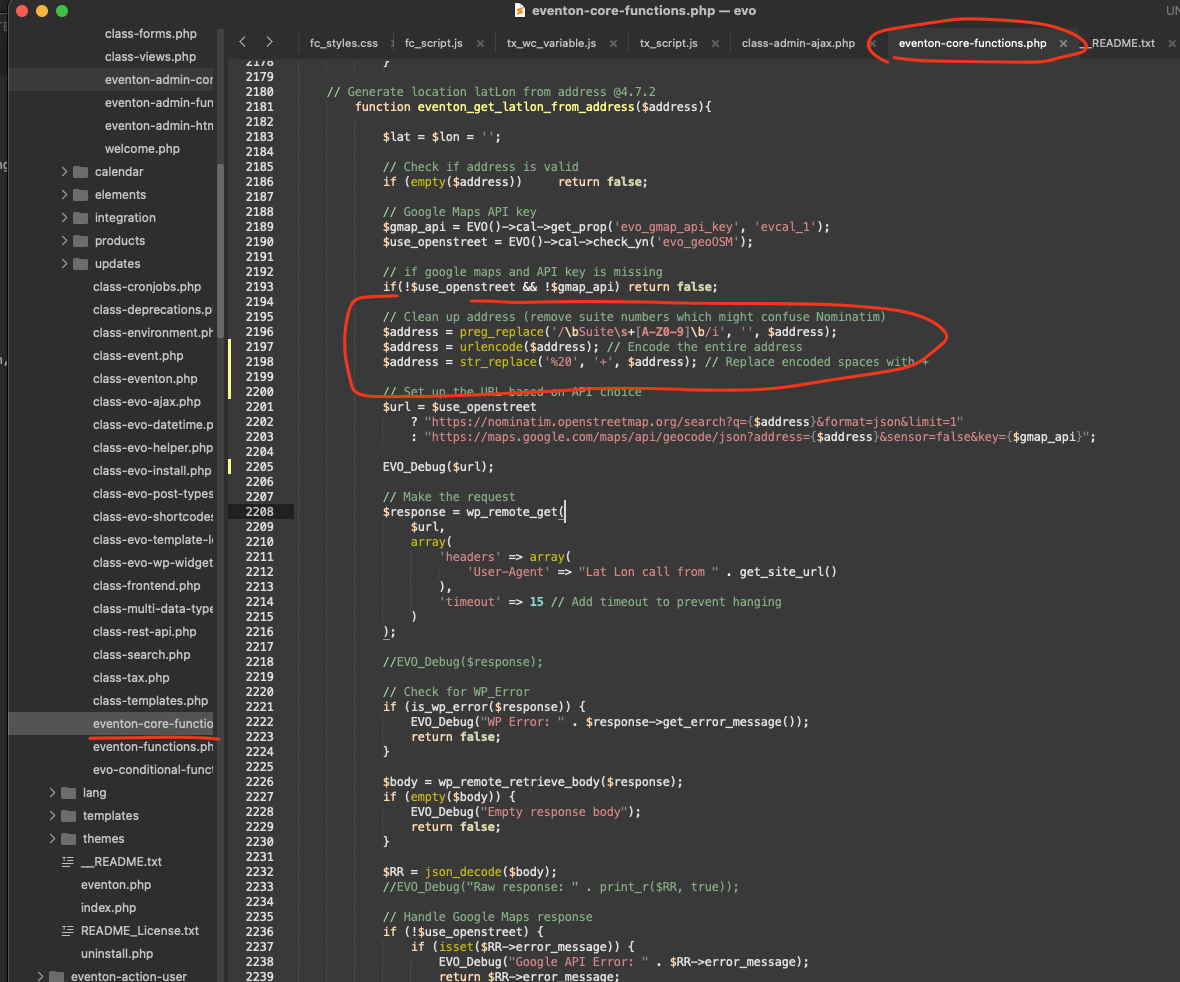
kindly apply this patch fix code change to the location shown in the image in eventon-core-functions.php file.
code:
$address = preg_replace(‘/bSuites+[A-Z0-9]b/i’, ”, $address);
$address = urlencode($address); // Encode the entire address
$address = str_replace(‘%20’, ‘+’, $address); // Replace encoded spaces with +
Update: I am able to increase the font size on the Event Details!
However, the EventTop fonts are still very small. I can’t seem to find where to increase the font size or the CSS code for the EventTop.
I’ve updated the EventOn plugin to the lastest version.
Here’s the client document again:
https://drive.google.com/file/d/15gm6jlfeJz3UEEZ67dAcwqNBNpUCRiYT/view?usp=sharing
Cheers, John
Hi Artem..
1. I have deleted the event with variations as it was just a test
2. The link you send – yes, we can do it like this, but that doesn’t have a good UI. It looks like this:
That means the user has to select adults first, then add to cart, refresh the page, then select child, and then add to cart again. Nobody can figure that out.
Did you watch the video I sent? If you did you can clearly see what the issue is 😉 I say it at the 4.13 minute mark. Exactly this…
We need it to look like this – every variation split out with plus/minus buttons etc.
For some reason I can only insert square thumbnail images here, so I am not sure you can see this. Here’s a link to it instead: https://drive.google.com/file/d/1kAjosGKUuJKDGeeRgFxVU5PmbB_vWnsR/view?usp=sharing
But again, if you watch the video, you will understand both issues 🙂
/ Morten
Artem,
Thanks for your quick response! Here’s what’s happening:
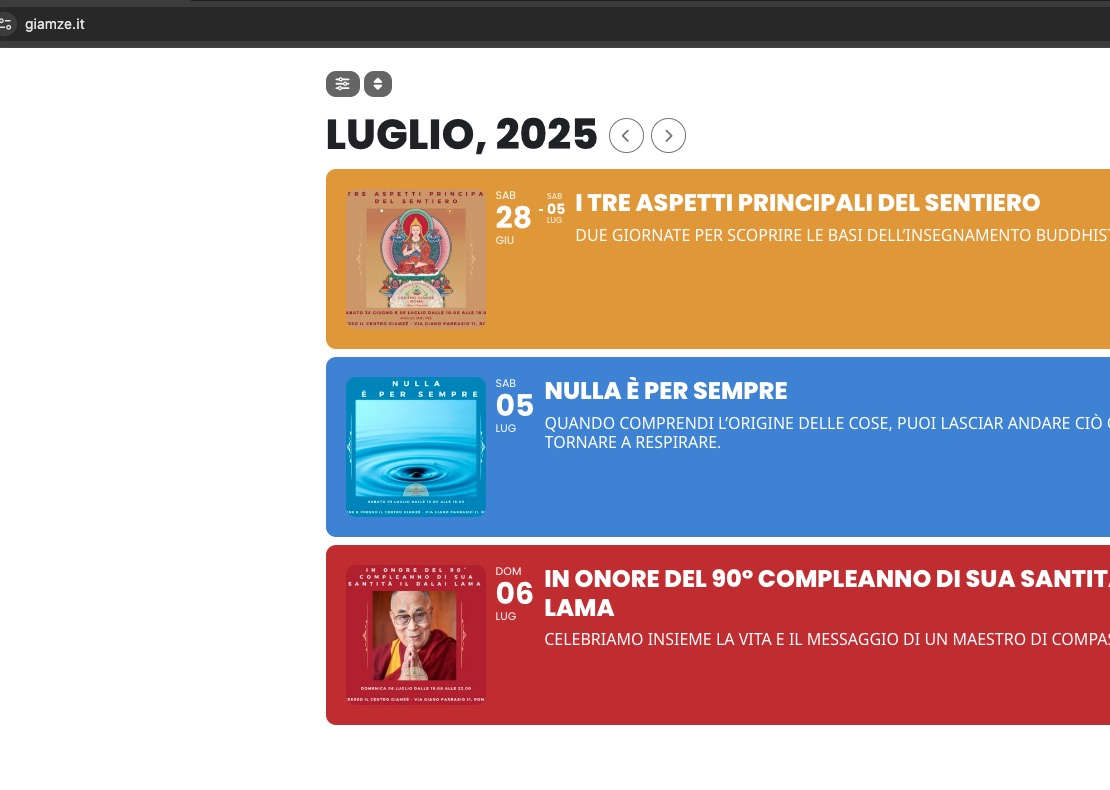
1. Only the Custom CSS on the Appearance settings work. The additional styling on the EventOn does not work. However, only the “Hosts” and “Time” gets the larger font. The “Event Details” does not change and still shows the smaller font. Also, this change only works for the EventCard and not on the EventTop. I want the Date, Time, and Hosts names to be larger on the EventTop as well.
2. The fonts on the EventTop does not change at all, even with the custom CSS on the Appearance settings.
3. Please feel free to login as Admin at www.radiantlightphil.org/wp-admin
Username: EventOn
Password: EventOnSupport@2025
Many thanks for your help!
I went to EventON > Time Settings > disabled Hide past events for default calendar(s), so now events are visible:
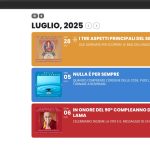
Please check and let me know.
Please send us wp-admin access to your site from “Access Info” box on right side menu, to further assist your situation.
One customer has managed to fix the issue by disabling and enabling WPBakery plugin. Could you try and let us know?
Hello,
Please add this CSS code to EventON > Styles (If you don’t see any change, EventON > Scripts & Styling > turn off Write dynamic styles to header > save settings > turn on Write dynamic styles to header). You can also add this code to wp-admin > Appearance > Customize > Additional CSS.
.eventon_list_event .event_description p, .evcal_list_a .event_description li, .evo_pop_body .evcal_evdata_row .evcal_evdata_cell p { font-size: 20px; }