Ok, done, I also purged the cache, but the problem still occurs: no icons, wrong fonts, ….
Archives: Replies
Replies for tickets on suppota
Reply to: tickets(241611)
Hello,
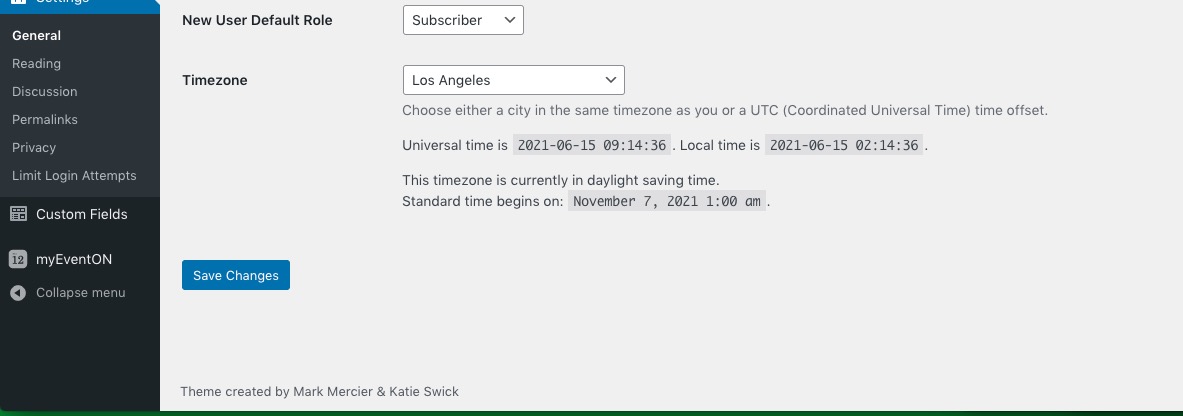
I need to check Date and Time Formats: http://jab-eventon.flywheelsites.com/wp-admin/options-general.php
Could you give us more access?
Reply to: tickets(235681)
I can understand that and look forward to updating it, you have gone out of your way to look into the issue and develop new software to create the functions we hoped your system included. If I write an updated review at the moment though, I won’t be able to say the issue was completely resolved. I can only say that it is ongoing. So I’m just waiting for the stock levels to be fixed, and then I can be far more positive in the review.
I’m not withholding the review intentionally, just waiting for the job to be finished. I’m very sorry for the inconvenience it is causing you, but I can assure you that I will not delay in adjusting what I wrote.
Thank you once again for your help.
Reply to: tickets(240634)
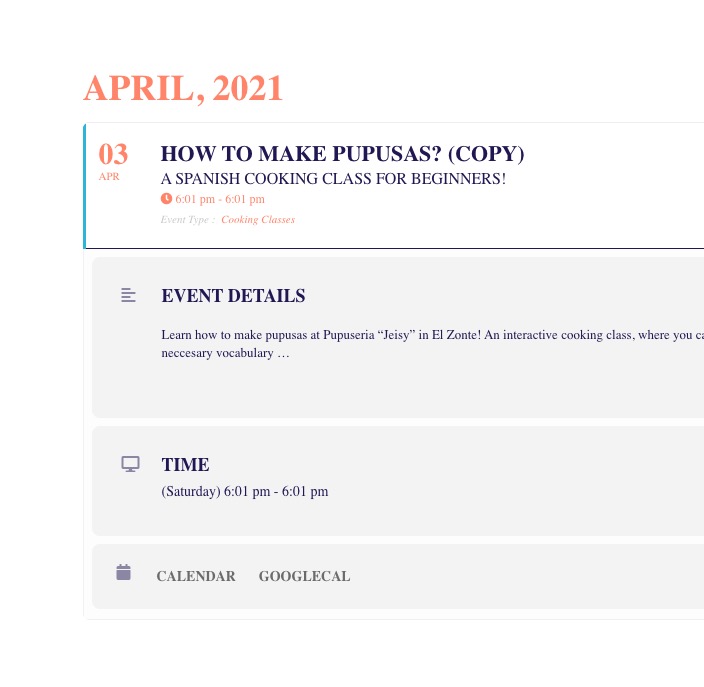
Please go to https://sayzonte.com/wp-admin/admin.php?page=eventon#evcal_002sc and disable Disable font awesome fonts:
Reply to: tickets(241518)
Hello,
Please check for latest version of add-ons from here Your issue might be related to an older version you are running and we might have resolved this already in the newer version update. If you are on latest version of our software and the issue still persist please let us know.
To update eventon to latest version: If you are unable to do autoupdate, you can go to codecanyon your account > download and get the latest eventon version as zip file. Then you can go to your website, deactivate old eventon, activate (Do not delete eventon settings & data when EventON is uninstalled) from eventon settings, delete old eventon, install new one and activate. This link will further explain the process it. Also you can follow us on twitter to get real-time announcements on updates!
To update eventon addons: You can download latest eventon addons from myeventon > my account. Then you can go to your website, deactivate old addon and install new one and activate then delete the old addon. This link will further explain the process. Also you can follow us on twitter to get real-time announcements on updates!
Reply to: tickets(241475)
Hi Nate,
You can generate the shortcode yourself by going to myEventOn > Settings > Shortcode
Hope this helps 🙂
Reply to: tickets(241633)
Hi Jonathan,
Thank you for your messages, I am going to assign this ticket to Ashan and he will be able to take it from here. Please allow some time for him to get back to you, we greatly appreciate your patience and thank you for being a eventon customer!
Reply to: tickets(241518)
Hi, Unfortunately we cannot give wp-admin access to the site since it’s owned by one of our clients, as i commented, the steps to reproduce this is just to create and order with a ticket from the wordpress admin, add the event and a booking-time.
Reply to: tickets(241142)
Url: https://mediahq.com.au/mw-admin
user: admin@media
password: yBasUlk)uqSI0el3FAd(BPFz
Reply to: tickets(241142)
Hey Ajay,
Can you share backend access, we also need to check the way your WooCommerce store is setuped.