Hello,
Thank you for your messages, I am going to assign this ticket to Ashan and he will be able to take it from here and find you a solution. Please allow some time for him to get back to you, we greatly appreciate your patience and thank you for being a eventon customer!
We are glad your issue is resolved, if you have any further questions or concerns please create a new ticket.
If you have a moment, we would greatly appreciate if you could kindly leave us a review at EventON WordPress Page OR Codecanyon. Your review helps us a lot in continuing EventON improvements!
We are glad your issue is resolved, if you have any further questions or concerns please create a new ticket.
It works perfectly, thank you very much.
After adding the code into Scripts & Styling and turning on and off the “Write dynamic styles to header” option, I also cleared the cache with a wordpress plugin (Litespeed cache) and after that the edits were visible. The corners aren’t roud anymore.
Thanks again, have a nice day.
Hi Artem,
Thank you very much. The last option worked (via additional CSS).
Much appreciated!
Best regards
Steven
We´re using
Eventon Version Version 4.9.11
Action User Version 2.5.6
Hi there,
thanks for checking. We still have issues with image upload in action user plugin. Users can browse and upload images in action user form. Images are added to the library but not attached to event as featured image.
I just found this bug report: https://helpdesk.ashanjay.com/ticket/bug-report-eventon-4-9-11-core-media-library-image-selection-broken-in-eventon-action-user-form-with-eventon-4-9-11-2/
It pretty much describes our issue.
What can we do to make it work again?
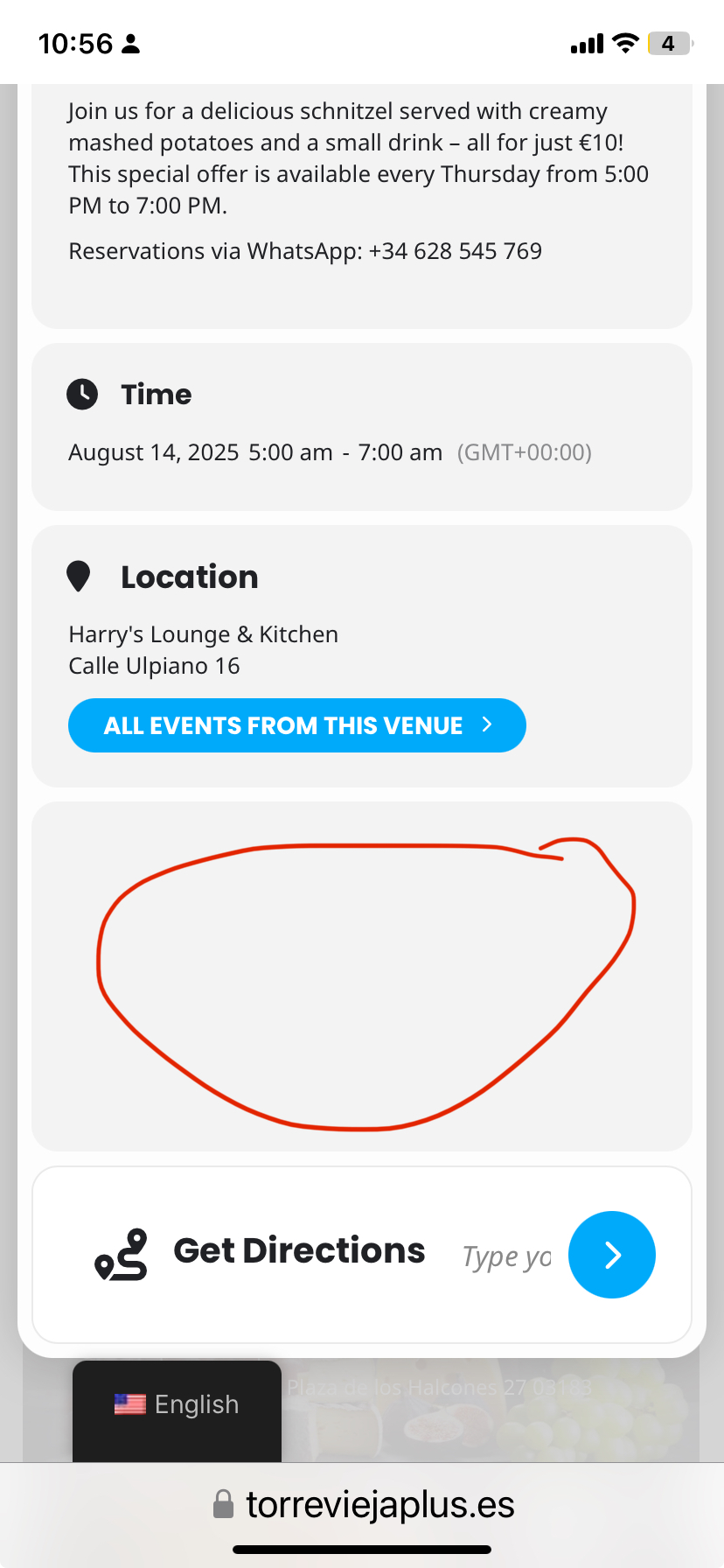
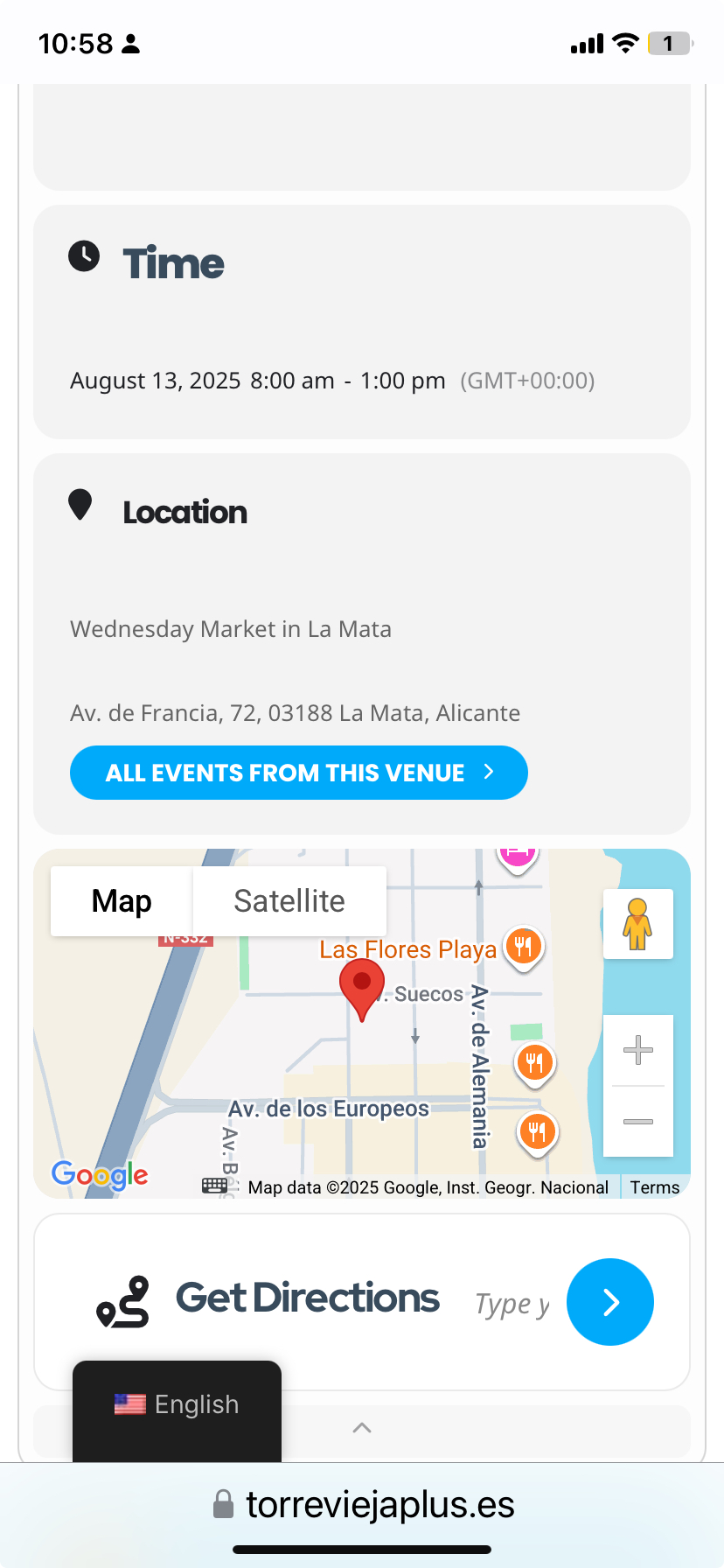
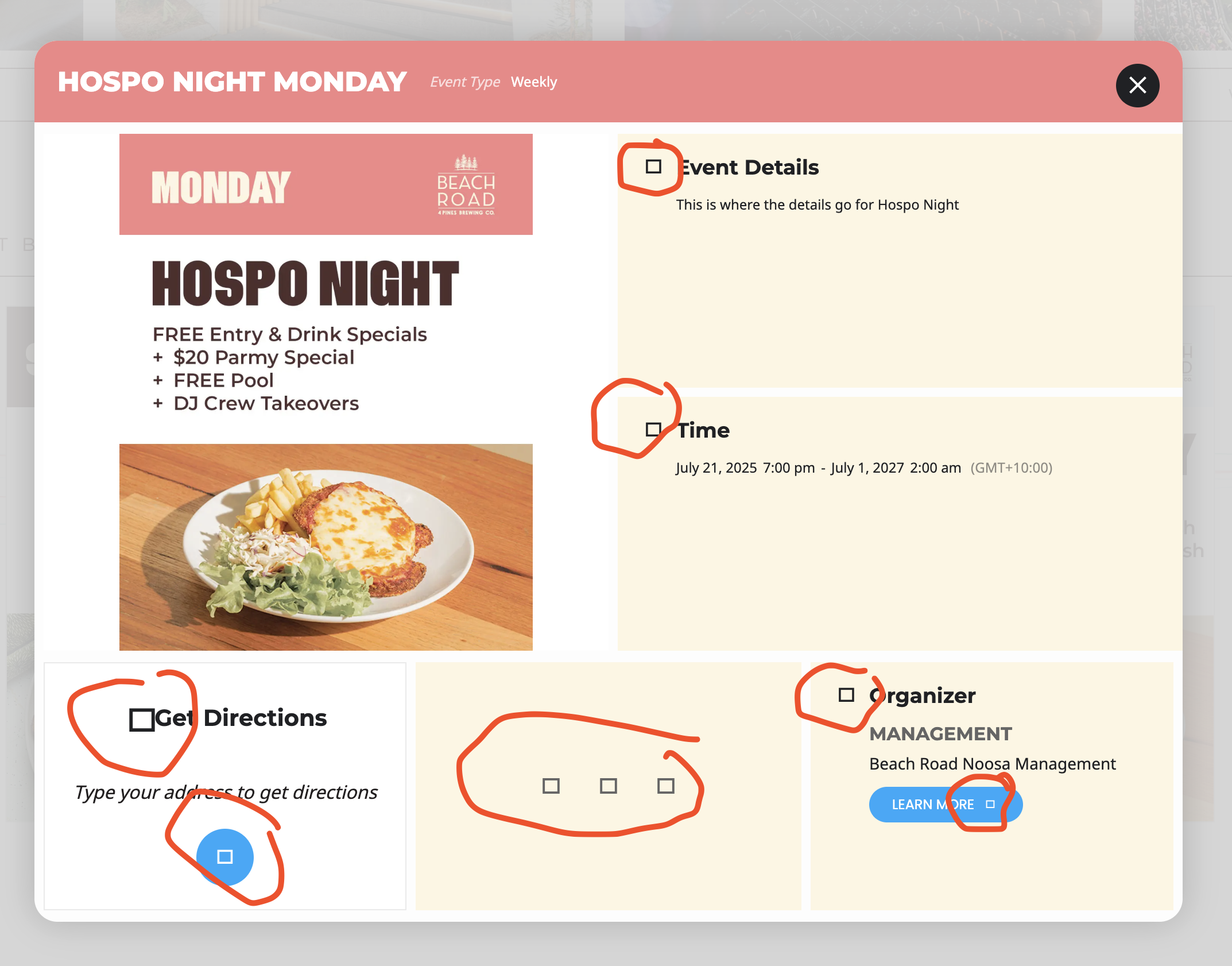
Hey I am not sure what version of the icons (ie. Font Awesome, Flaticon, Glyphicons) you are running on the popup cards. Nothing seems to be showing and it is hard to debig it if I don’t know what to look for… I have FA7 installed and configured on the website.
ANy help will be appreciated.