Hello,
Please take a look at this guide on how to add custom data to EventCard:
https://docs.myeventon.com/documentations/show-additional-custom-data-eventcard/
Also check Custom Meta fields:
https://docs.myeventon.com/documentations/setup-use-custom-meta-fields-events/
However with meta fields you need to add the code to each event manually.
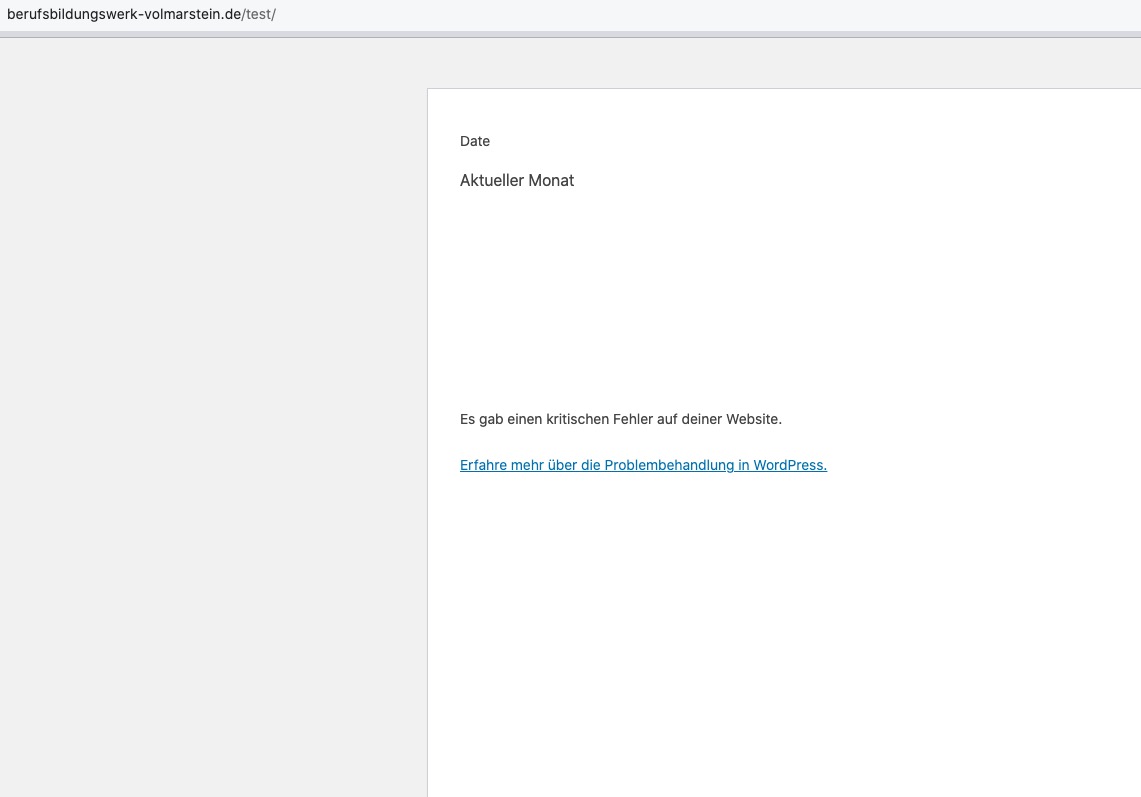
When I try see the page in Troubleshooting Mode and try to edit any page it shows this:
Please follow the instructions in this documentation to activate debug in your site to see any PHP errors recorded that can provide insight on to whats going on. Please reply with a link to debug.log file. If you are not able to do this please send us FTP access to your site so we can do this for you.
Hi, I have attached the Jetpack protect screen shot
Do you need admin access also?
Thanks
Jim
Hello,
Can we somehow help with any issues encountered before refunding the purchase?
Please also send us your order id.
I changed the password and tested the login. It works now. The Scripts are disabled.
Hi Artem,
Thank you for your response.
In the meantime, I’ve looked into the issue further and reviewed how the functionality was handled in the previous version of the Speakers & Schedule add-on.
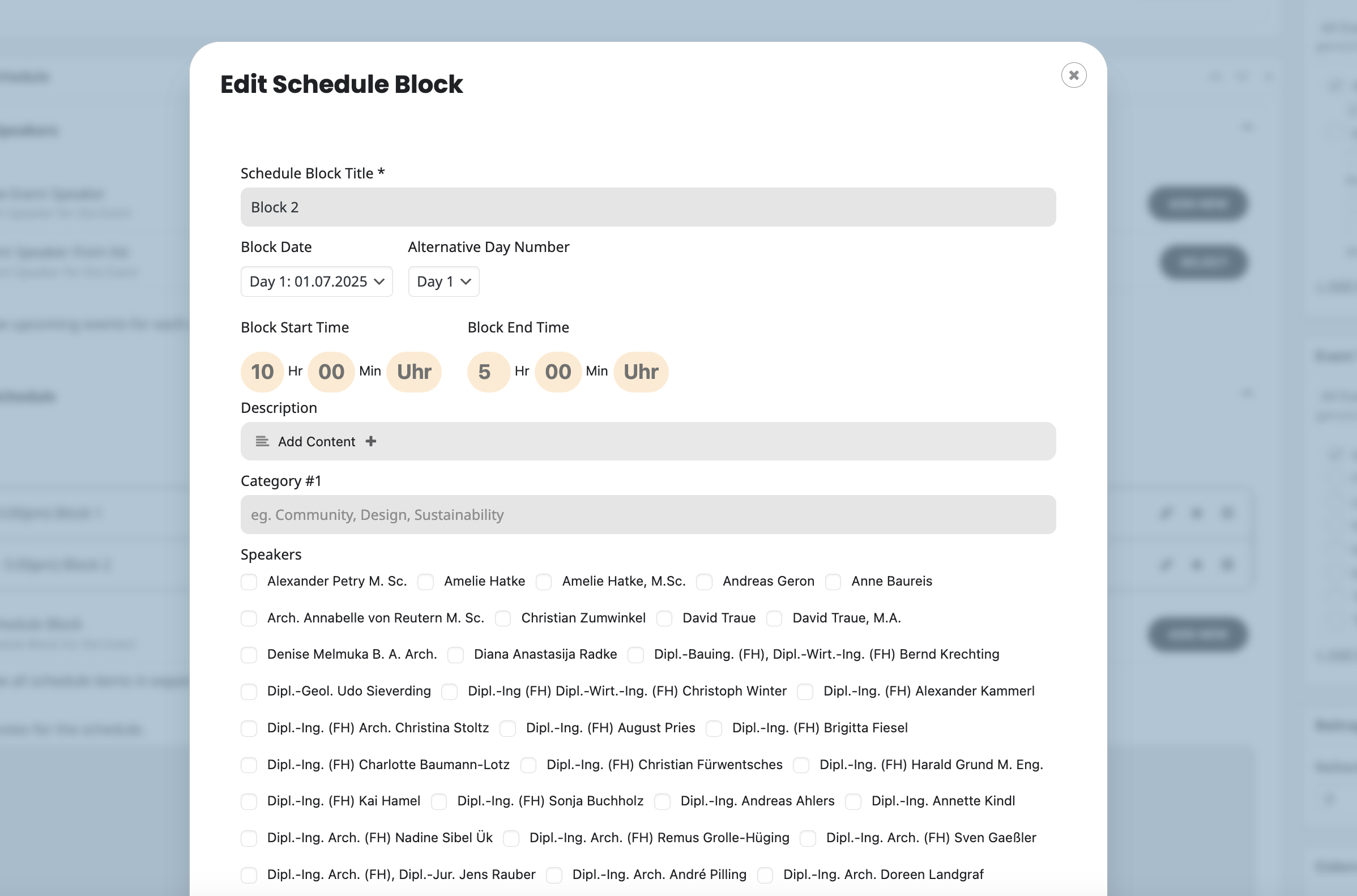
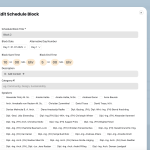
Previously, the add-on allowed free text input for the Block Start Time and Block End Time fields. This flexibility was very helpful for our use case, as we often used these fields to display date ranges such as 12.09.2025 – 13.09.2025.
In the latest version, however, these fields have been restricted to a strict time format (hours and minutes only). Unfortunately, this change breaks our existing workflow, and we’re unsure how best to proceed.
We’re currently considering whether to continue using the older version of the add-on for the time being, or whether there might be a way to bring back the option for free text input instead of limiting the field to time format. We would be grateful for your advice on how to best handle this.
Best regards,
Olga Syrova
Marwan thank you very much for your kind words! We have gone ahead and refunded you for the eventON order 🙂
hello samantha thank you for letting us know of this and taking pro-active steps to avoid renewal cancellation. This is the first time someone requested this from us. So please allow us sometime to get this processed. Looks like your subscription is set to renew July 29th.
As for the original issue. Could you go to EventON > Scripts & Styling > make sure that all three “Disable JQuery Mobile script, Disable Moment script, Disable Jitsi script” are disabled?
For me it was saying “Request is now evaluated.”, what is completely different from “Anfrage wurde bearbeitet” (translates as “Request has been processed”, right?). So I though that I needed to wait for the system to redirect me to the login page after my request will be evaluated.
I was able to access wp-login.php page, but the login info didn’t work for me:
Anmeldedaten nicht korrekt.
Please check them and post the correct login information as a private message, thank you!