Thanks for your reply,
I also tryed with only one email address and seems still not to work
Replies for tickets on suppota
Thanks for your reply,
I also tryed with only one email address and seems still not to work
Hello,
Please send us wp-admin access to your site as a private message for us to further assist your situation.
Please also check for latest version of this software from here Your issue might be related to an older version you are running and we might have resolved this already in the newer version update. If you are on latest version of our software and the issue still persist please let us know.
Hello,
Post Types are stored in wp_posts: https://wordpress.stackexchange.com/questions/49581/where-are-wordpress-custom-types-stored
You should be able to find them by filtering the results with post_type=ajde_events.
Hello,
Please go to EventON Settings > Single Events > disable Create Single Events Page Sidebar.
You can also check https://docs.myeventon.com/documentations/customize-single-events-page/
I’ve also added a Gravity Form to this event – is there a way to sort out the padding to make it fit better?
Please check https://docs.myeventon.com/documentations/change-css-calendar/
Hello,
Please go to EventON Settings > Time Settings > enable Use WP default Date format in eventON calendar (Excluding eventCard event date format).
Now go to Settings > Time Format > select H:i.
No luck. It is weird. When you inspect the code, there is no div section for the missing tile at all. It simply is not loading it.
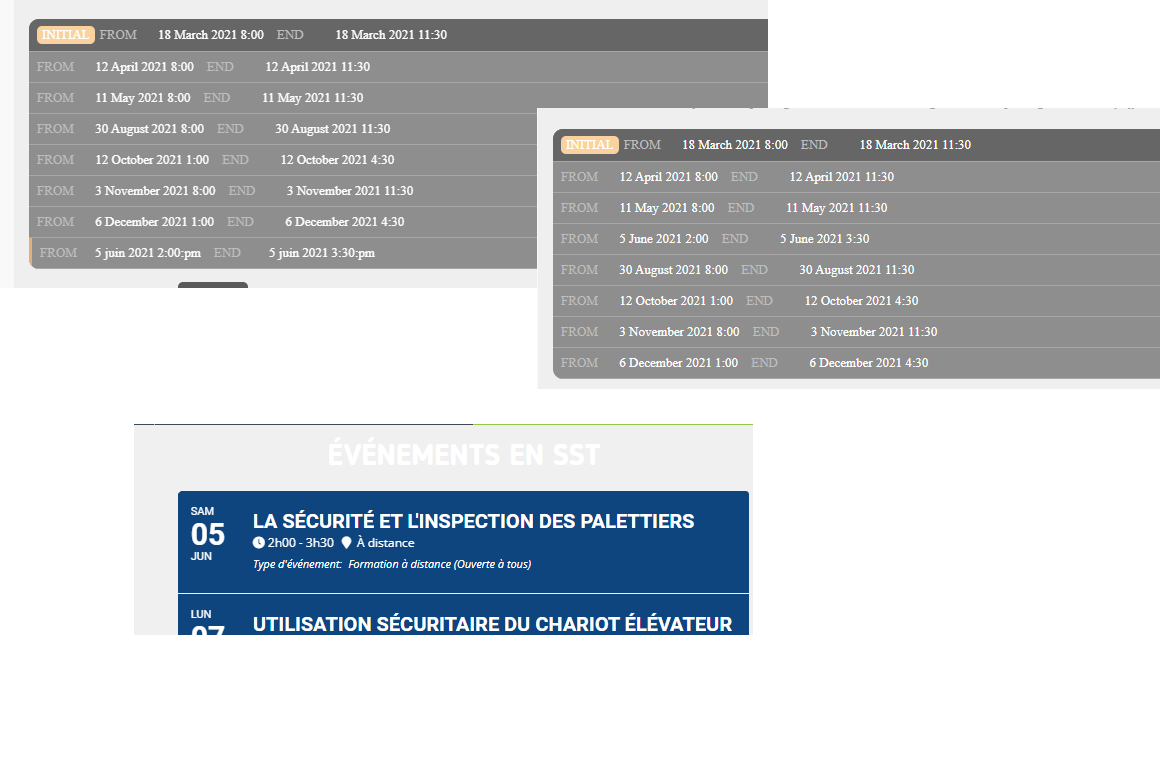
Here’s a picture of what’s happening right now. Thank you for your time
Hi,
It is Bruno the webmaster, we have solved the encrypted ticket number problem on pdf ticket by modifying the file “class-checkin.php” in eventon-qrcode plugin :
line 255 :
return “<em style=”>”.$this->get_qr_code($ticket_number,”,$qr_code_size, $evo_tix_id).”</em><em style=’display:block; line-height:100%; padding-top:10px; padding-bottom:5px; font-style:normal;font-size:14px’>”. $this->encrypt_TN($ticket_number) .”</em>”;
has been replaced by :
return “<em style=”>”.$this->get_qr_code($ticket_number,”,$qr_code_size, $evo_tix_id).”</em><em style=’display:block; line-height:100%; padding-top:10px; padding-bottom:5px; font-style:normal;font-size:14px’>”. $ticket_number .”</em>”;
Please, if this change is correct for you and has no annoying consequence, update your eventon-qrcode plugin for next version so we won’t need to change the code again at next update…
Best regards
Thank you for your help!
FTP:
Hostname: 213.171.193.5
Username: pencarrow.co.uk
Password: 9C@3EV8KpT4x2DG
Admin:
URL: http://www.pencarrow.co.uk/pd-login/
Username: Pickle Design
Password: slM4TA!Wq*xJiZzGyh